Git
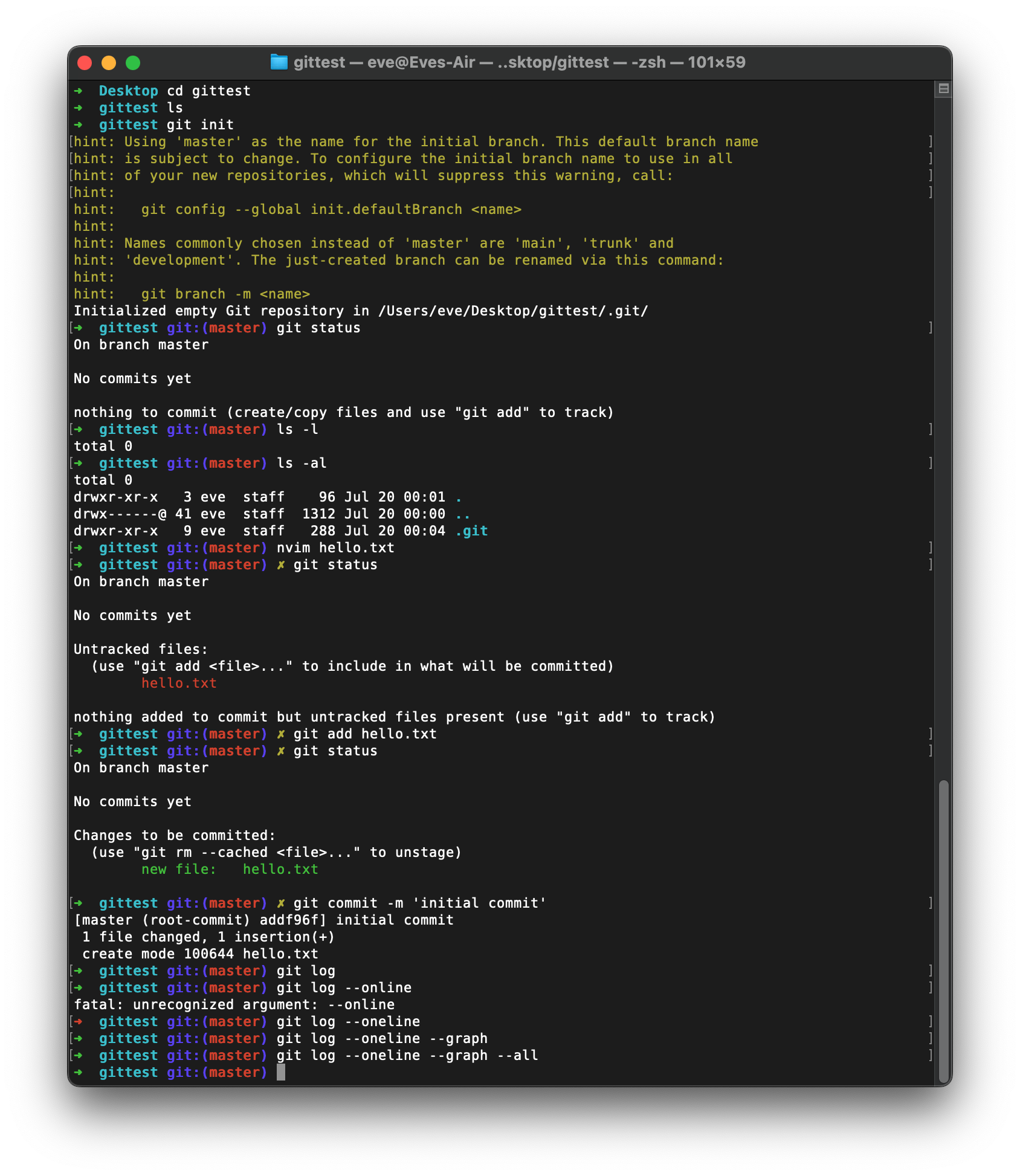
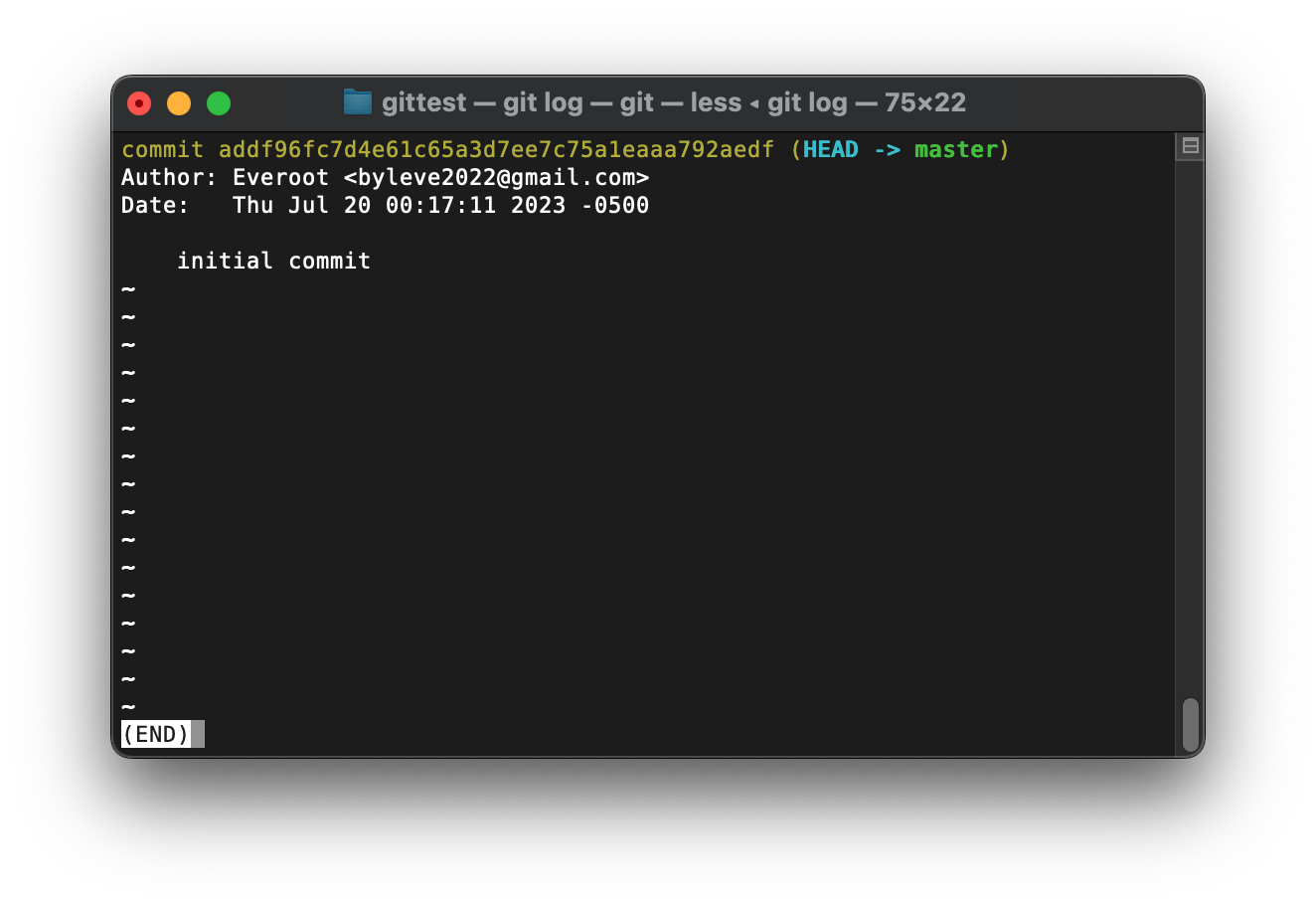
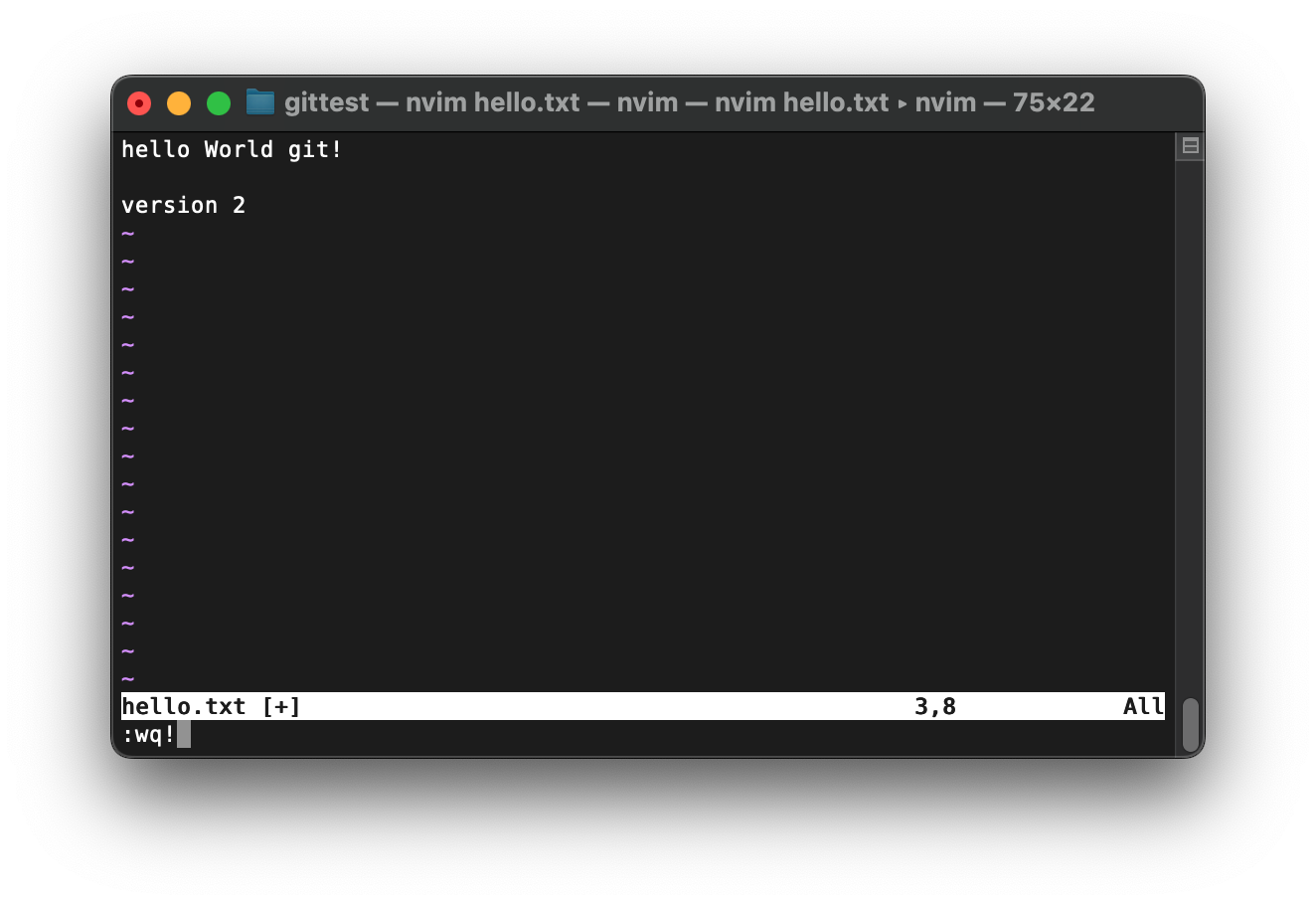
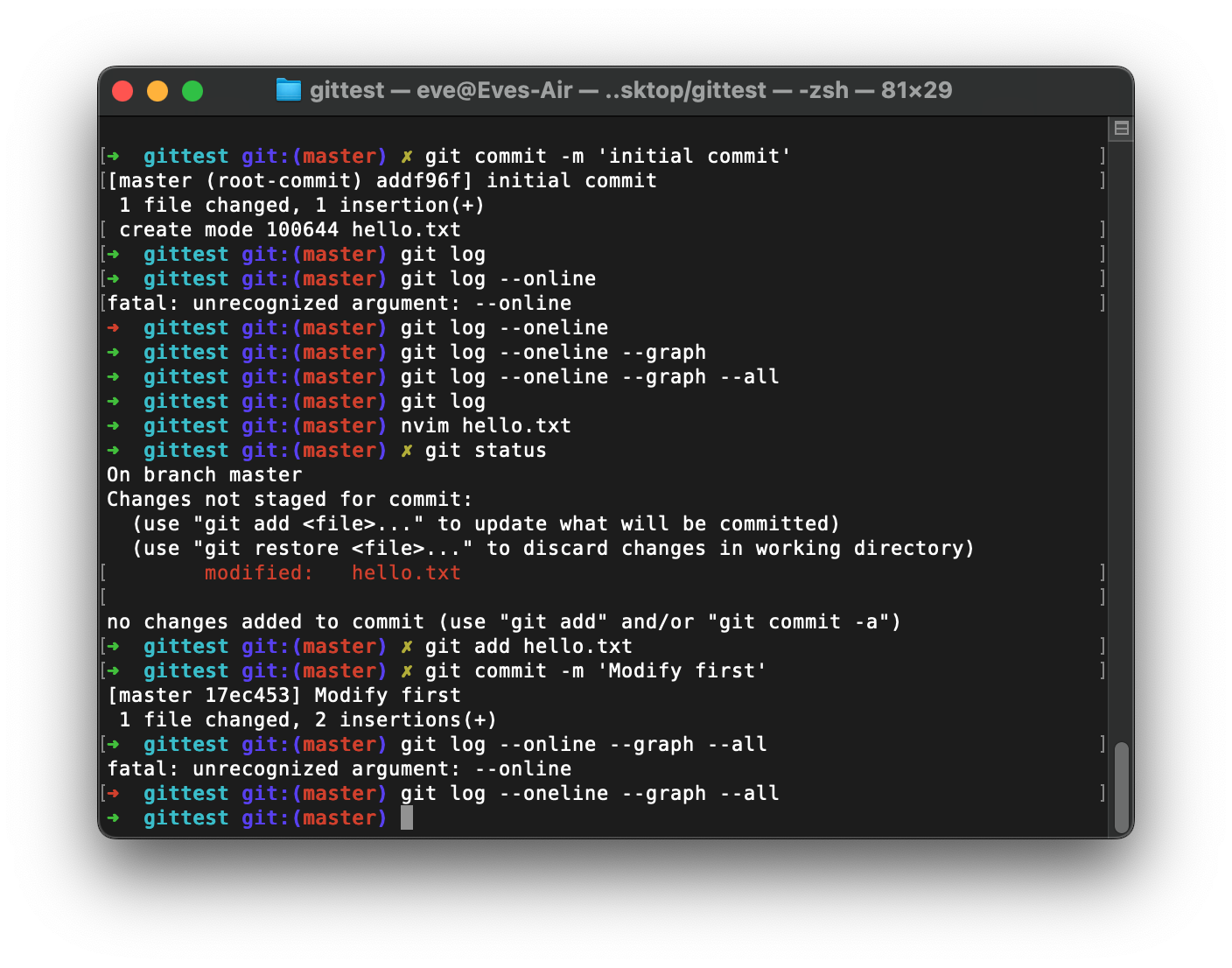
Second version:
For some file I want git ignore.
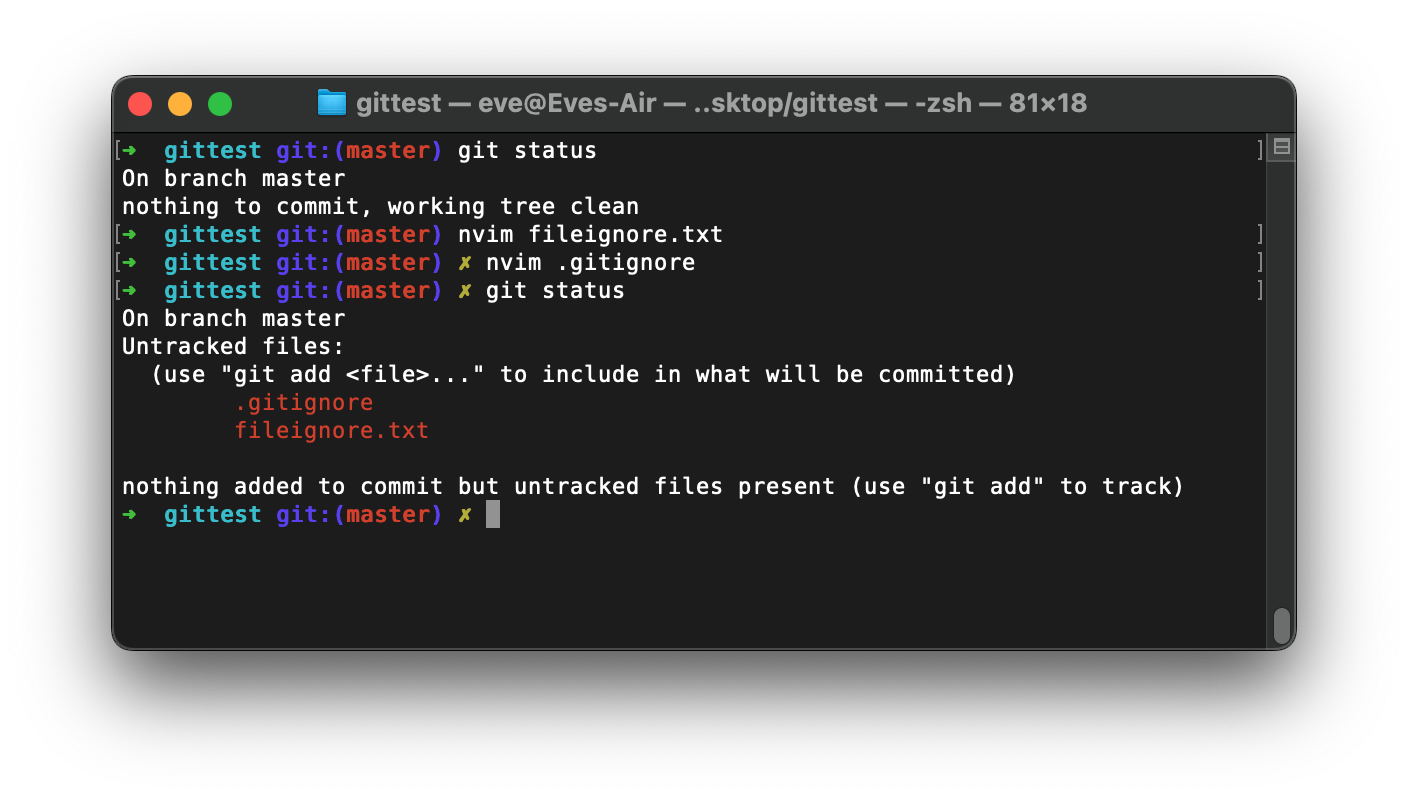
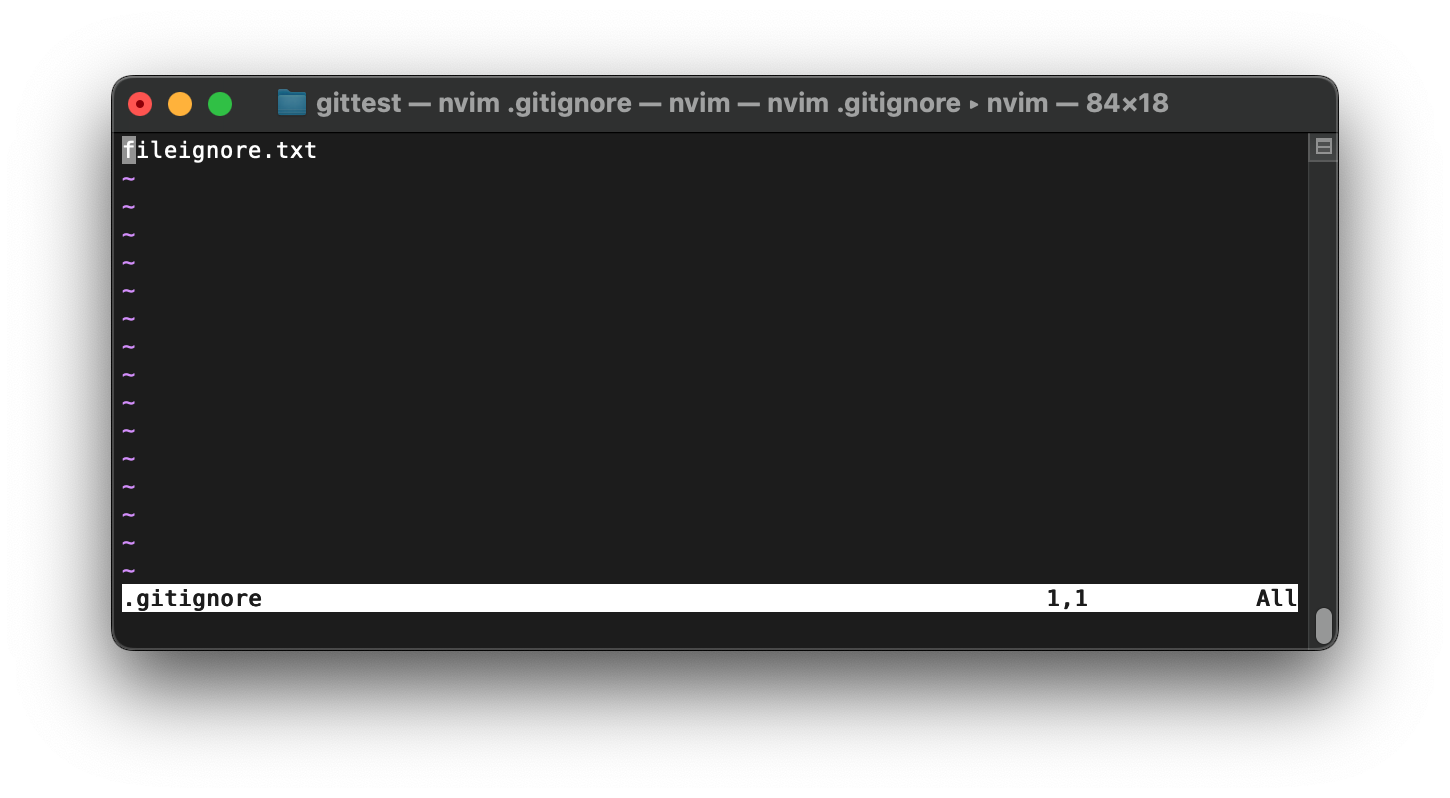
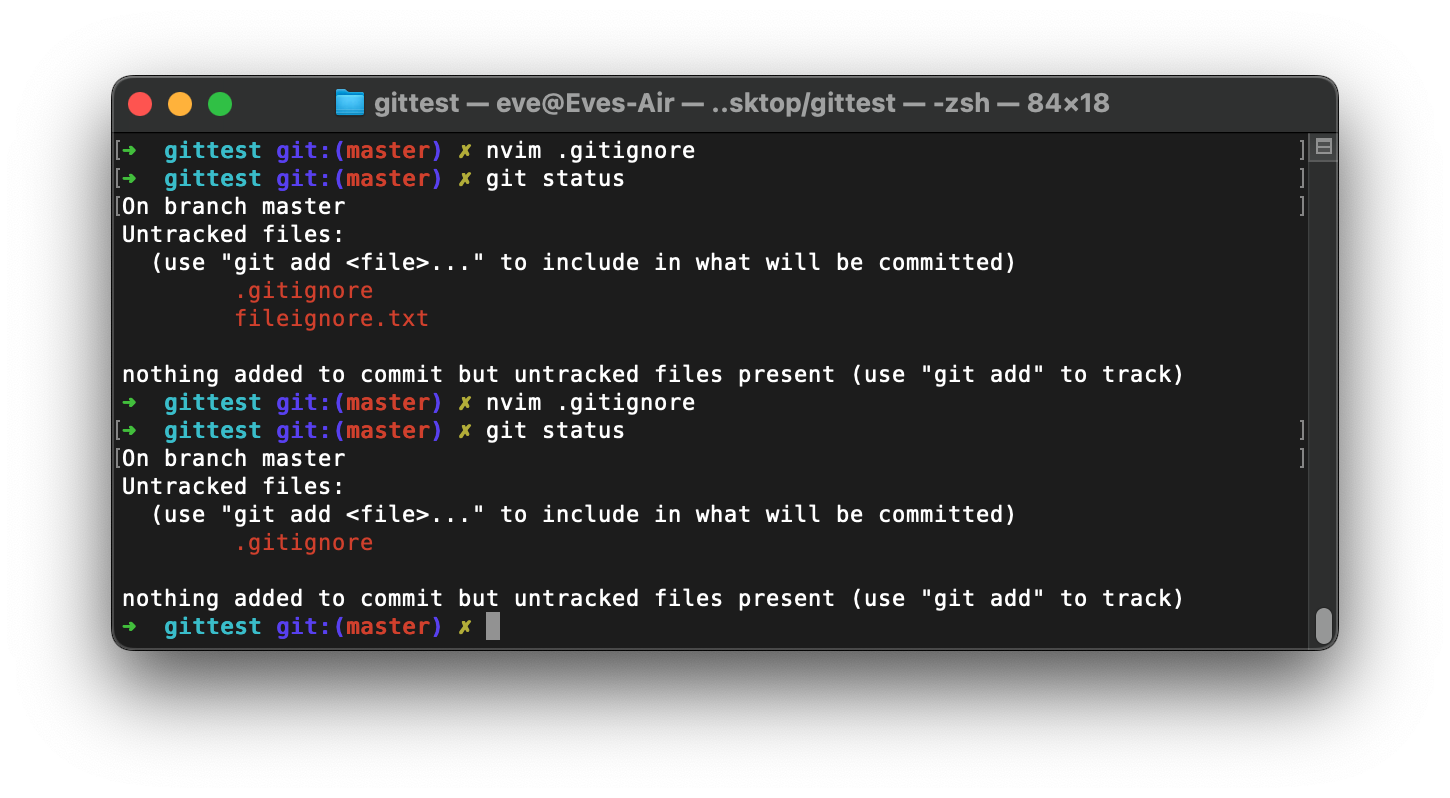
We can create .gitignore file to create a list which will ignore the file. If the .gitignore exit the file and it untracked file then git will not do any check to the file.
.gitignore
# it will mathc all the files with txt
*.txt

# Although above will ignore all the txt file, except this one
!666.txt

# also can ignore a folder, and all the things inside ignore
test/

# all catalog with txt, but not including subcatalog
xxx/*.txt

# all catalog with txt, including subcatalog
xxx/**/*.txt
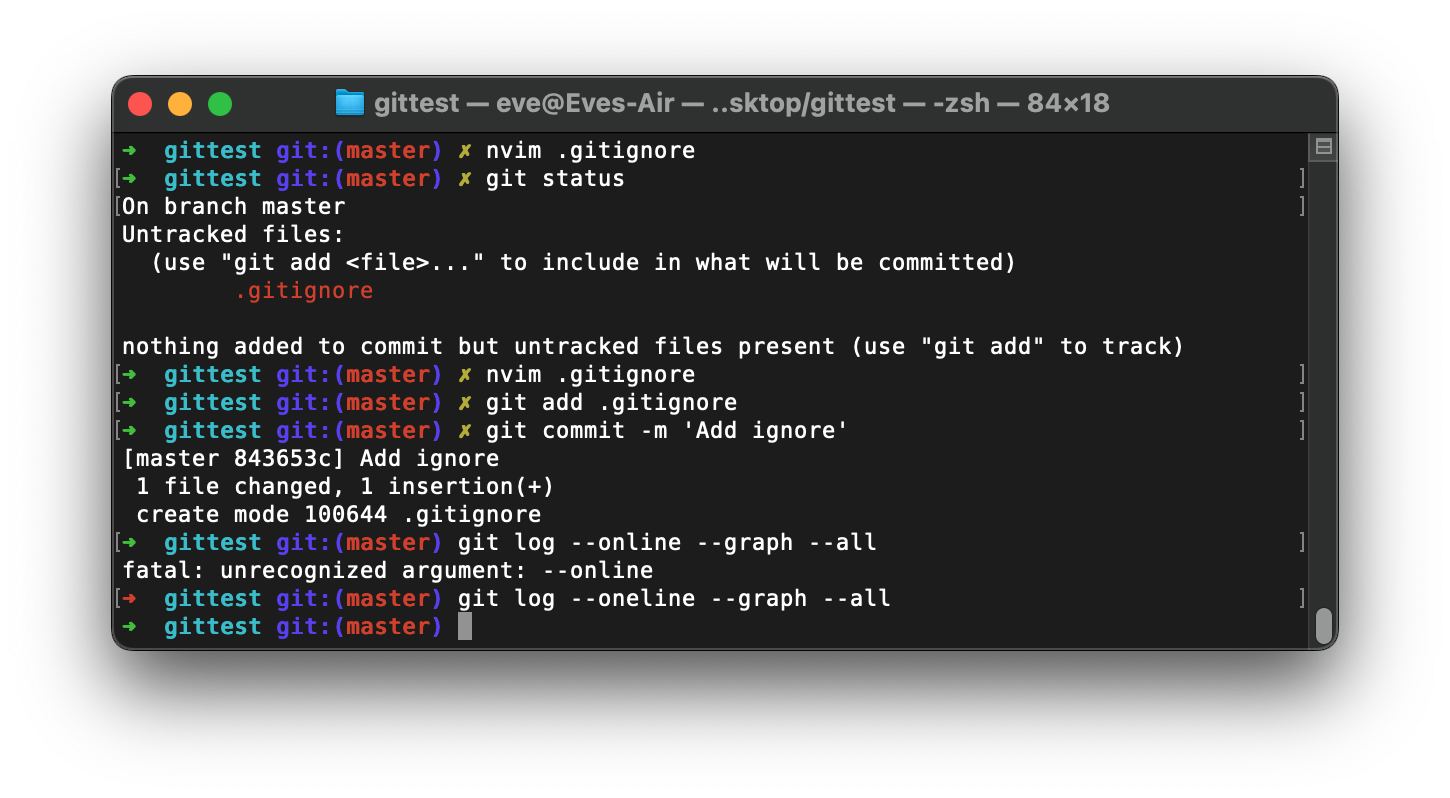
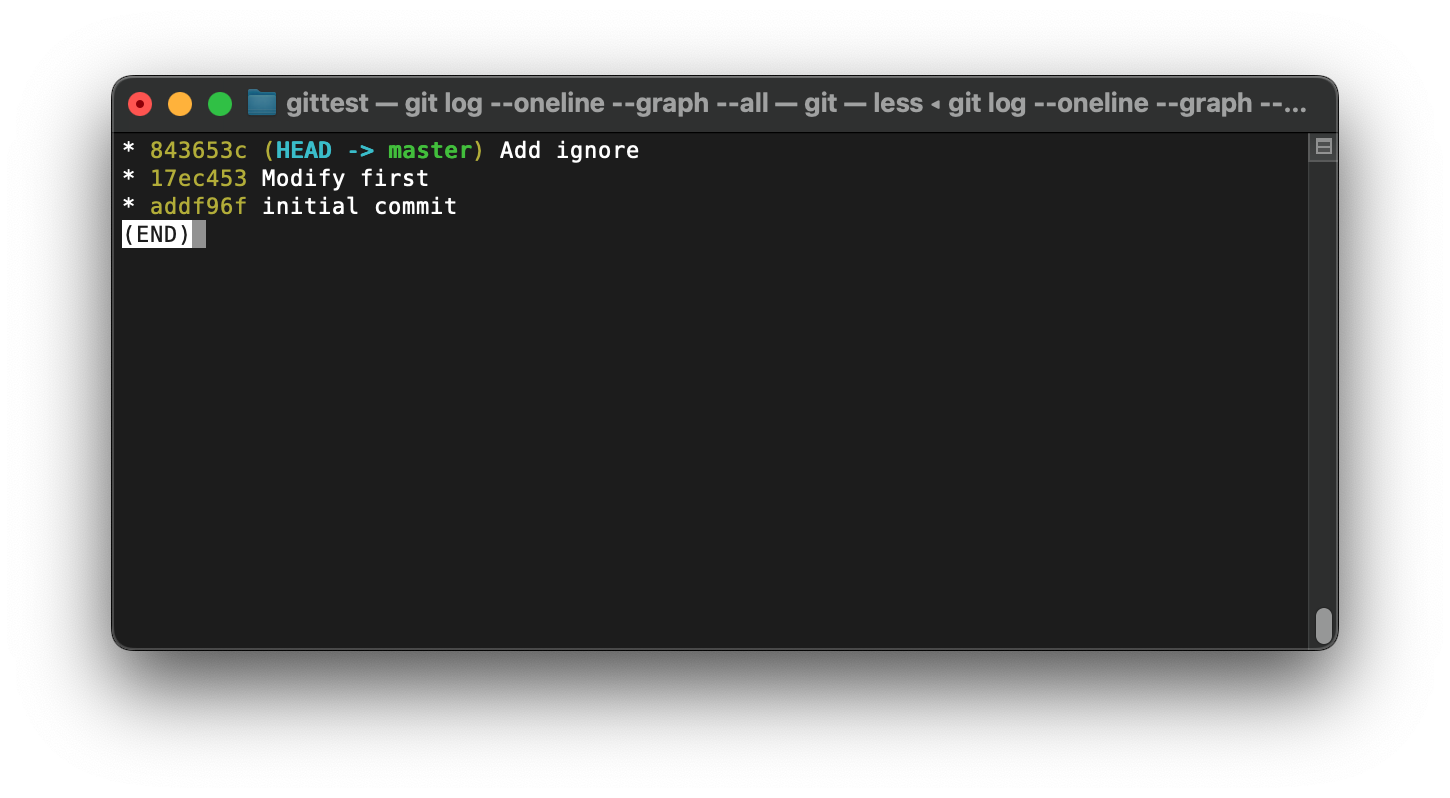
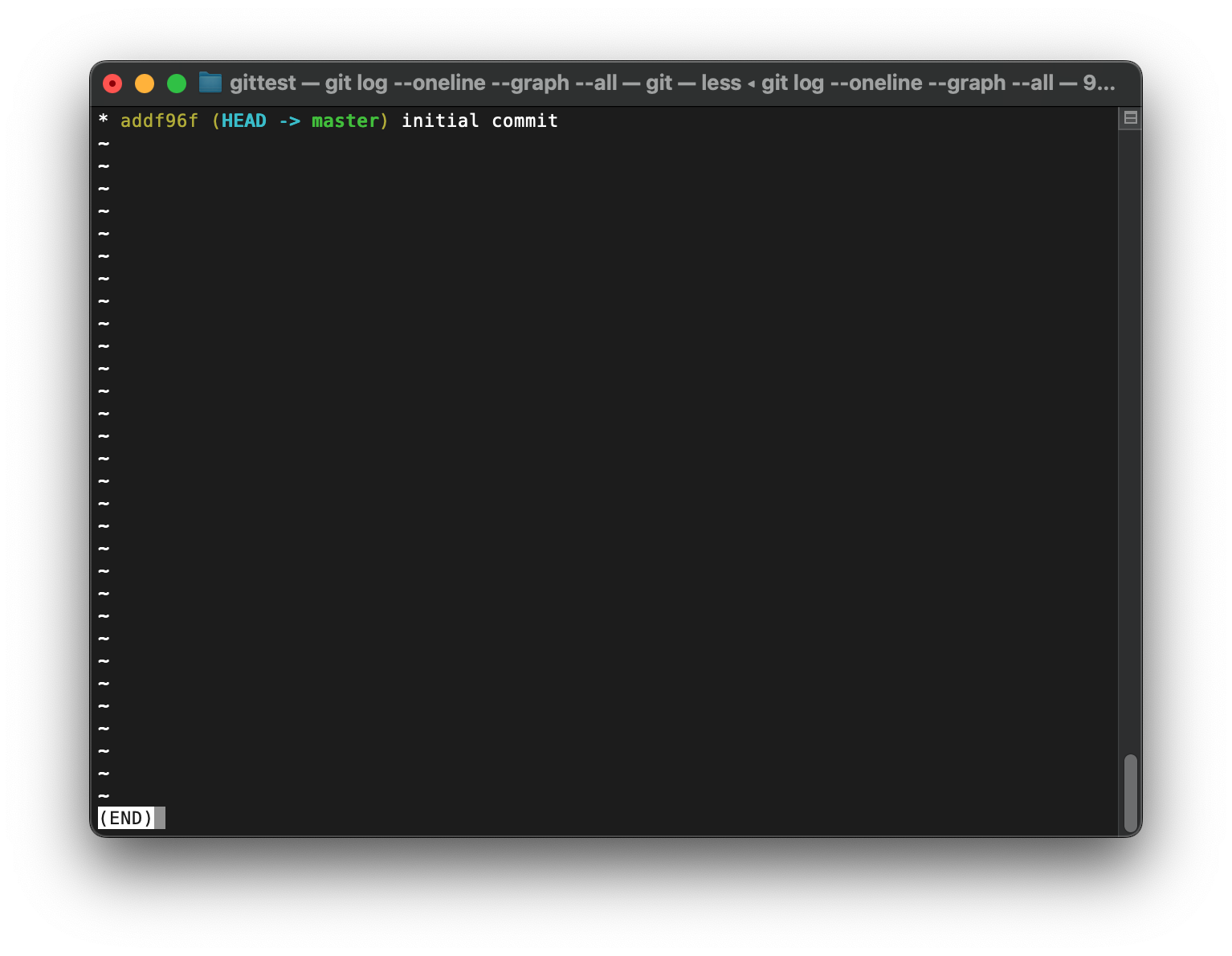
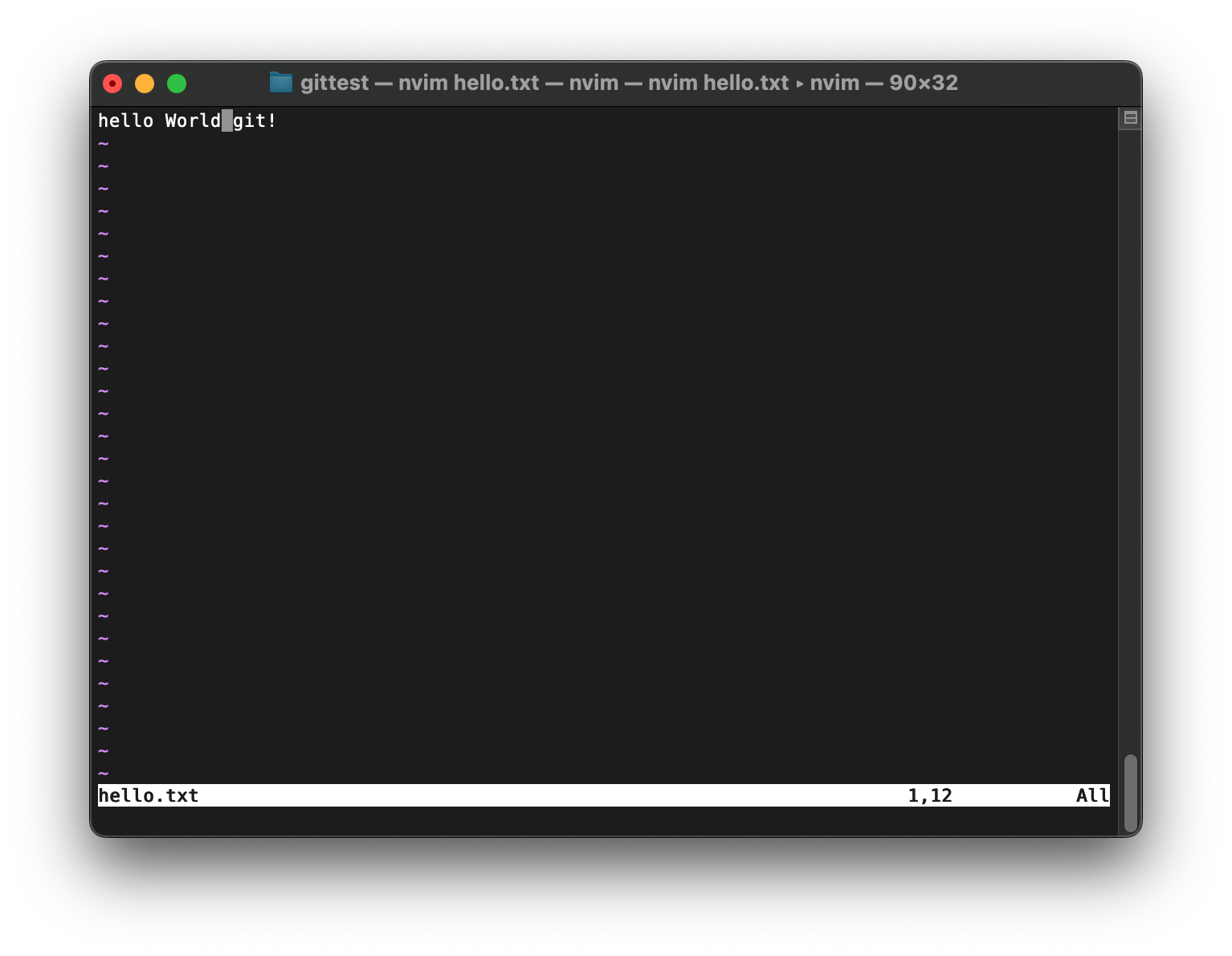
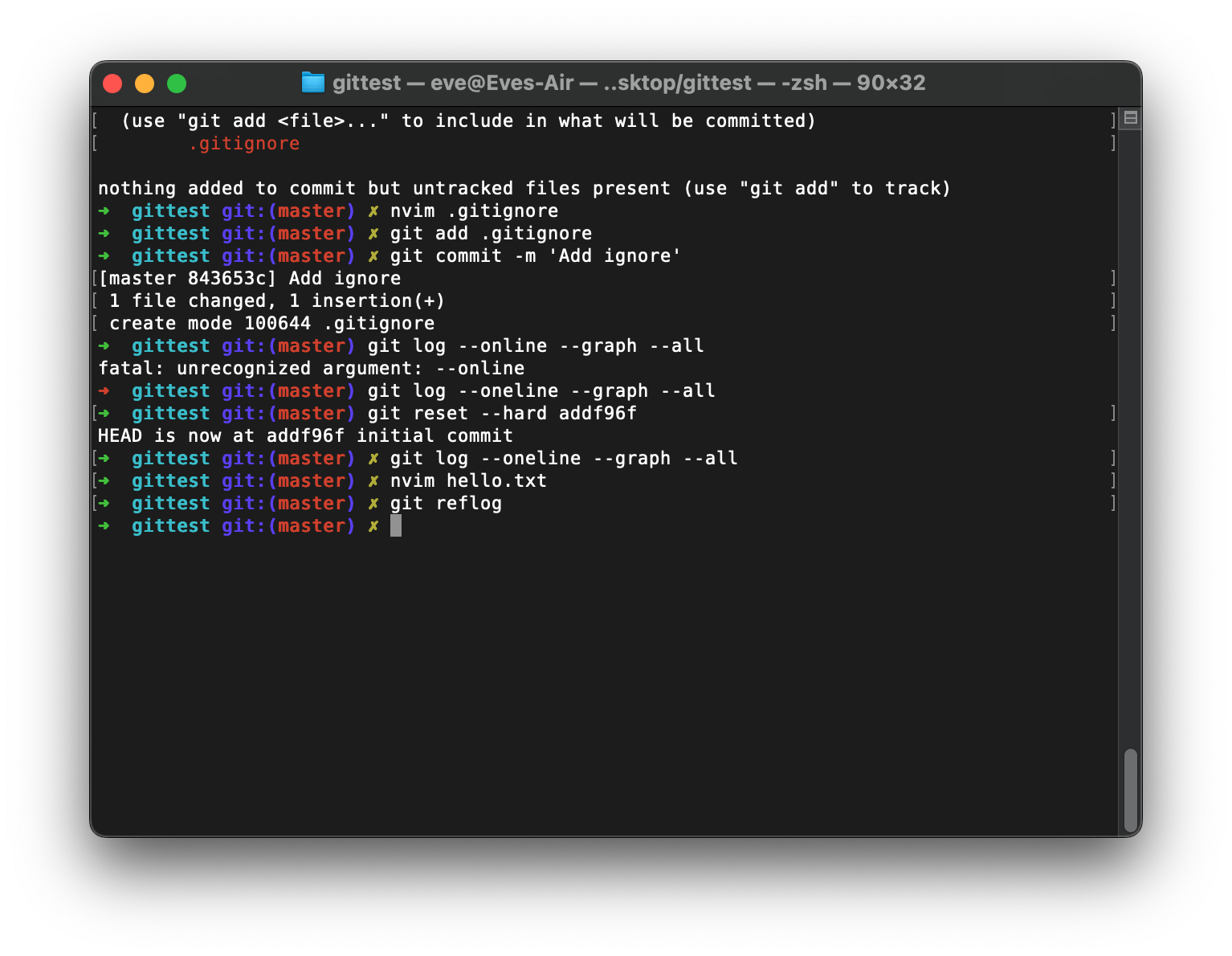
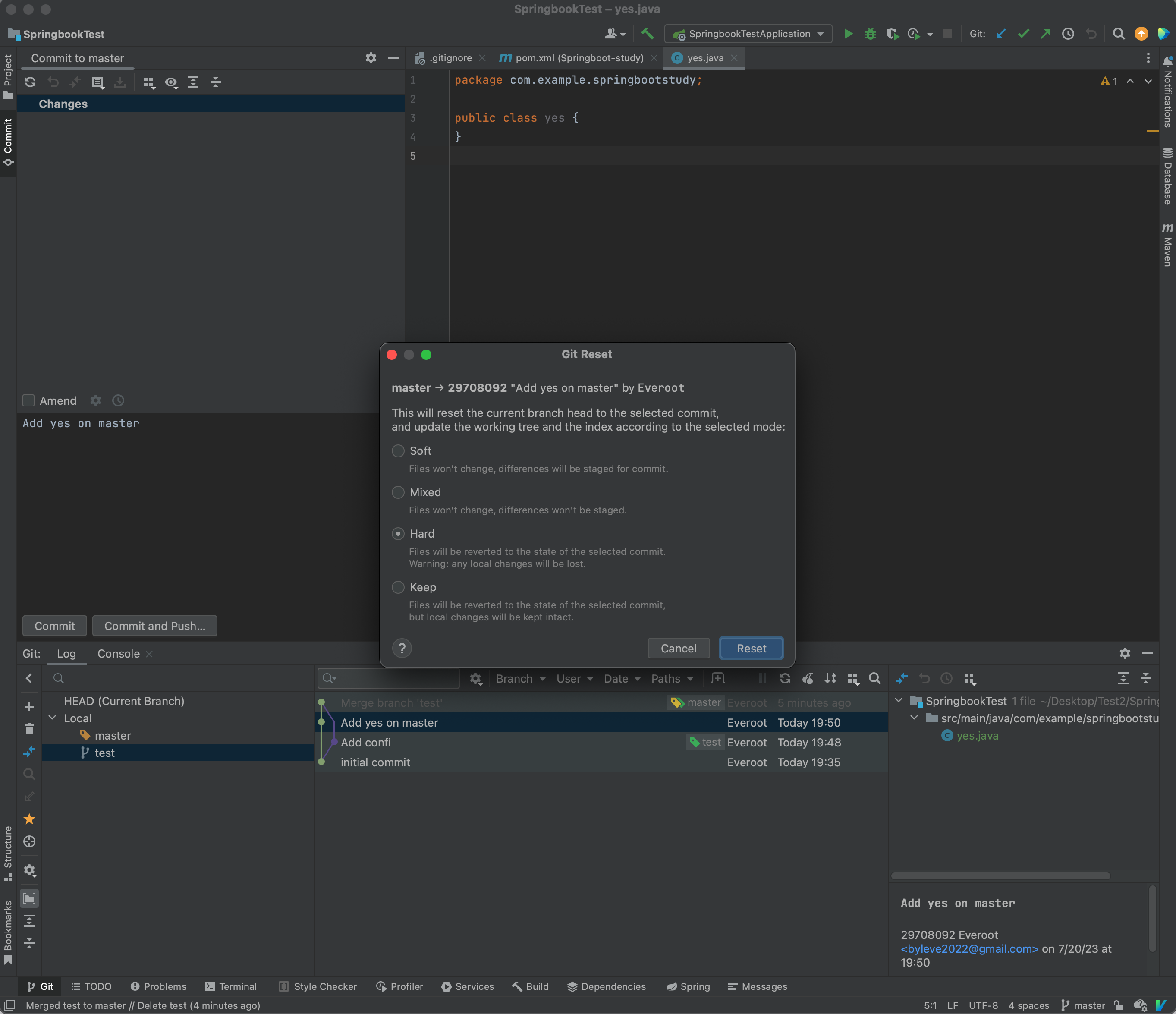
If want to go back to history version
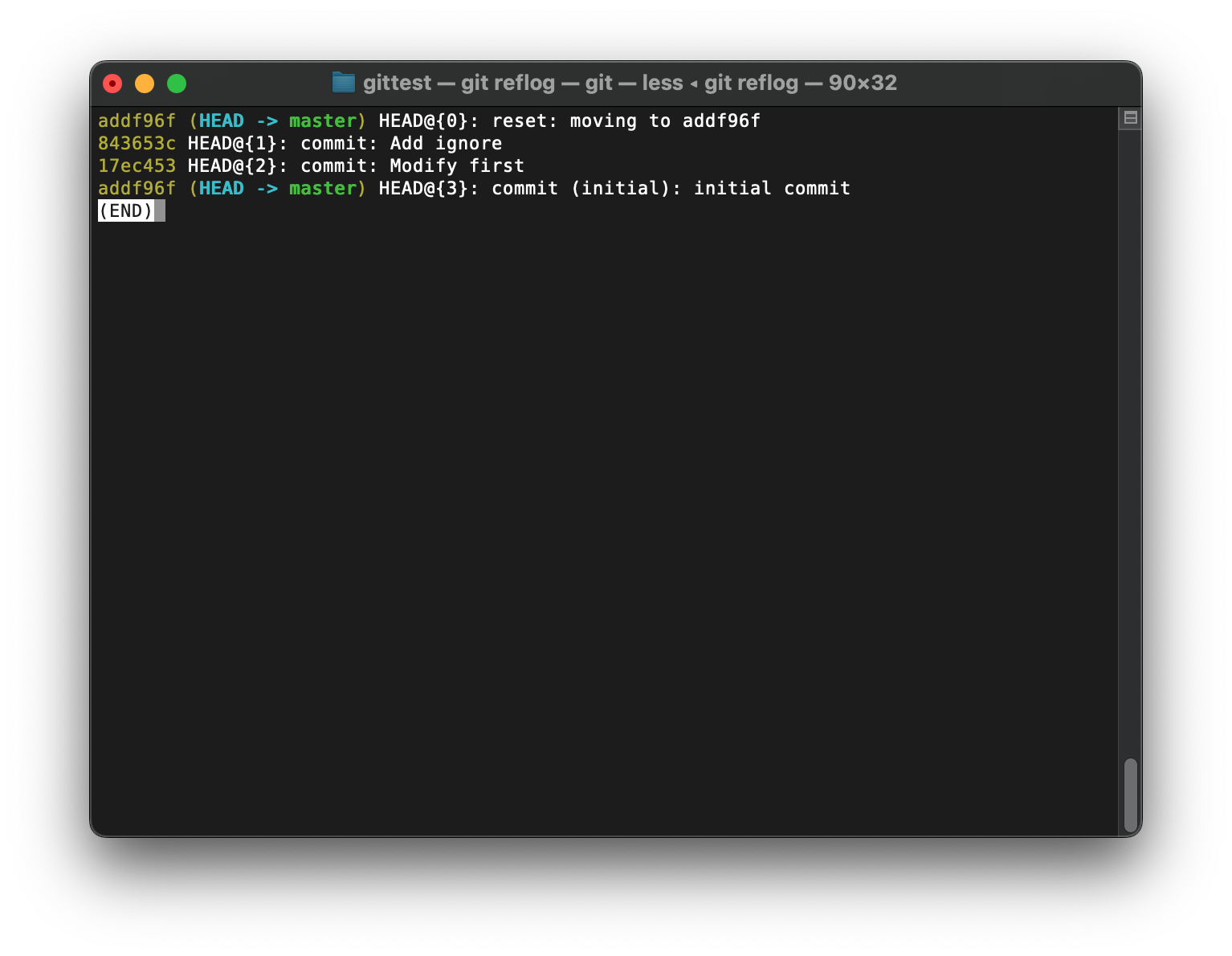
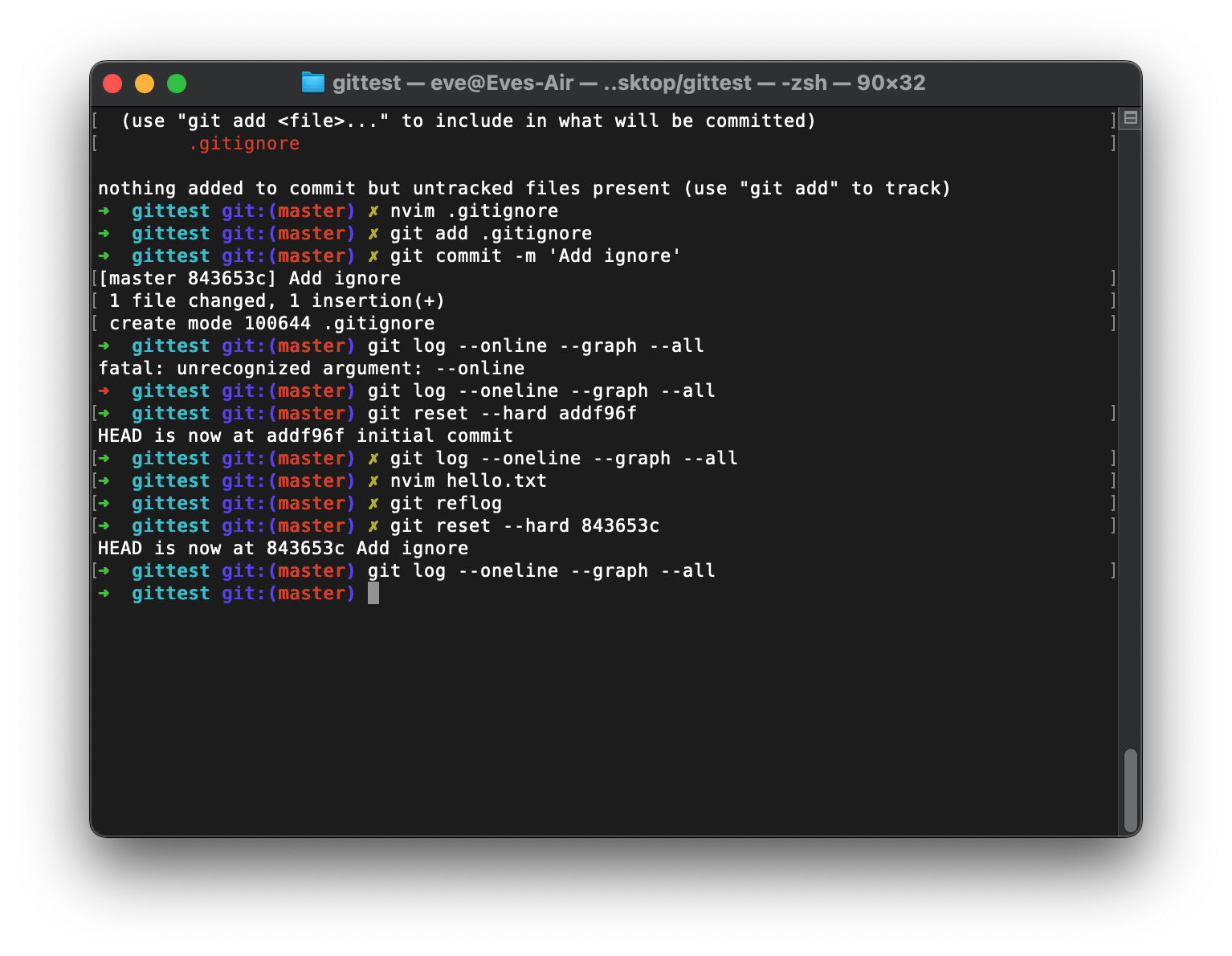
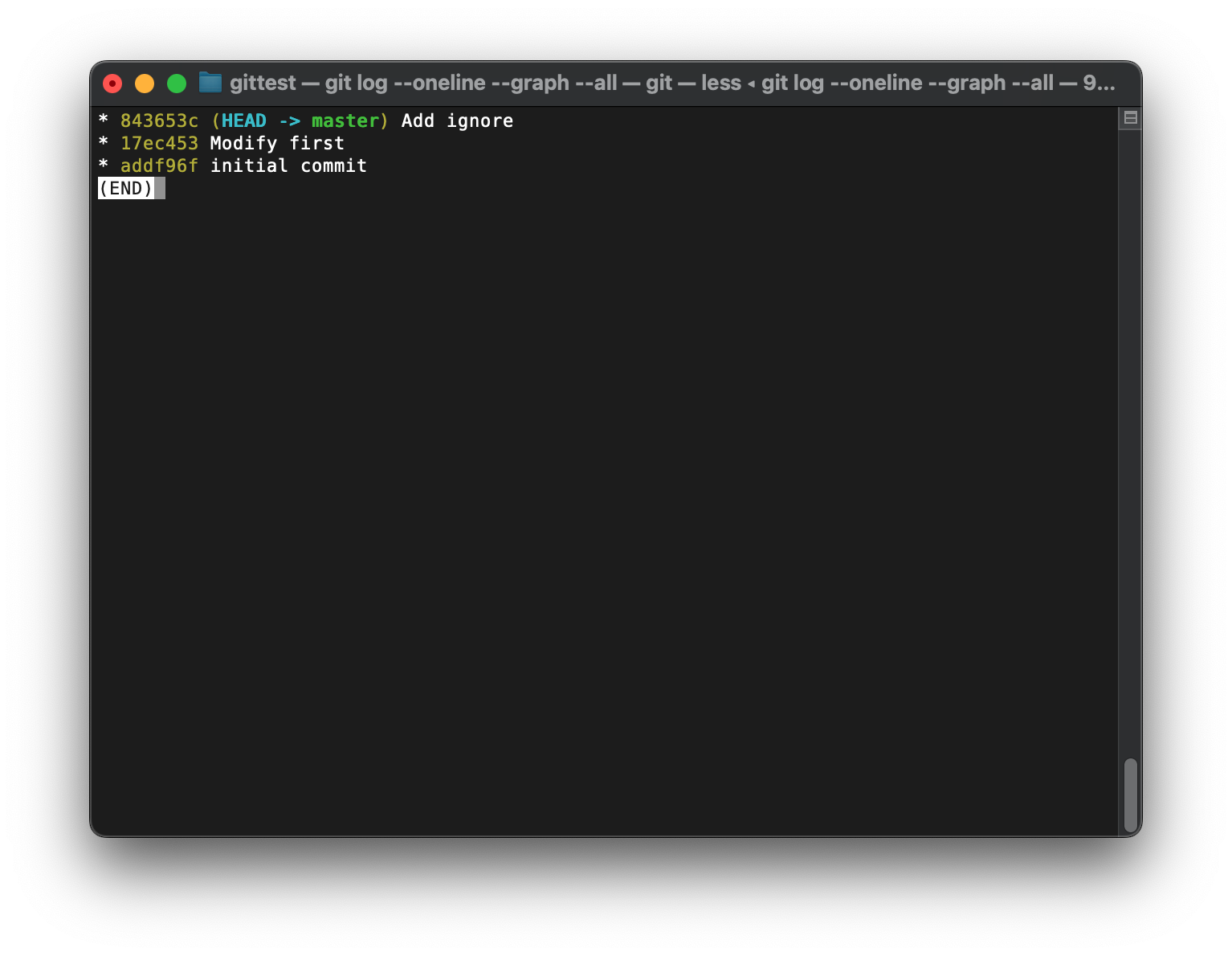
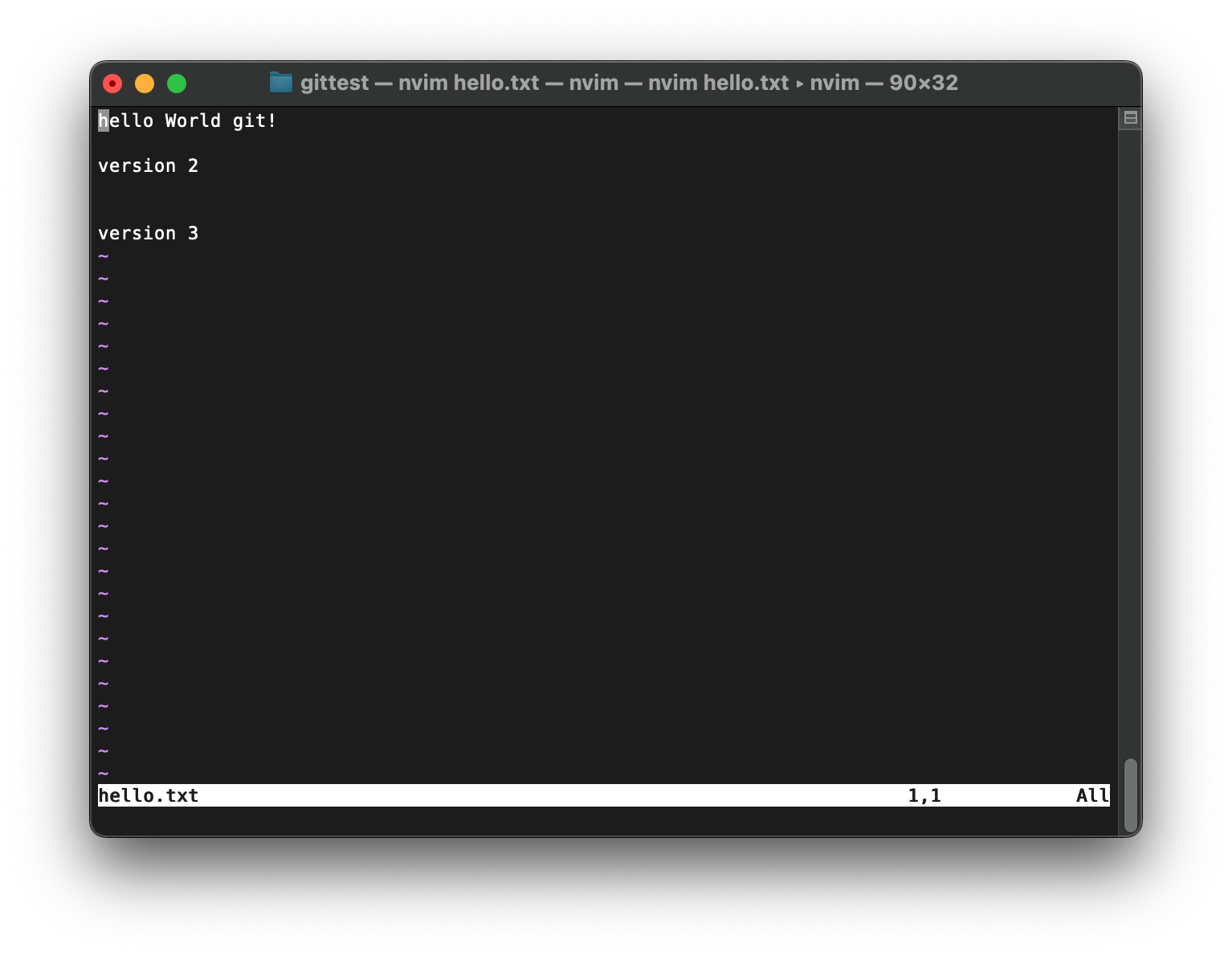
git commit -a
新创建的文件不行, 后续修改的时候才行
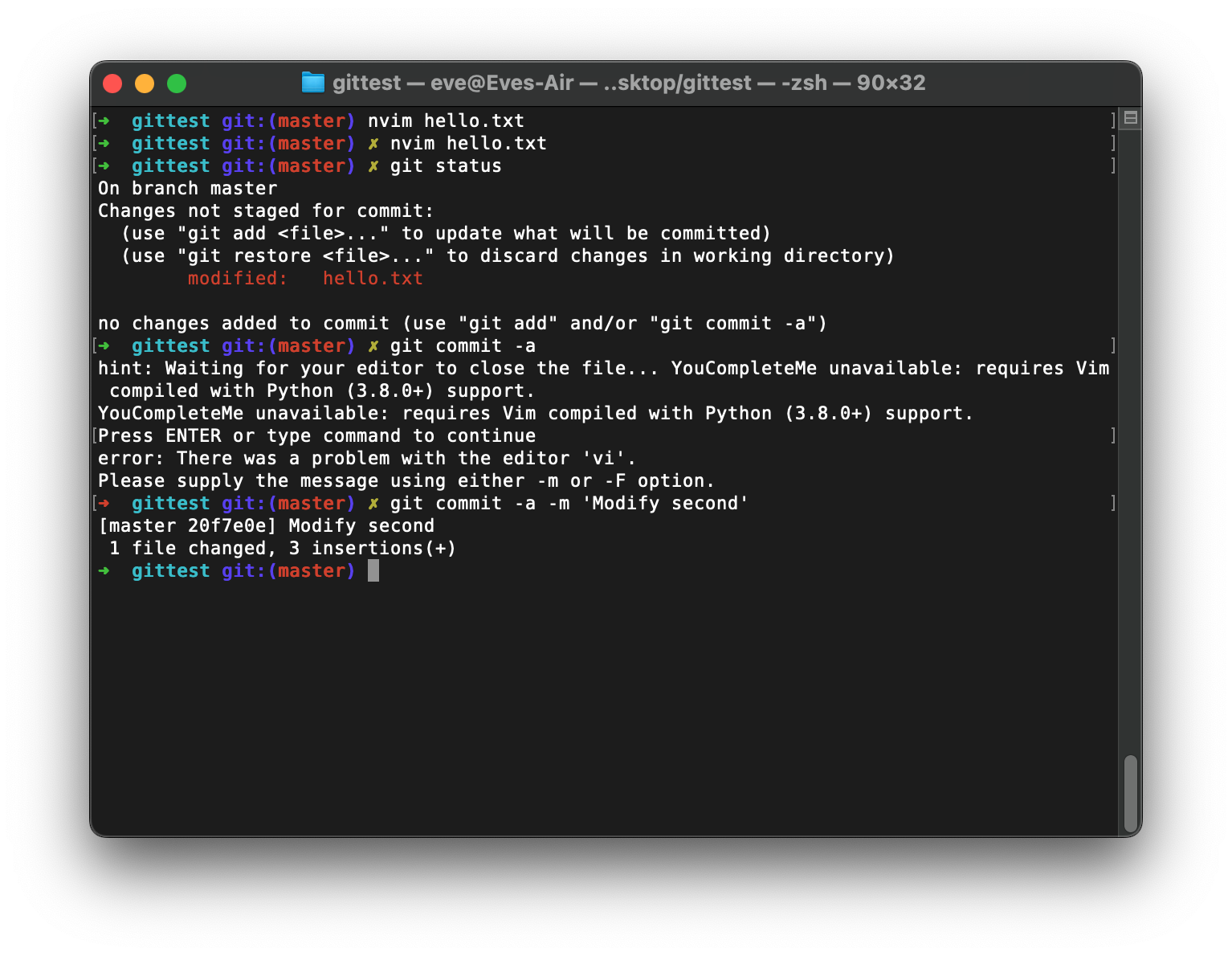
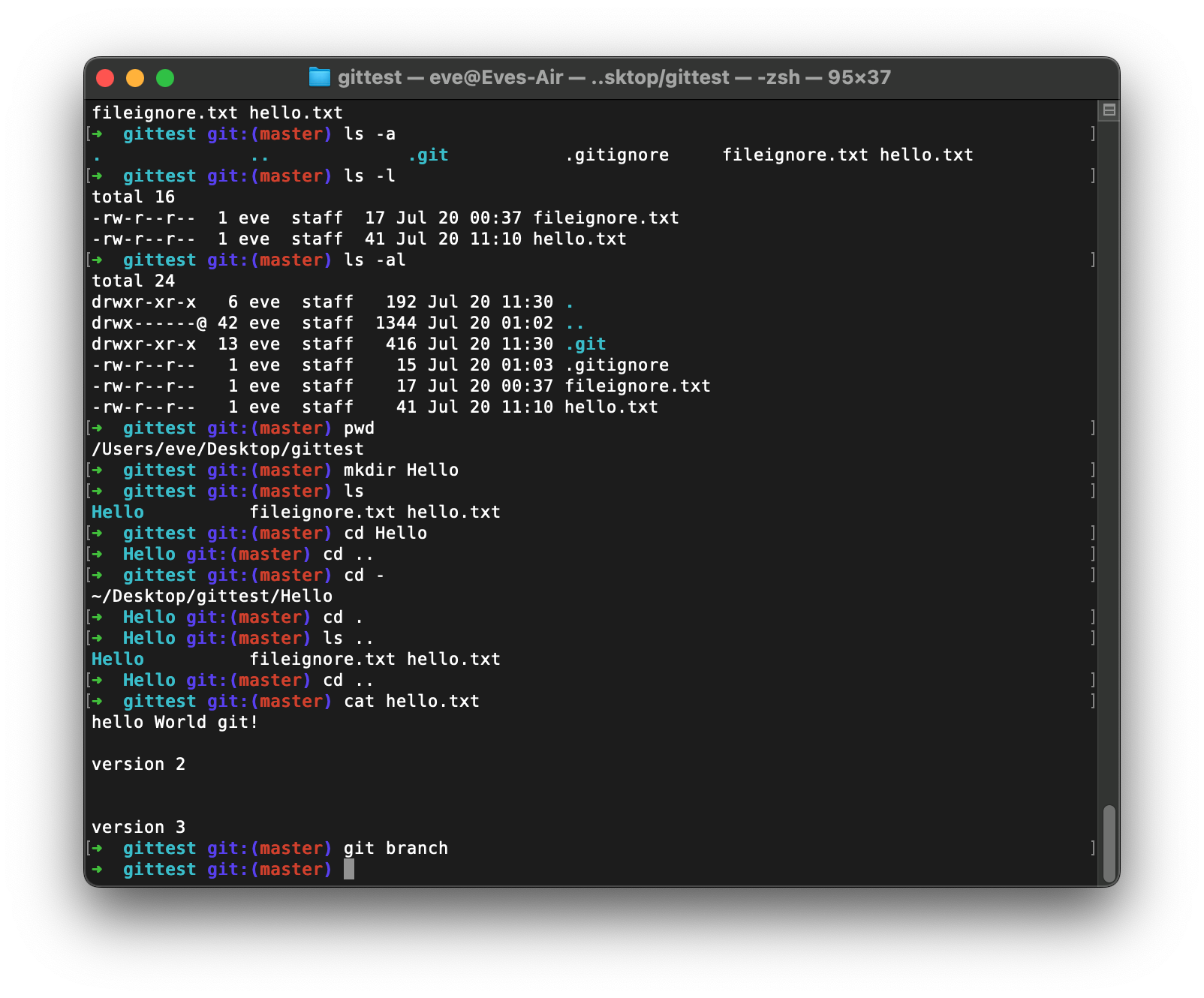
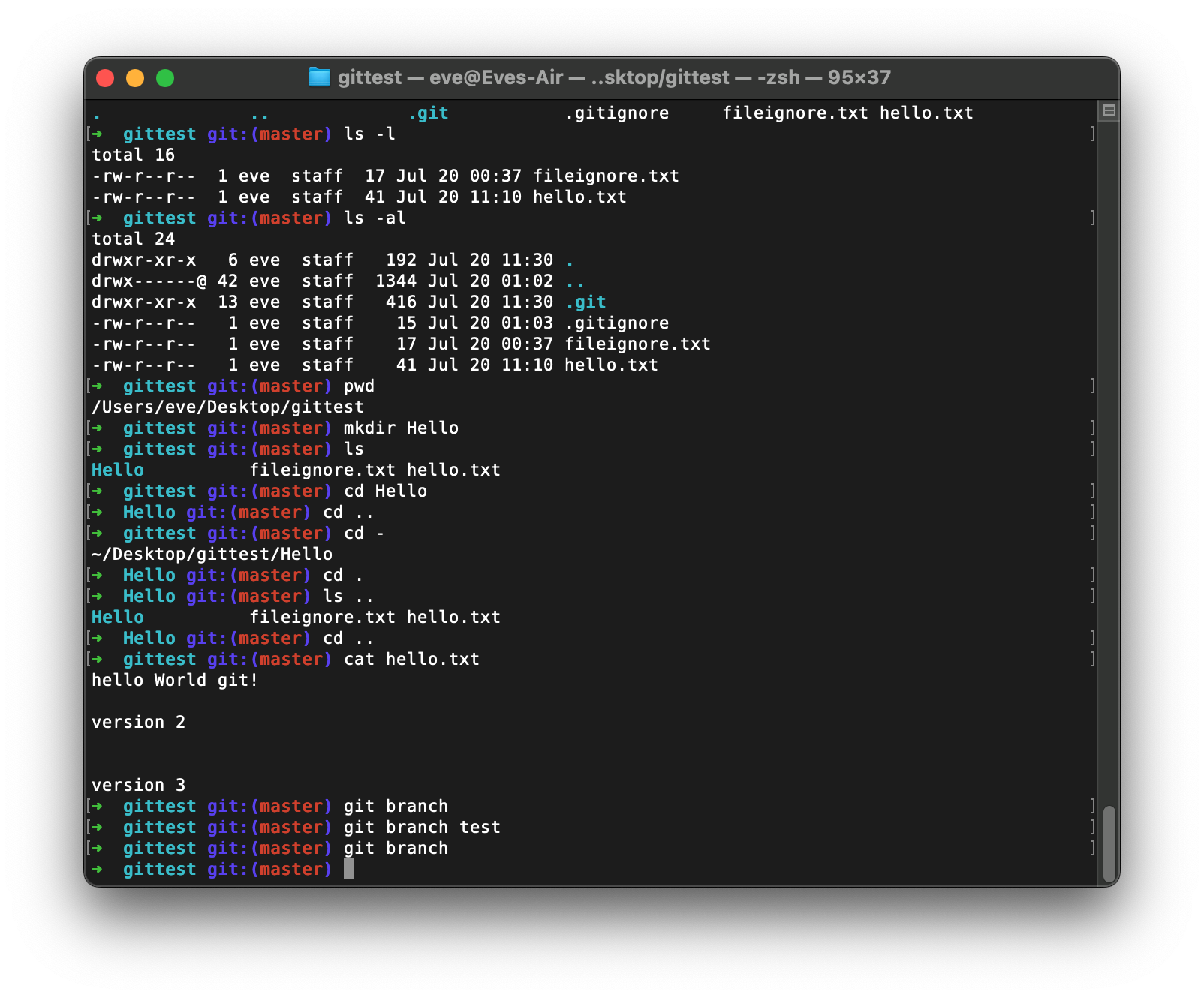
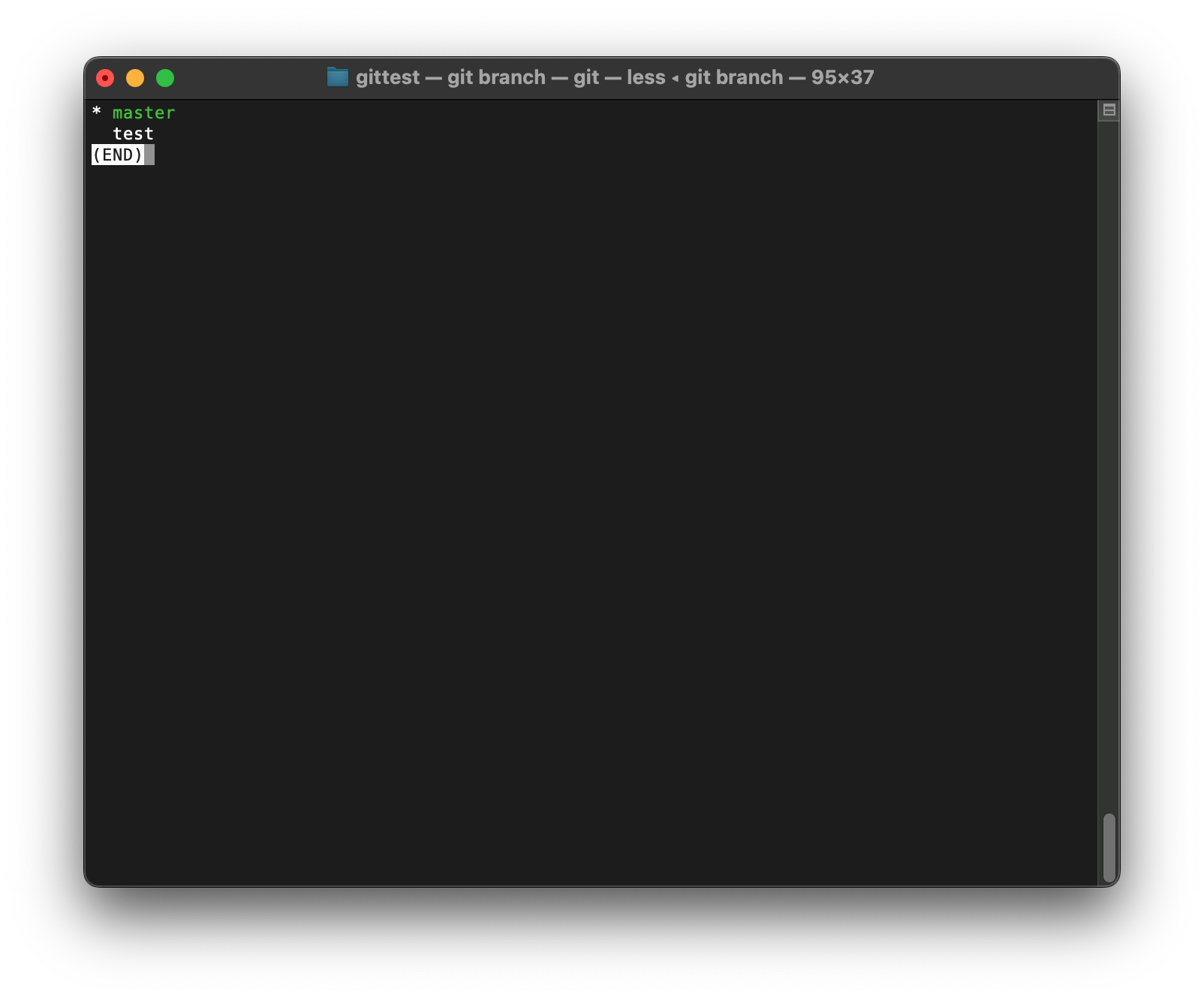
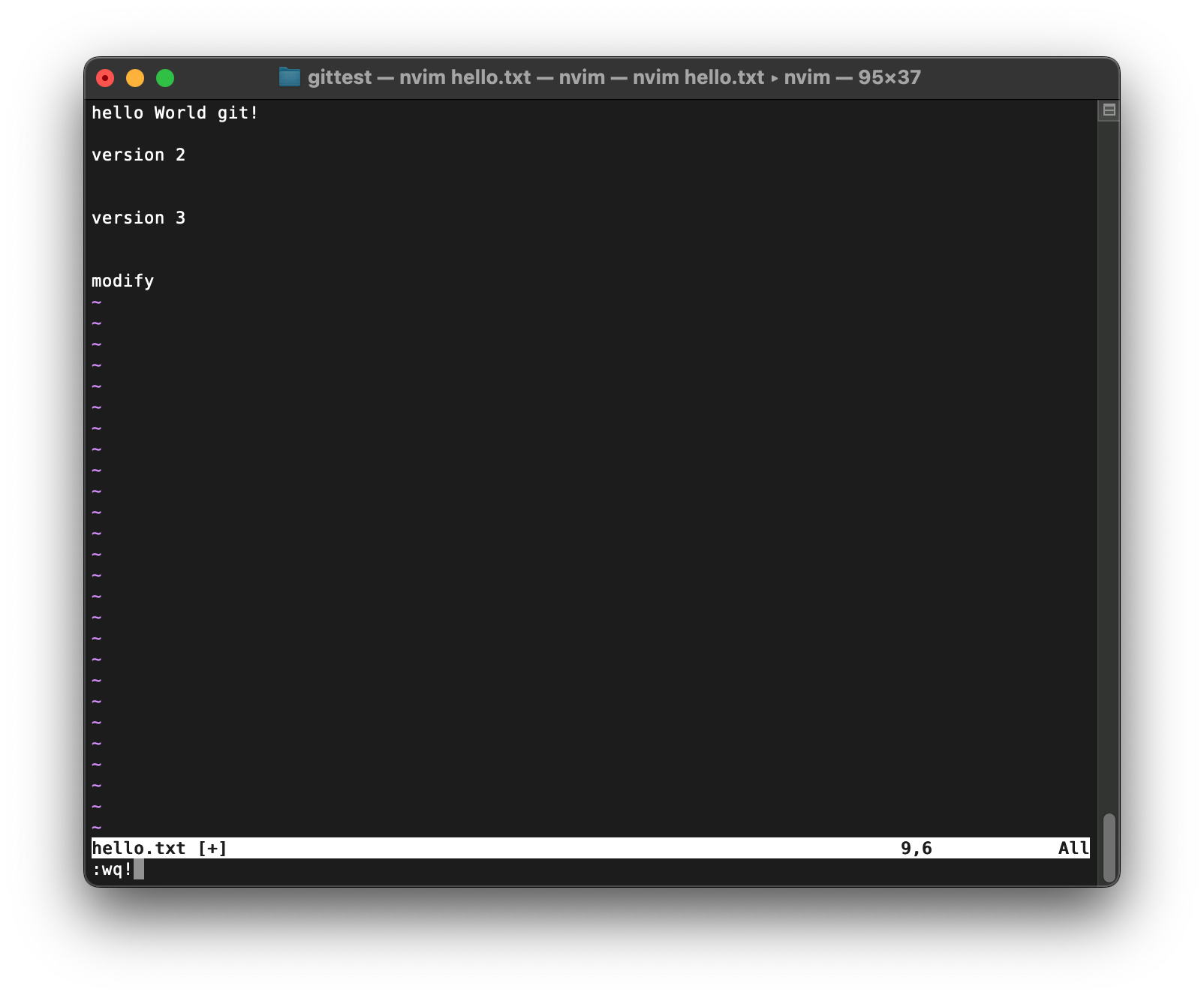
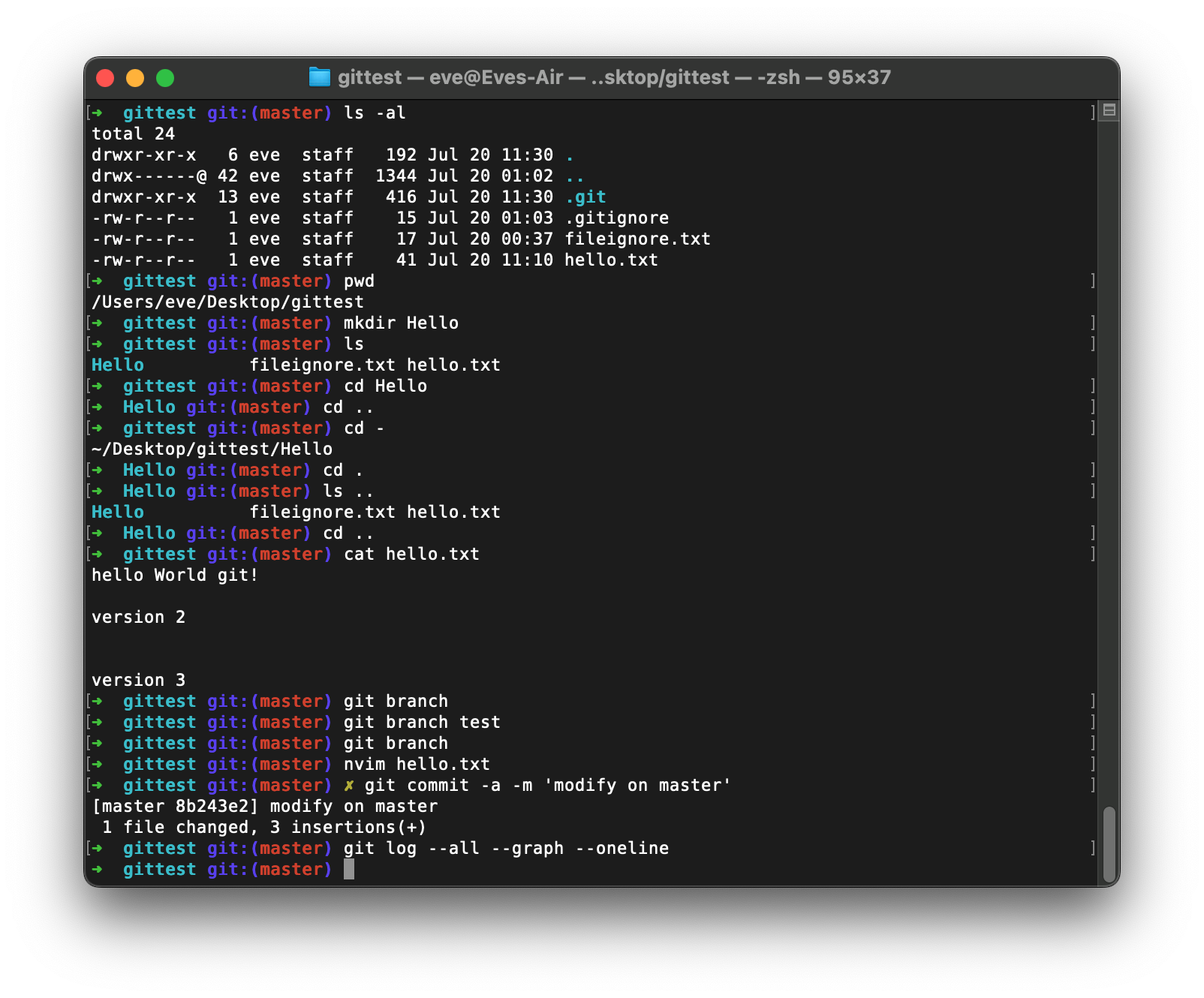
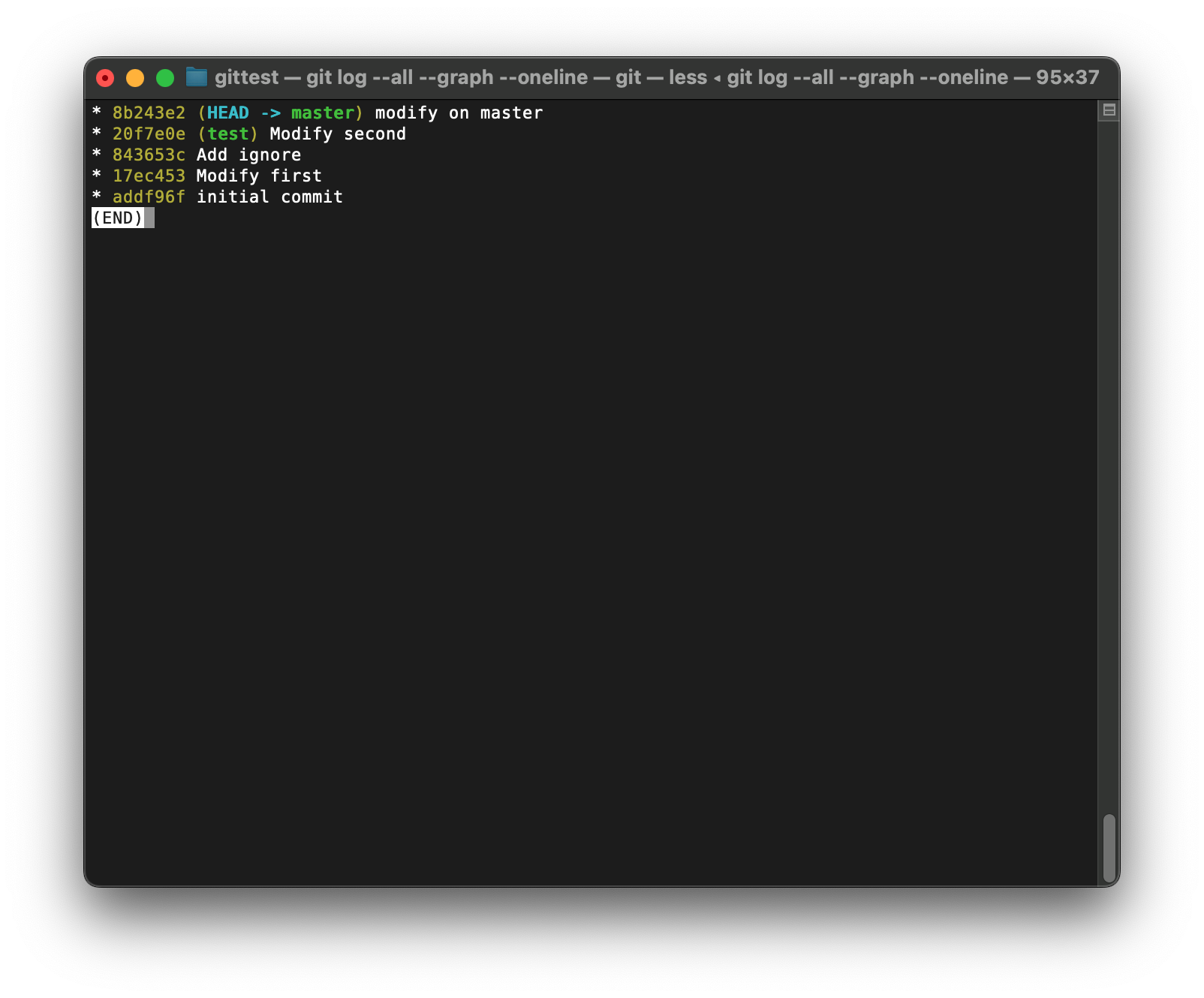
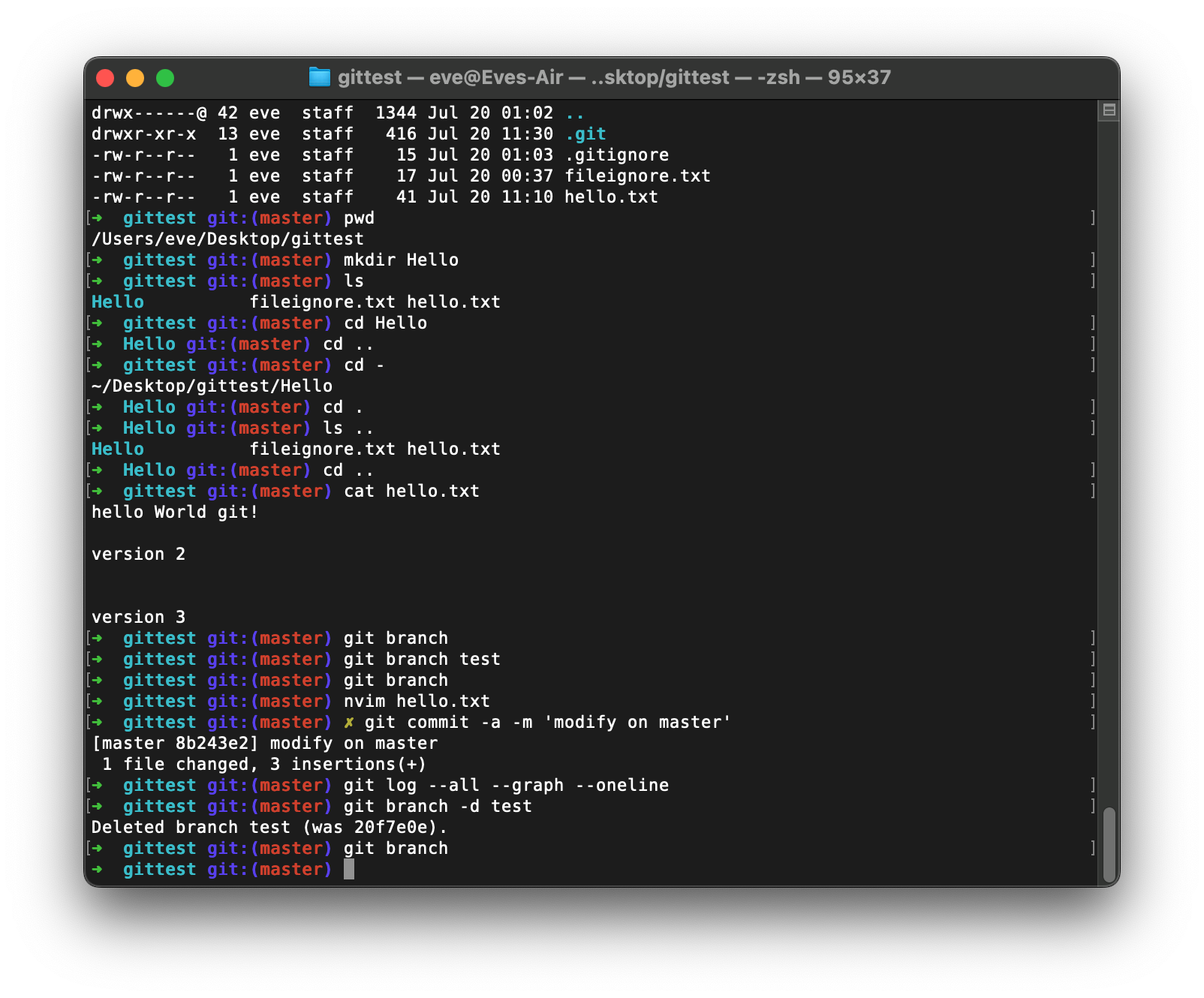
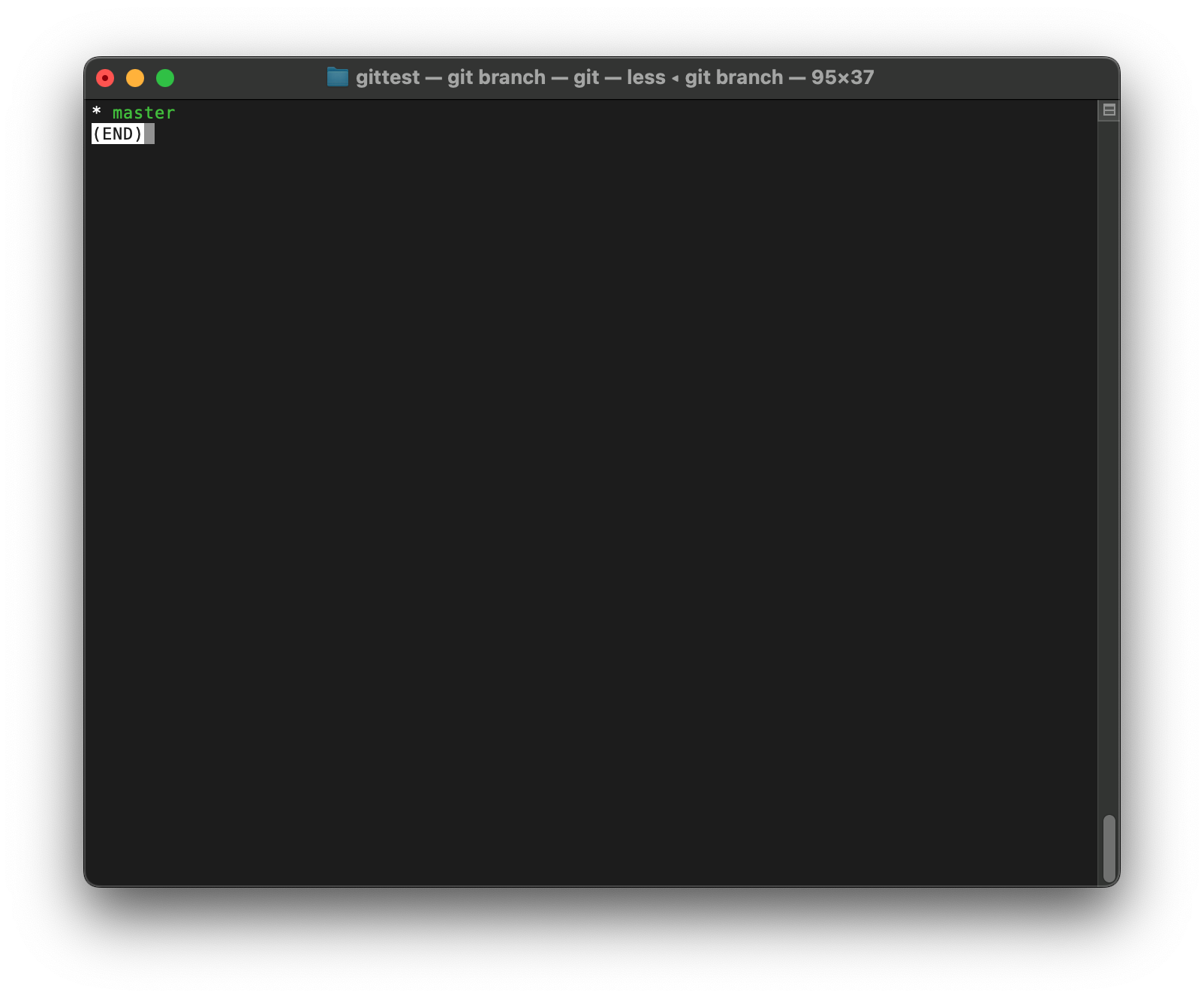
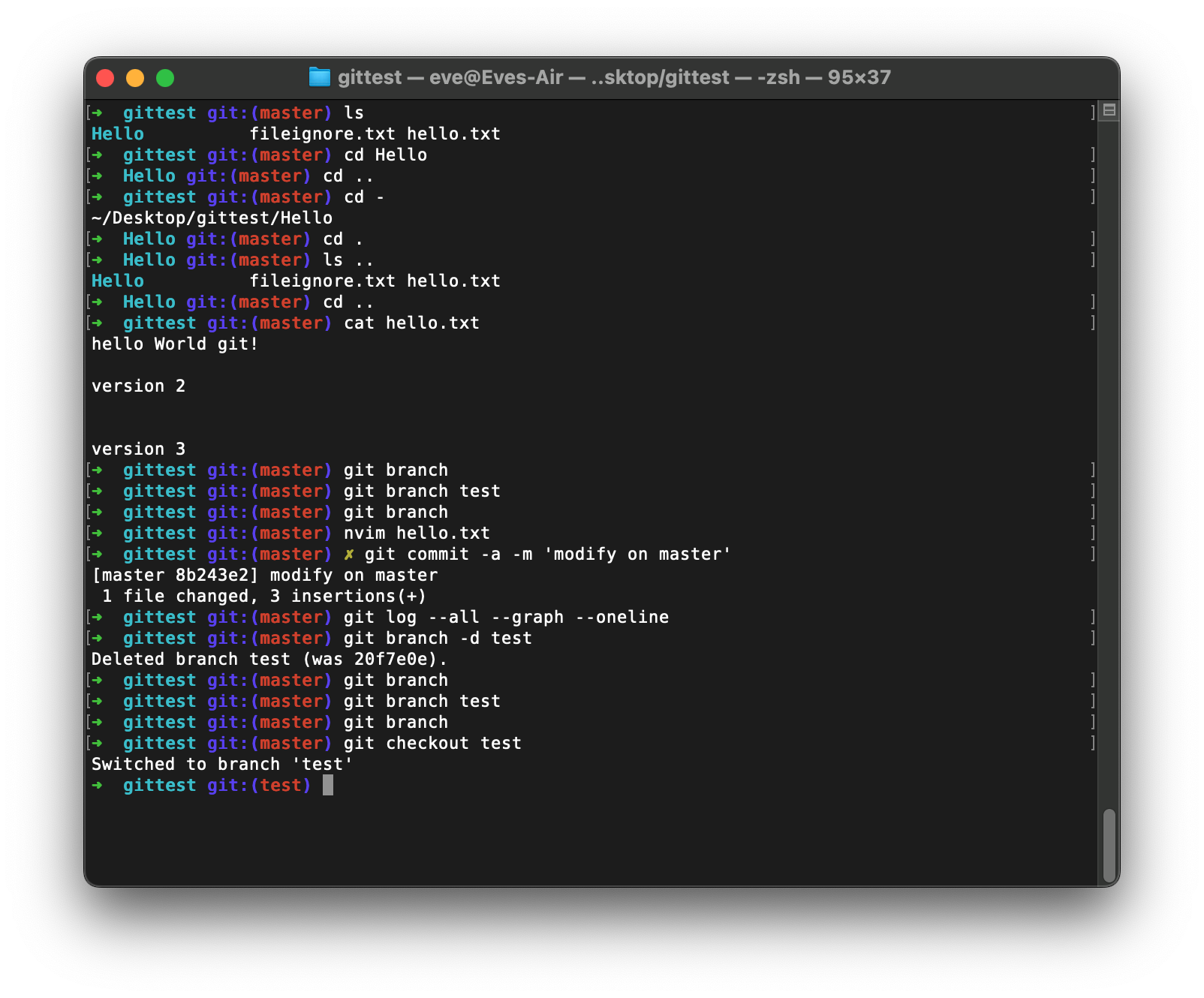
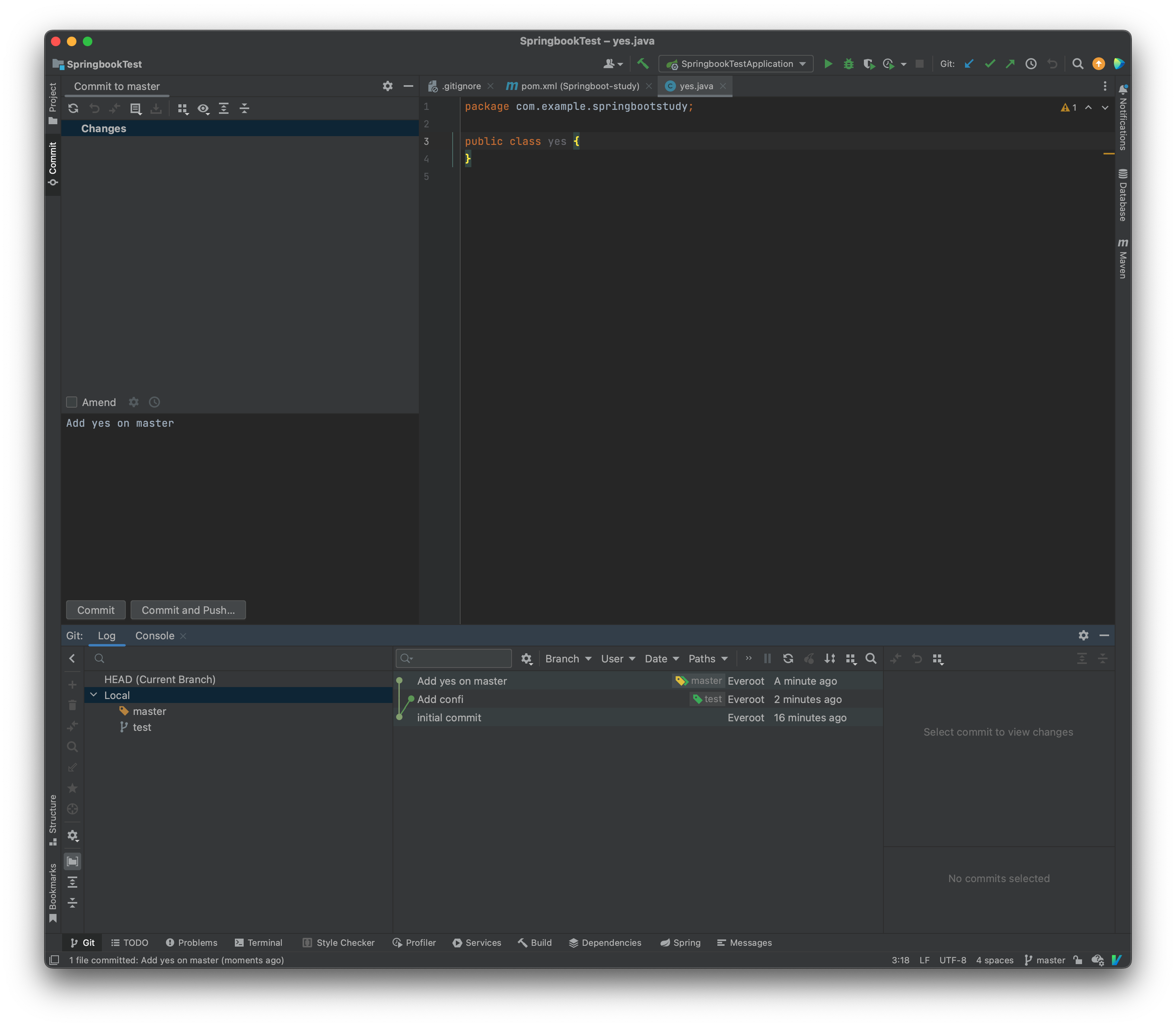
分支
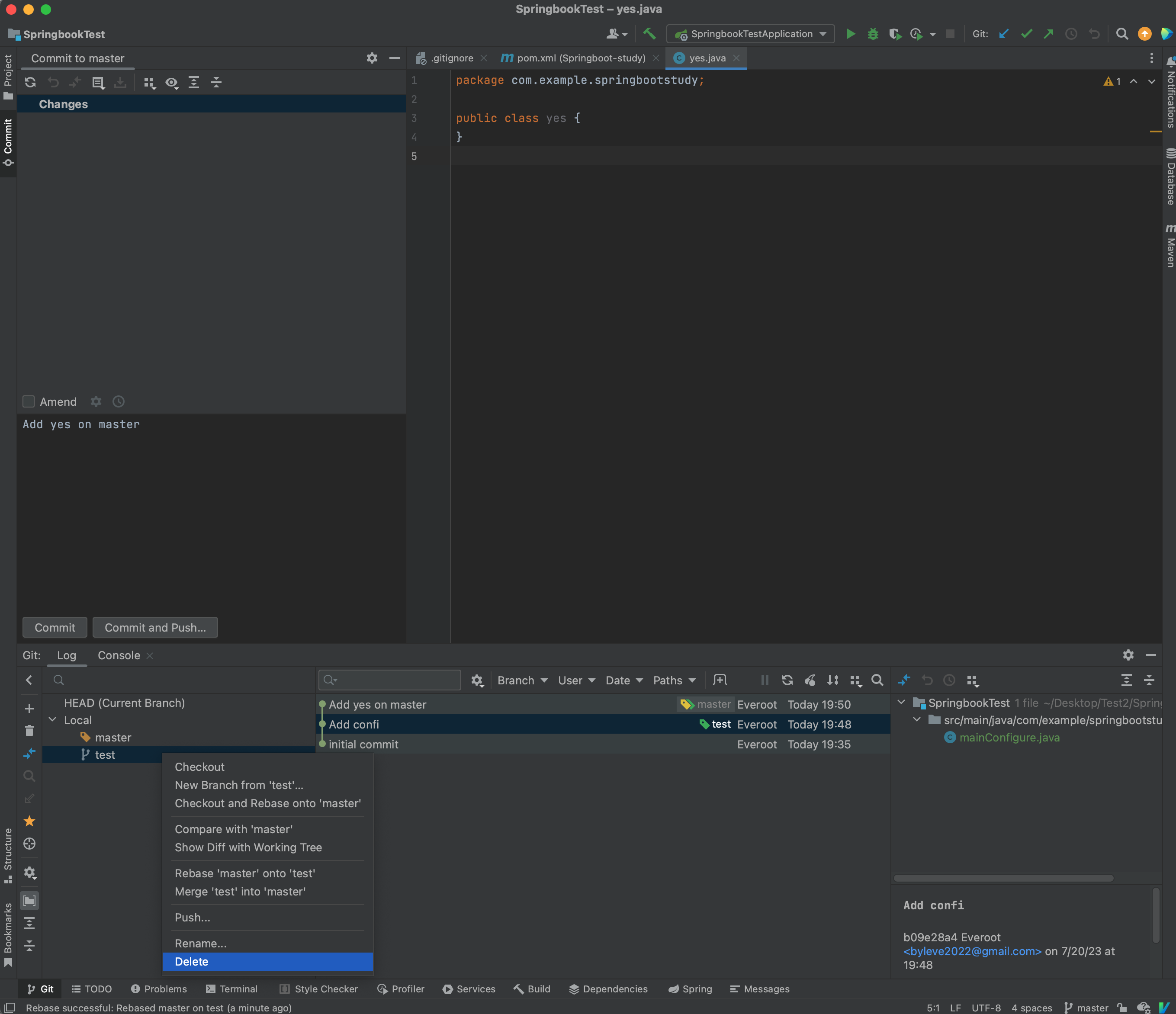
删除分支
git branch -d yyds
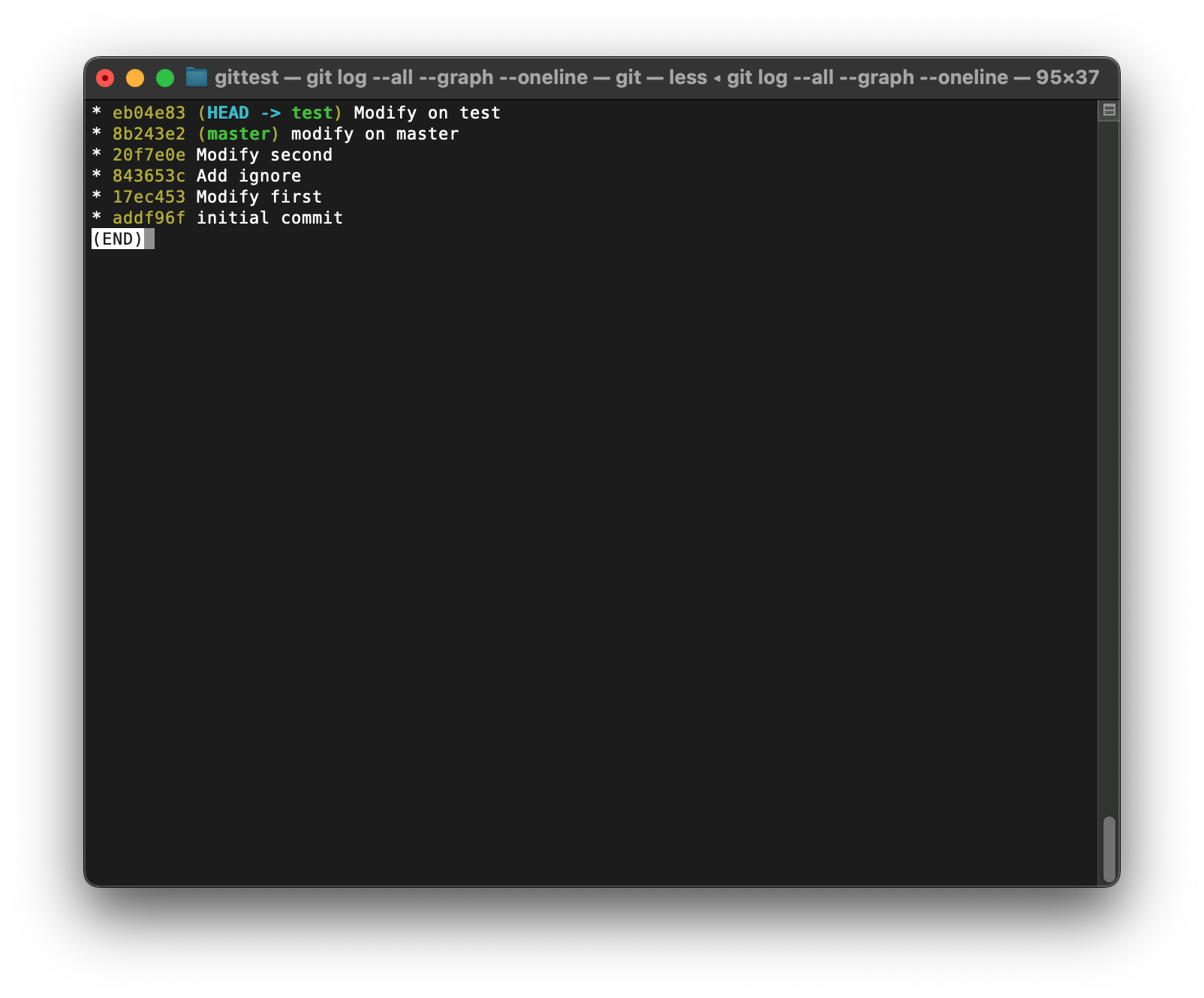
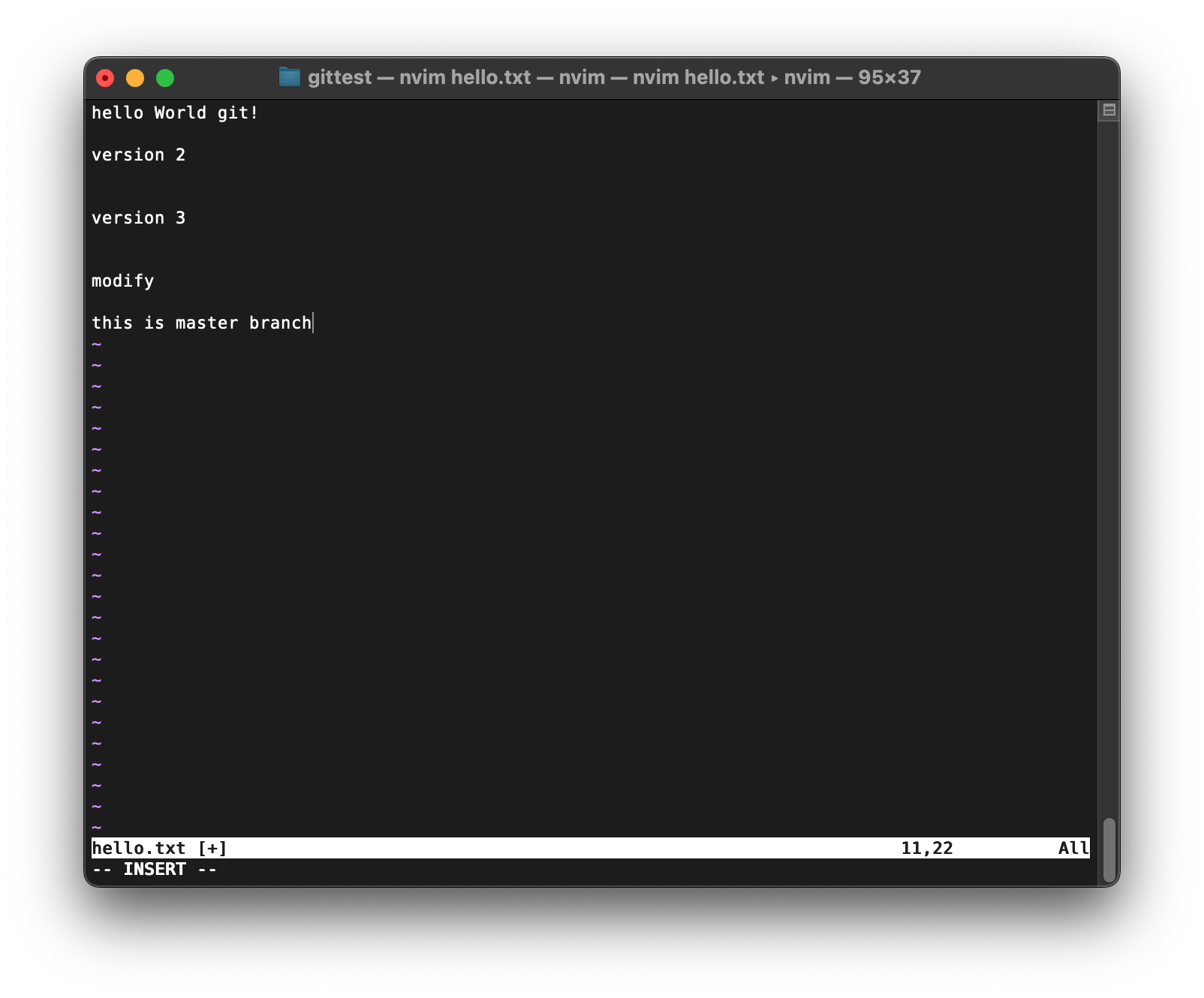
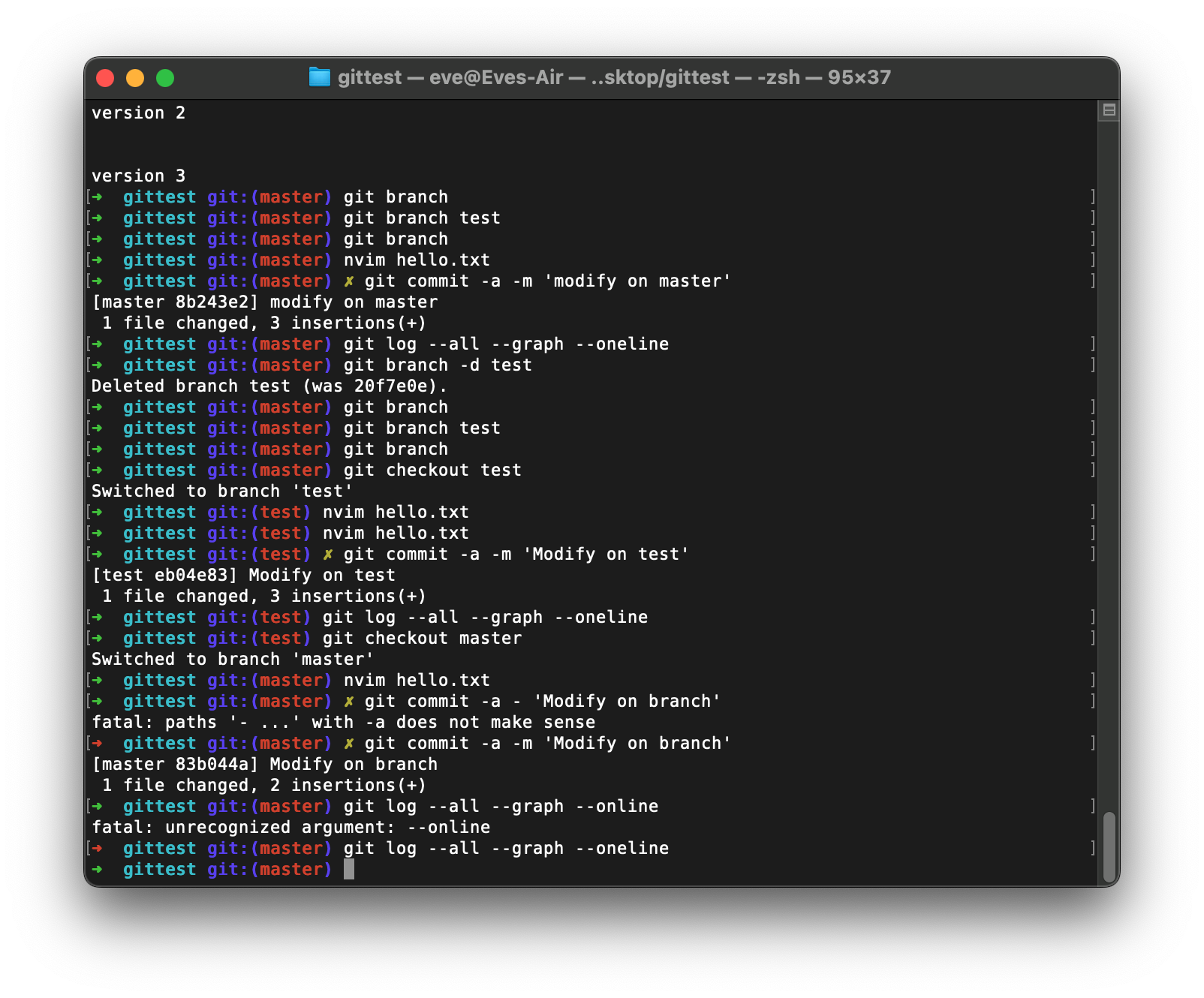
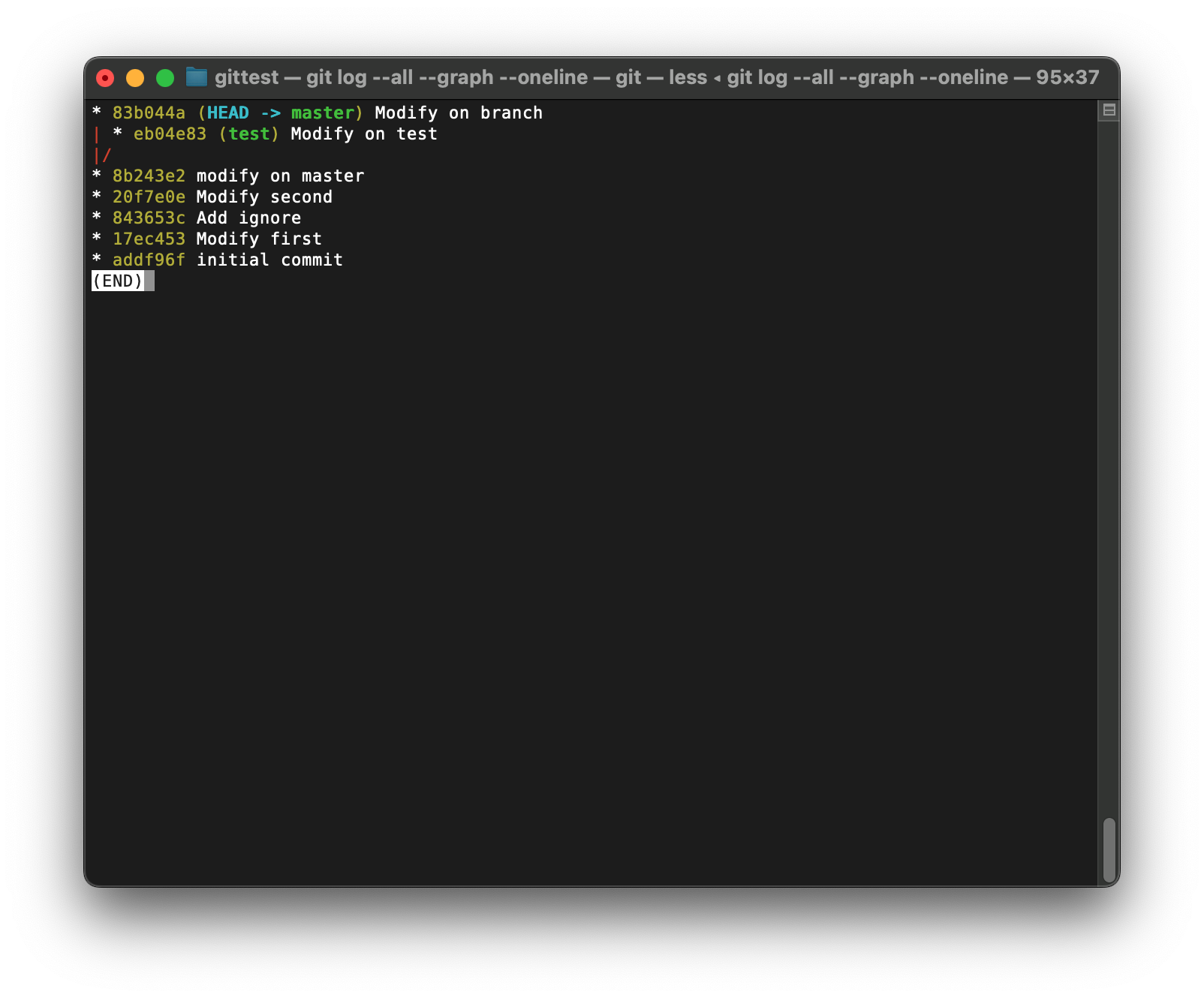
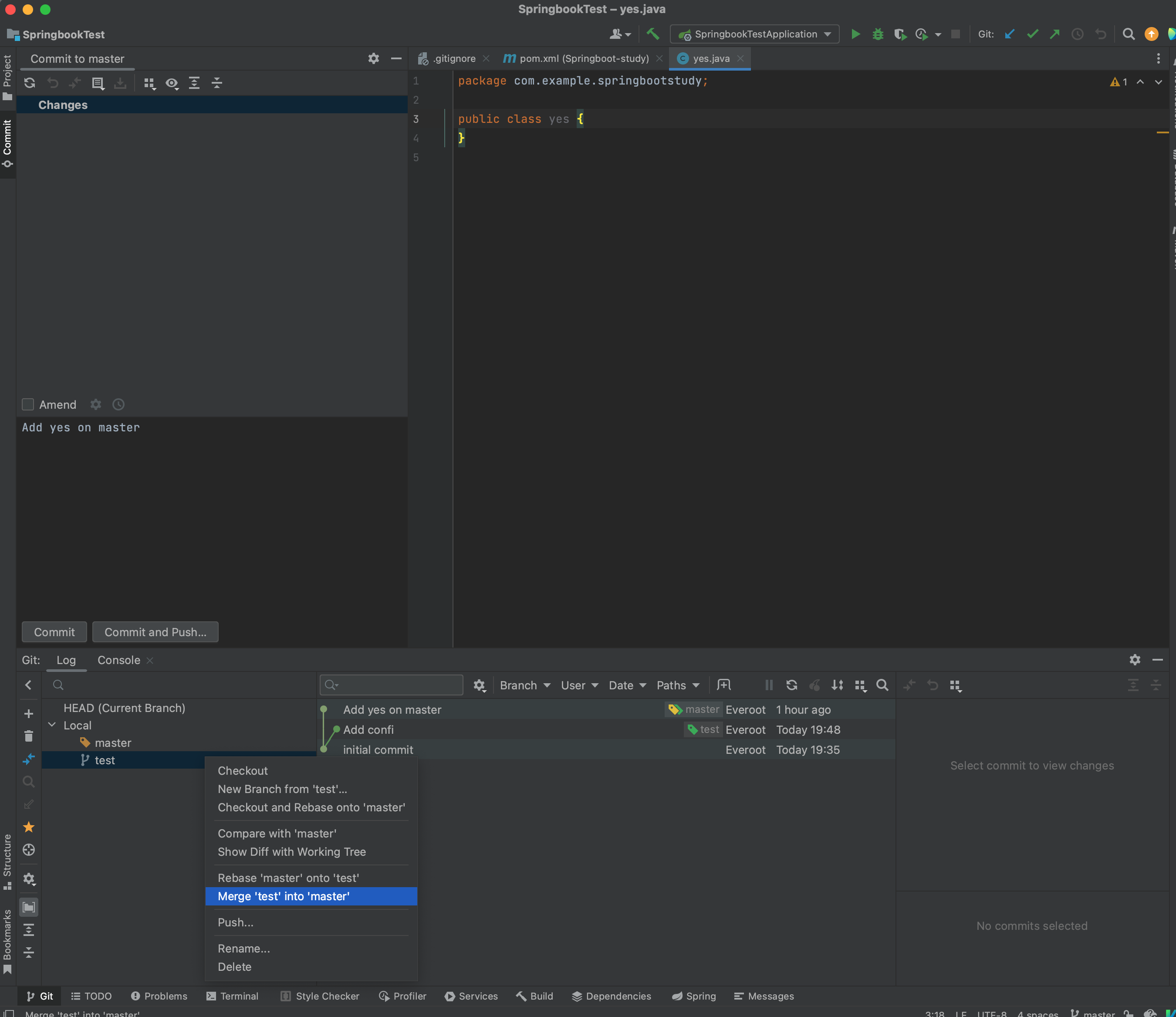
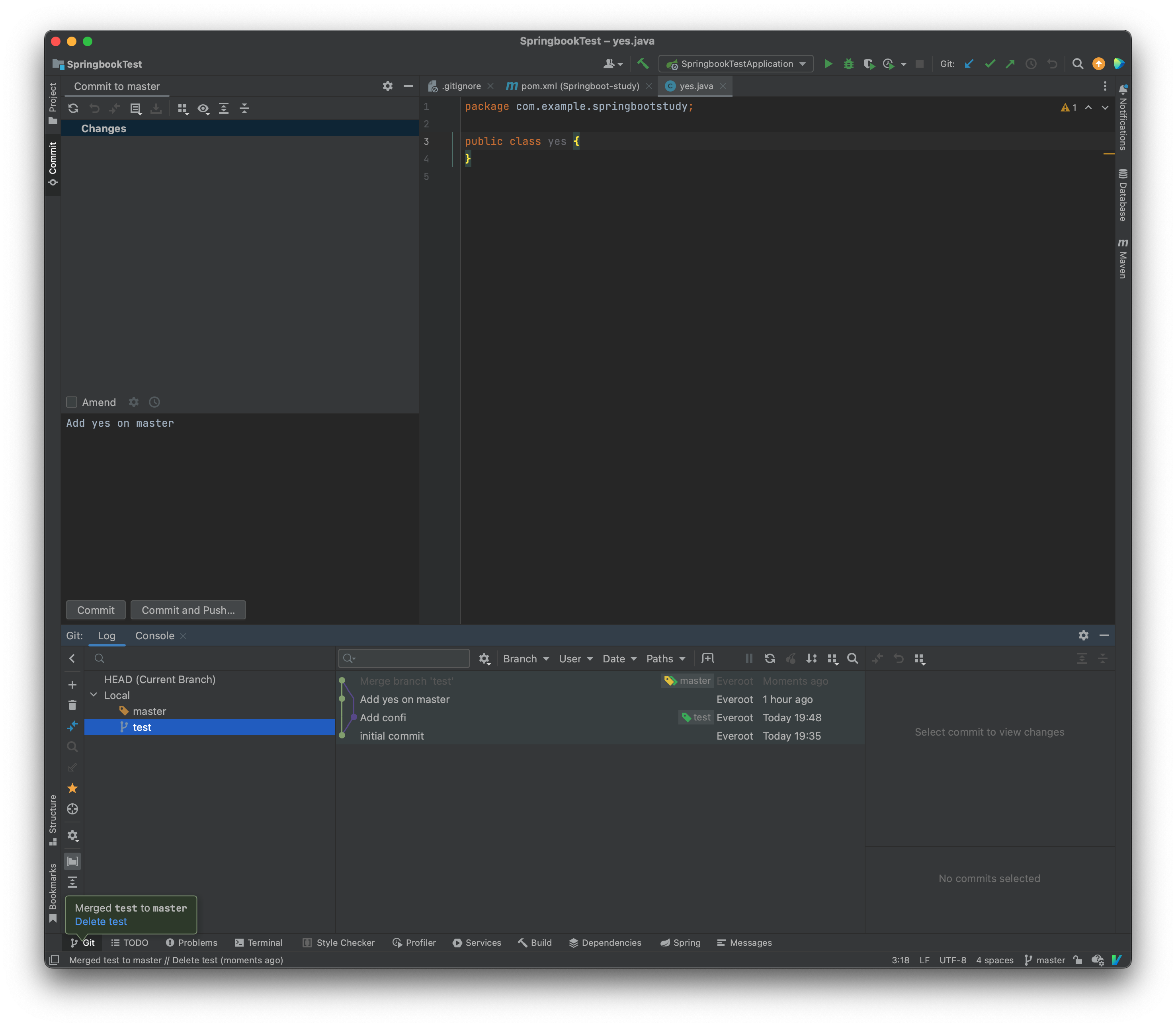
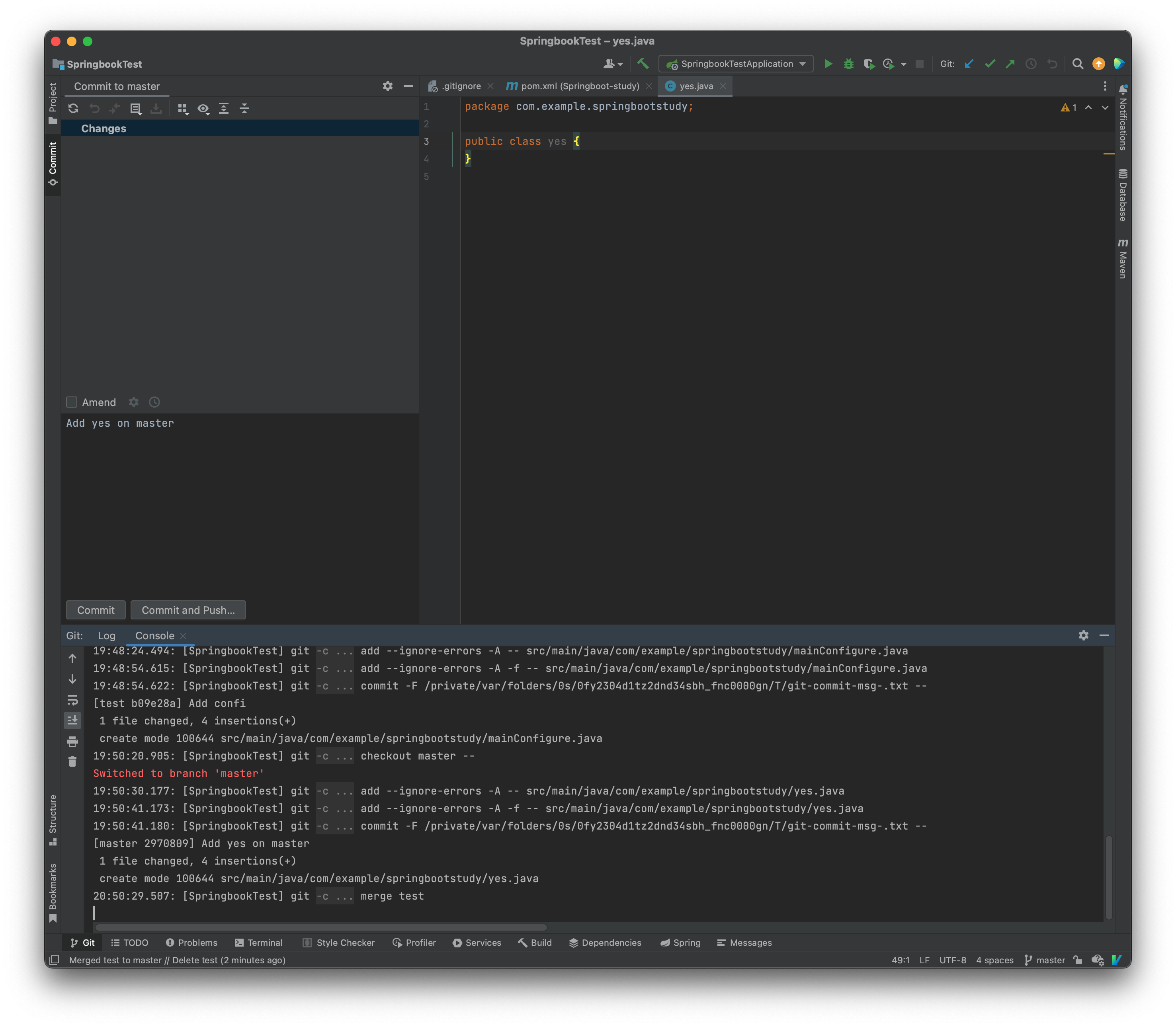
合并
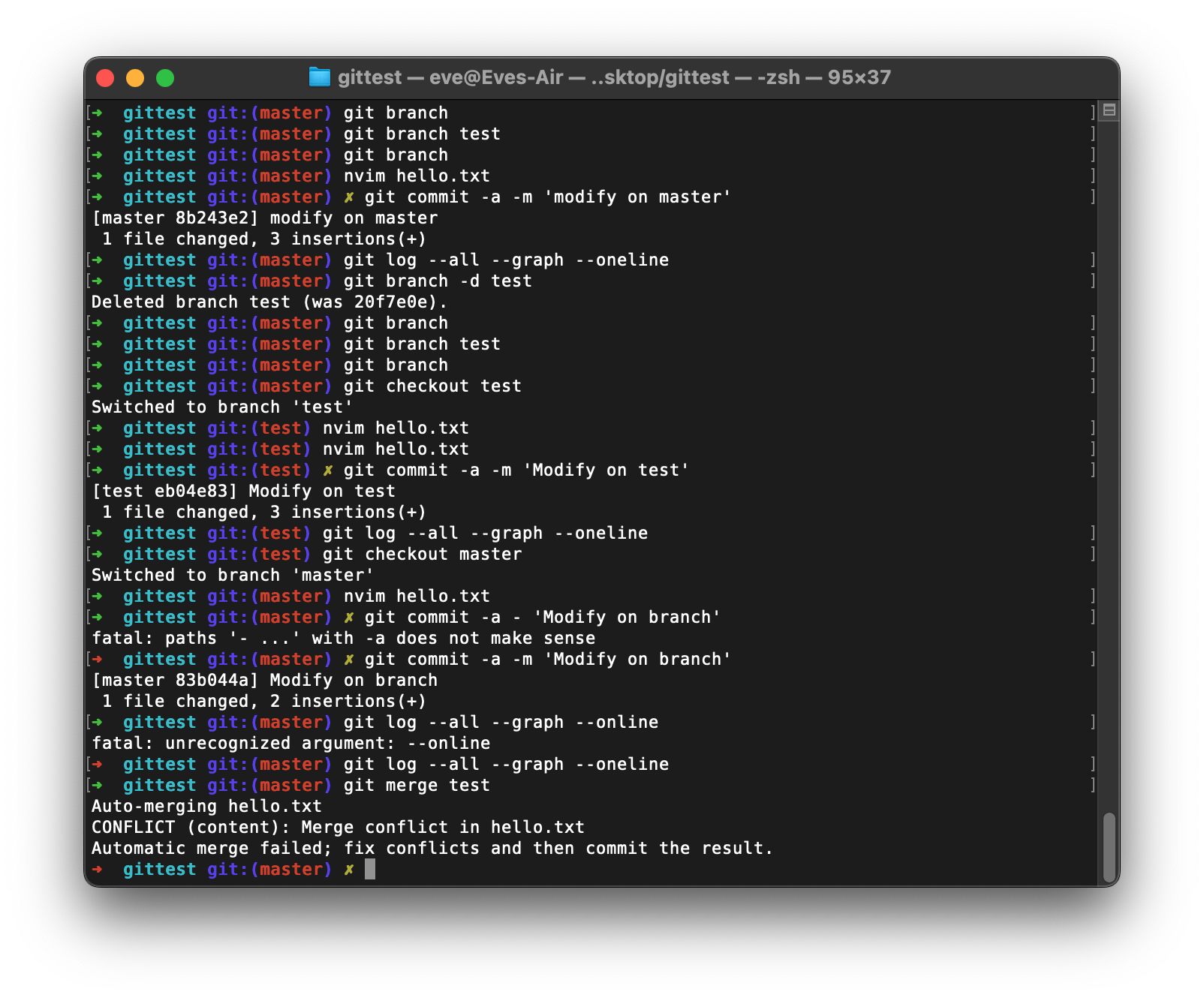
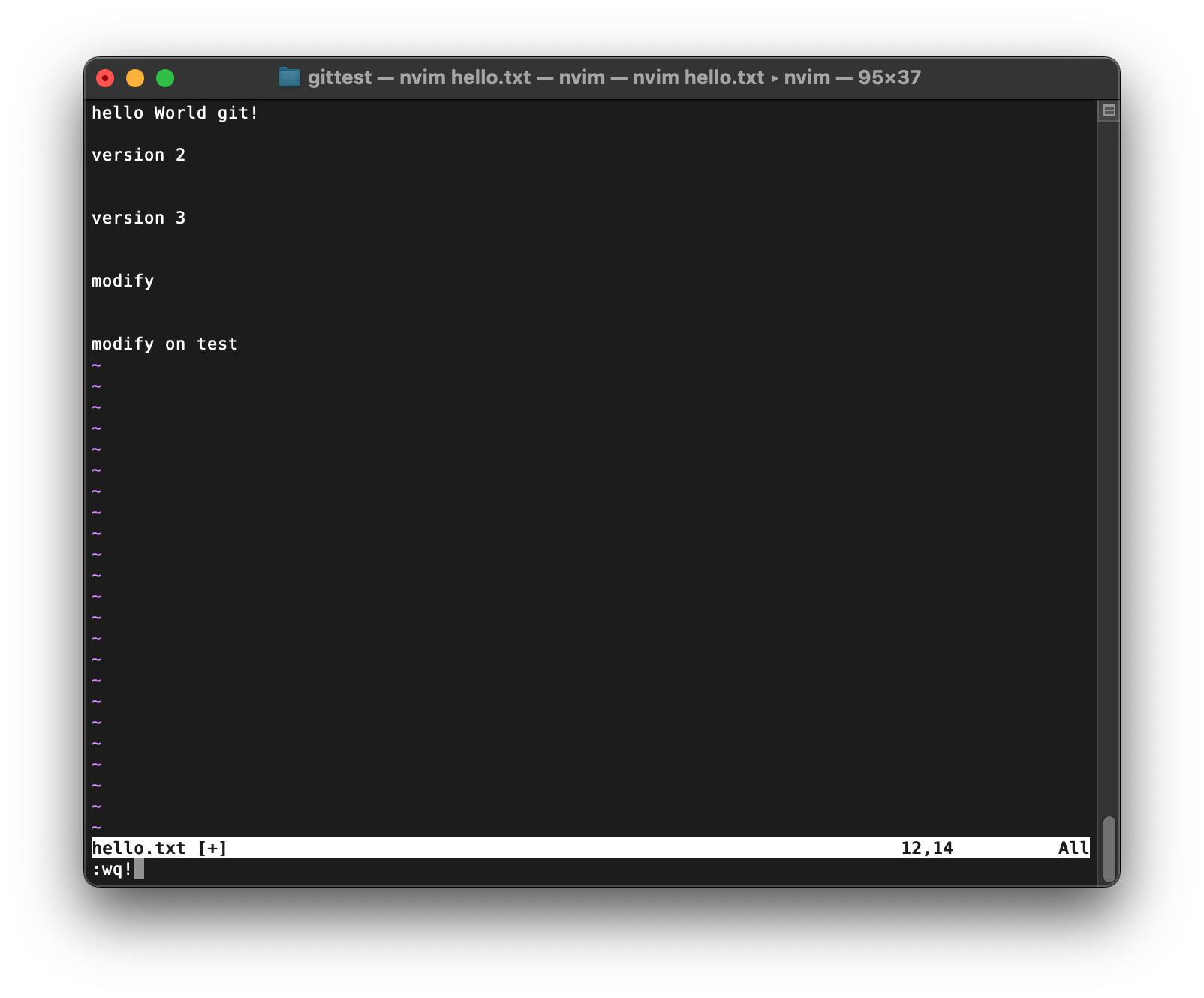
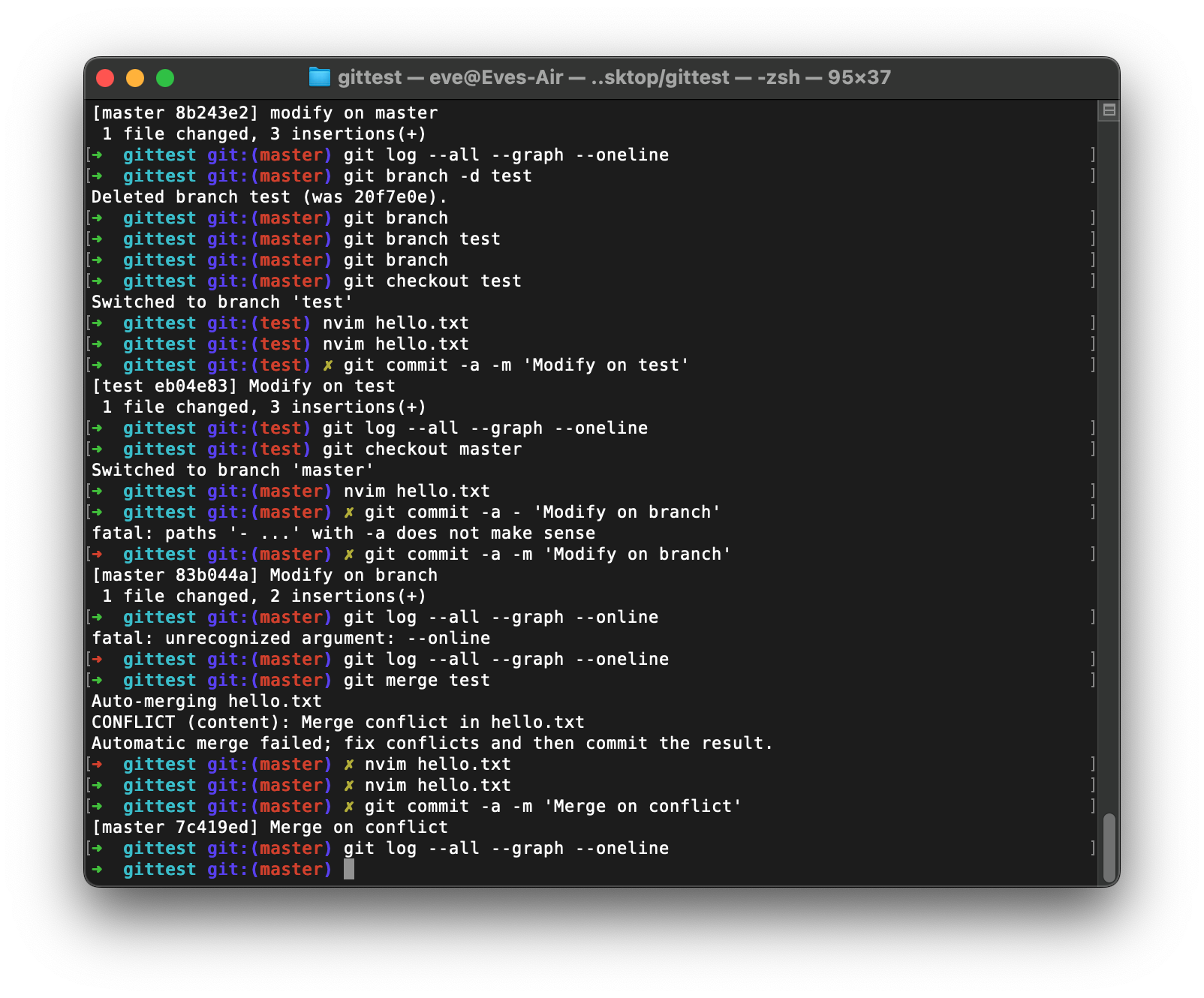
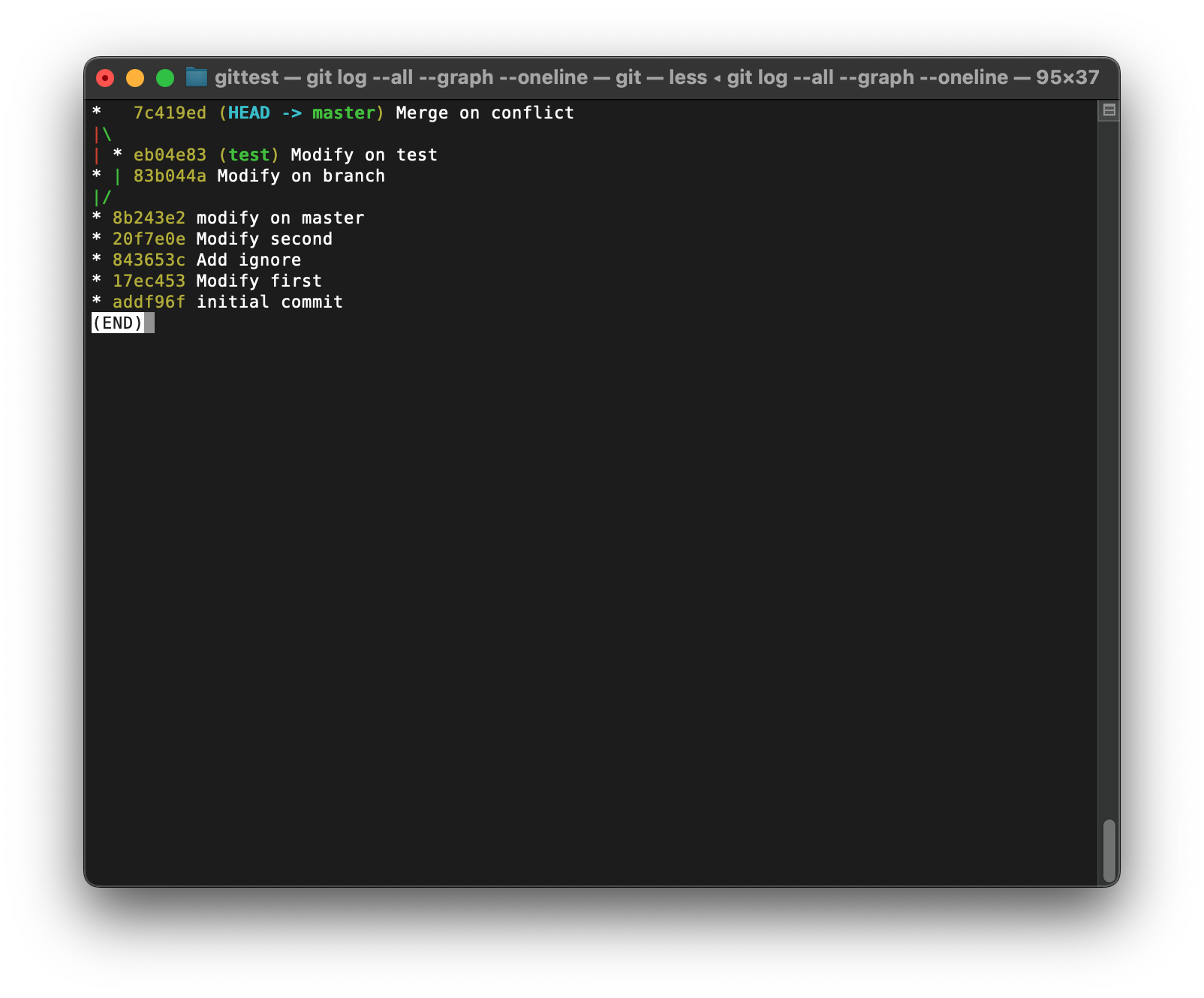
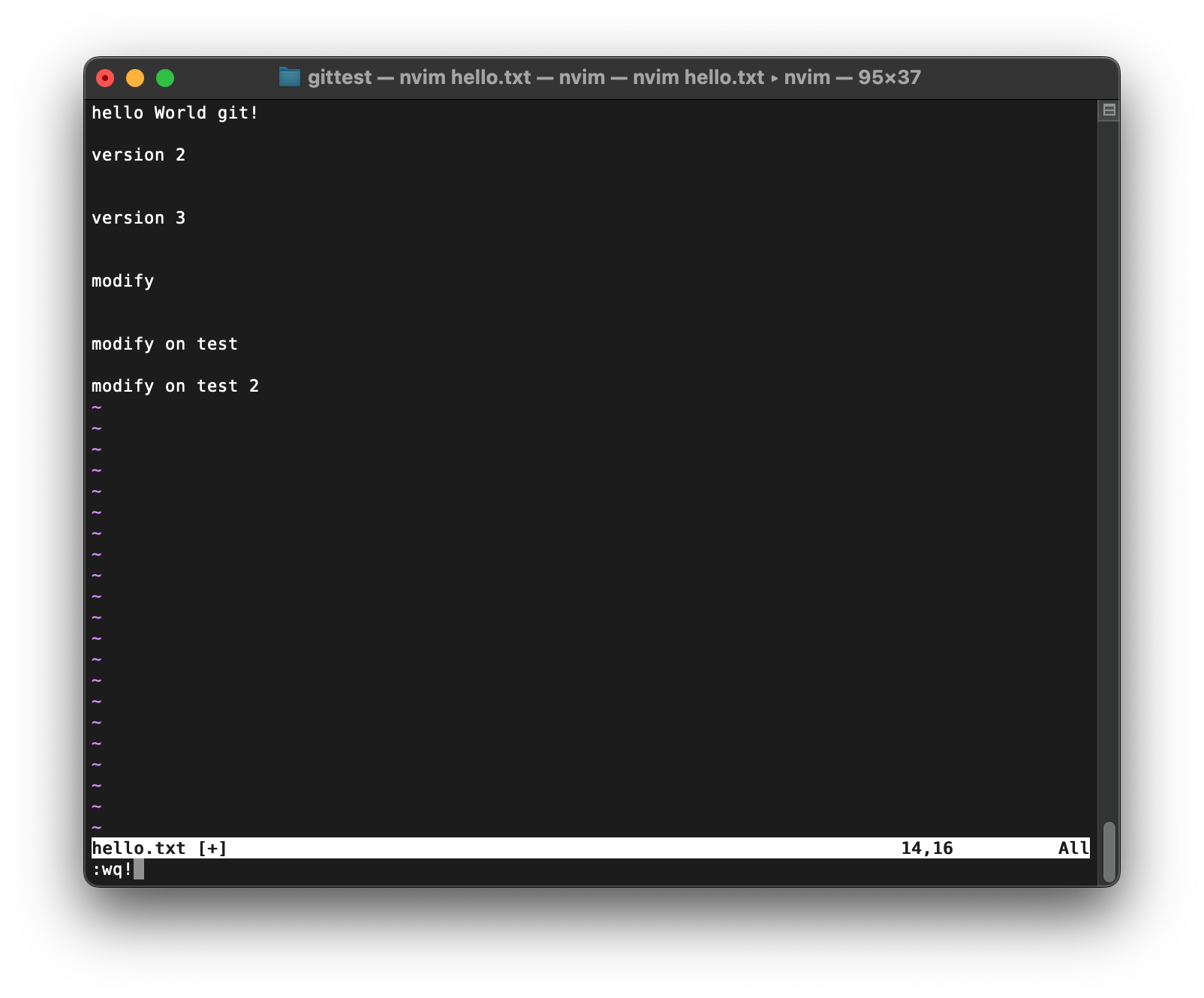
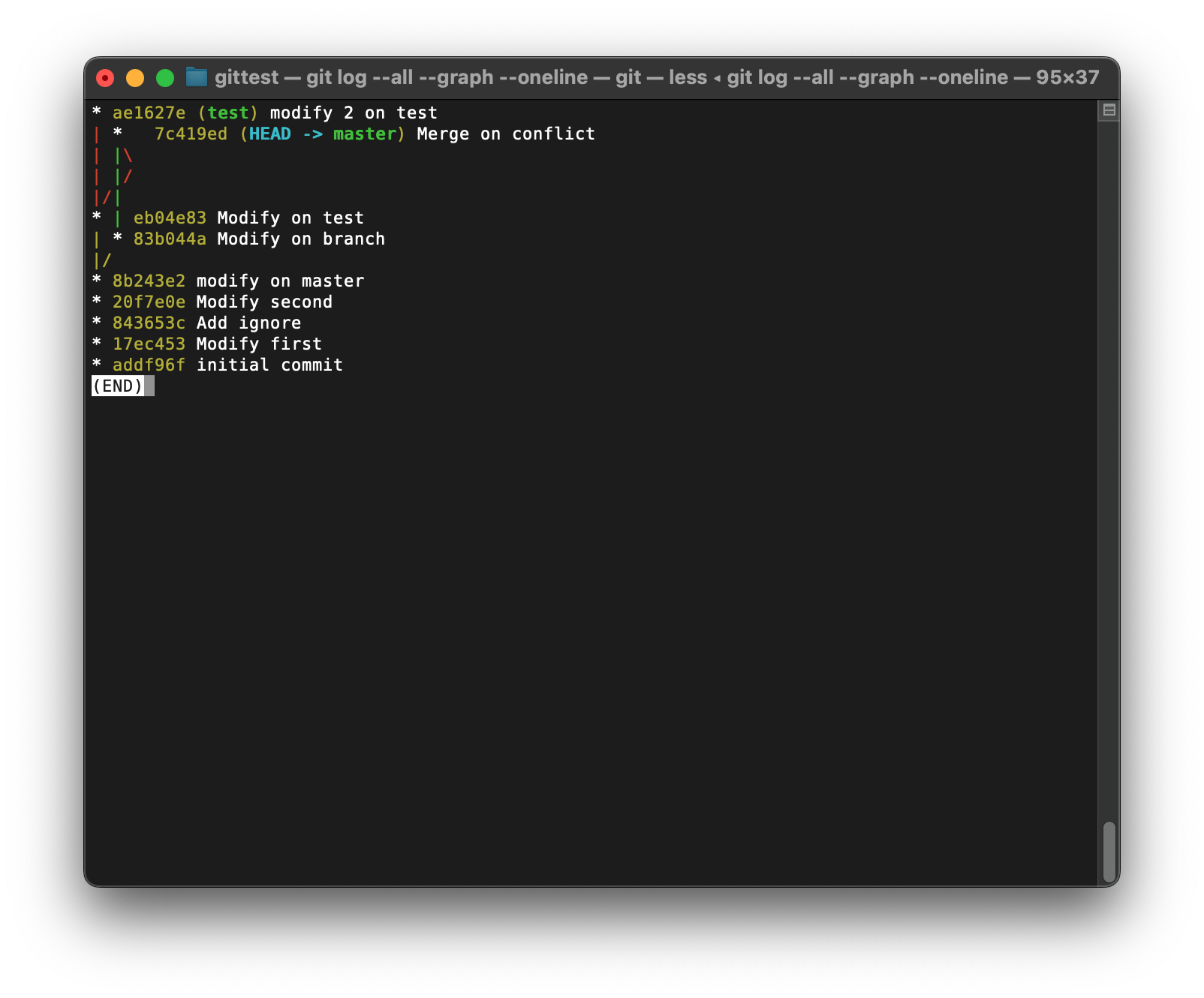
不知道要合并哪儿个.
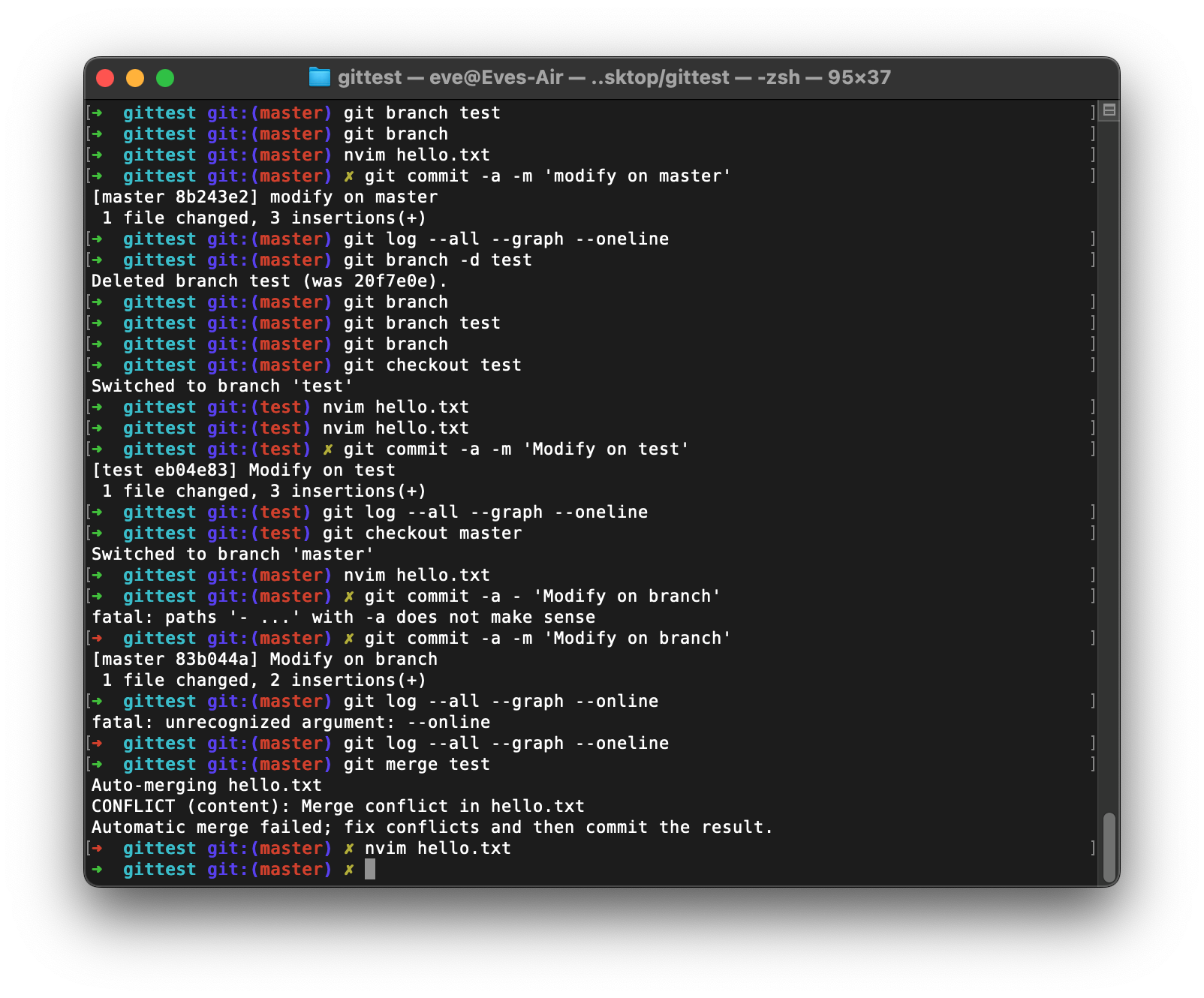
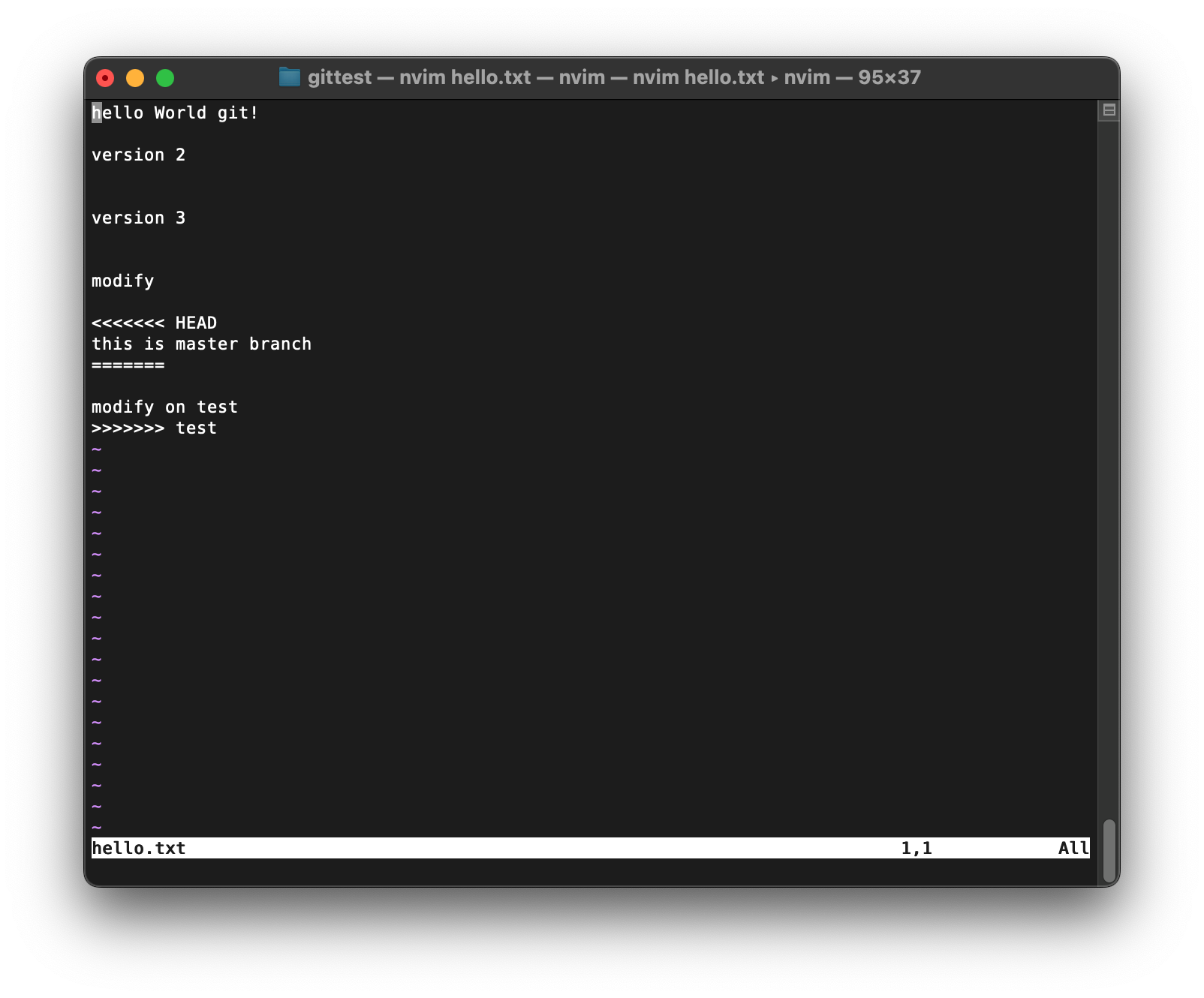
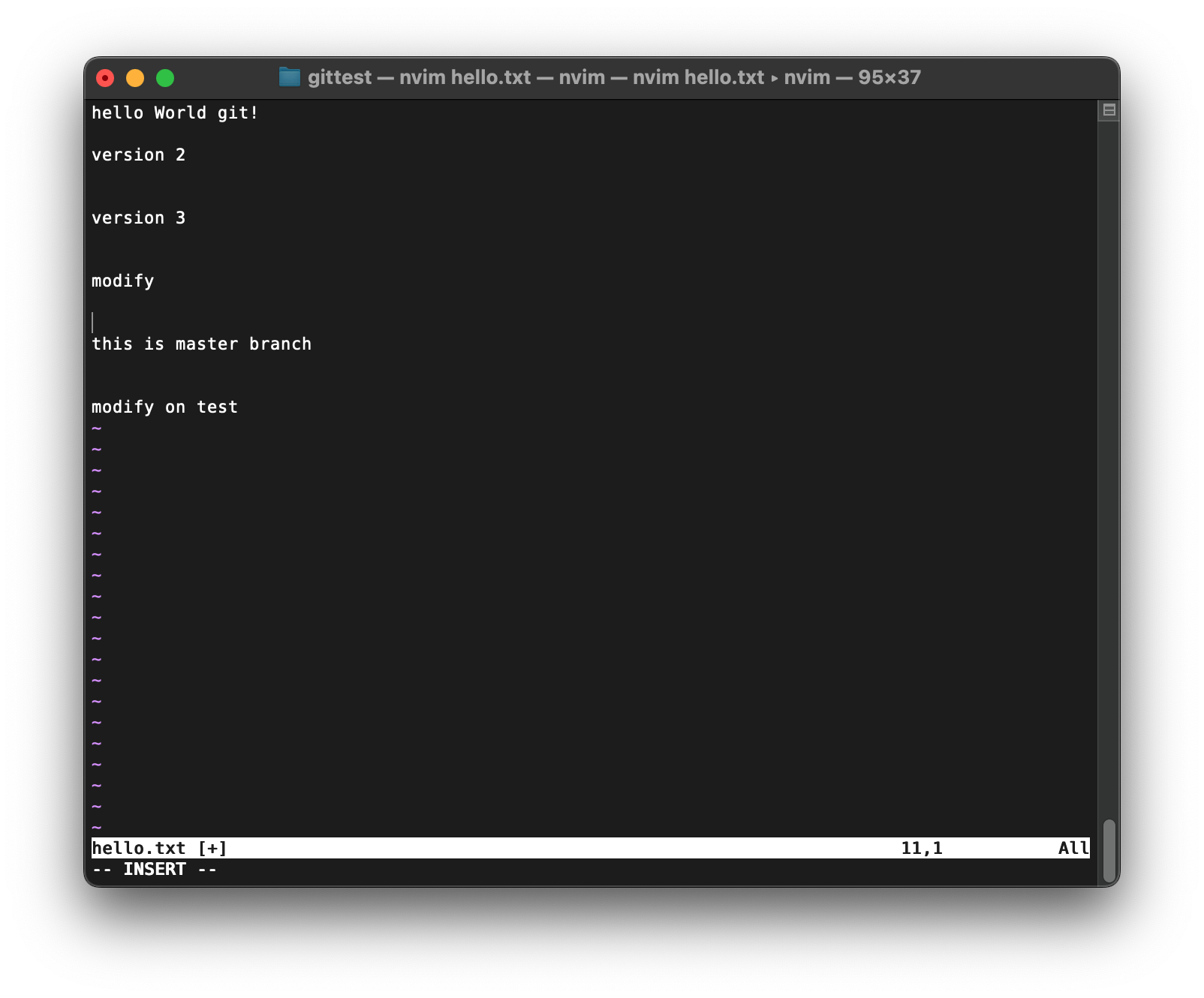
想要两个都保留
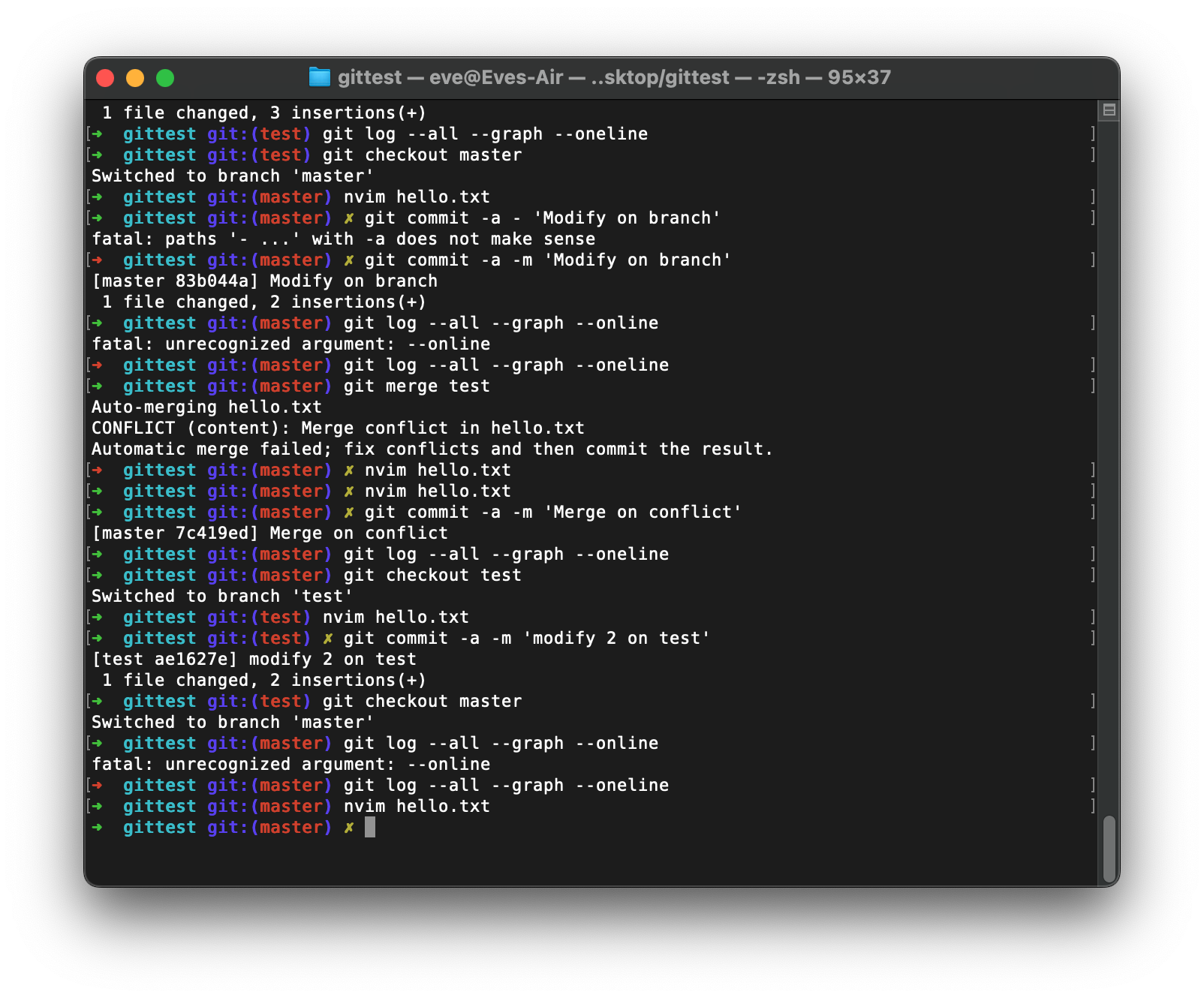
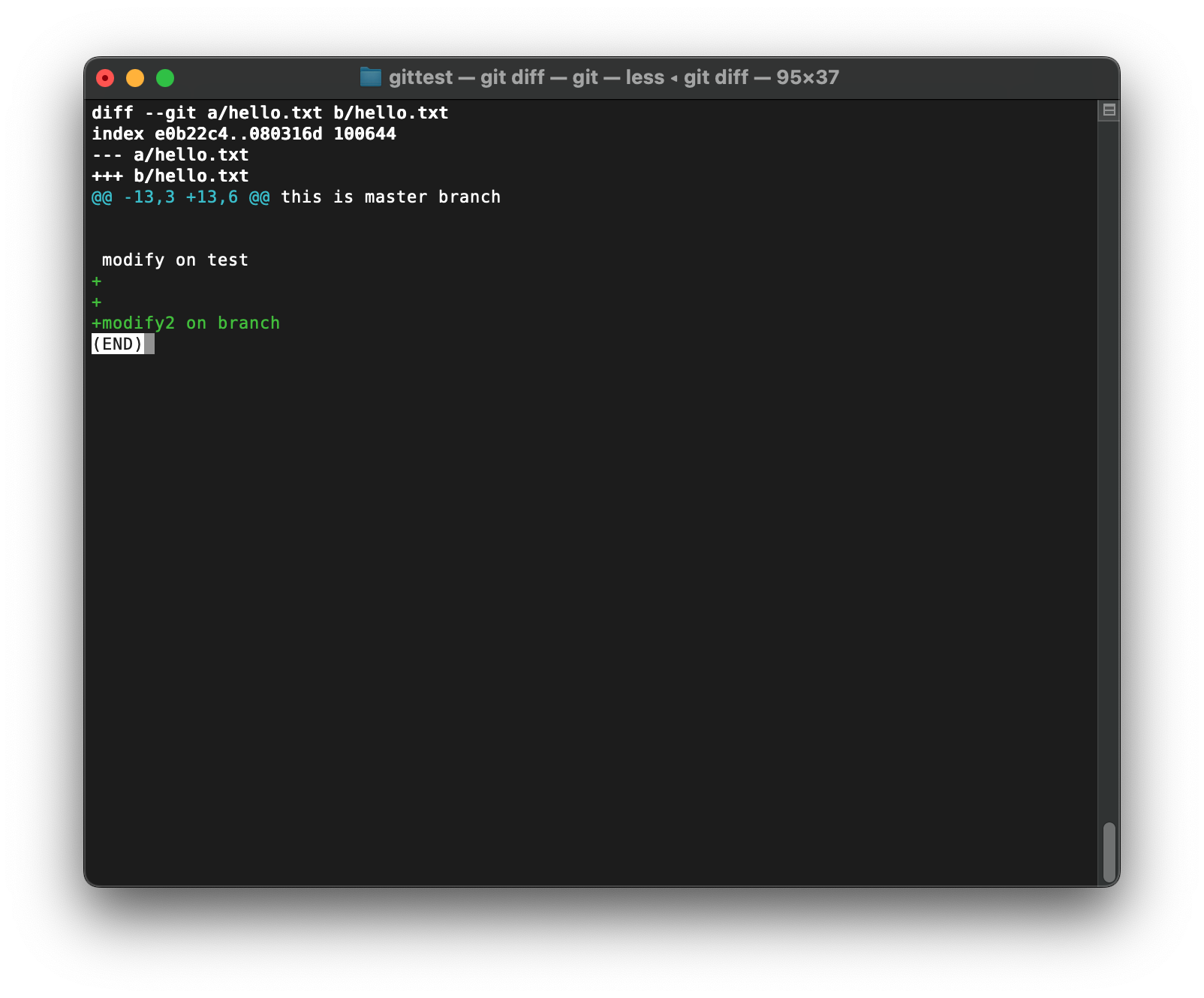
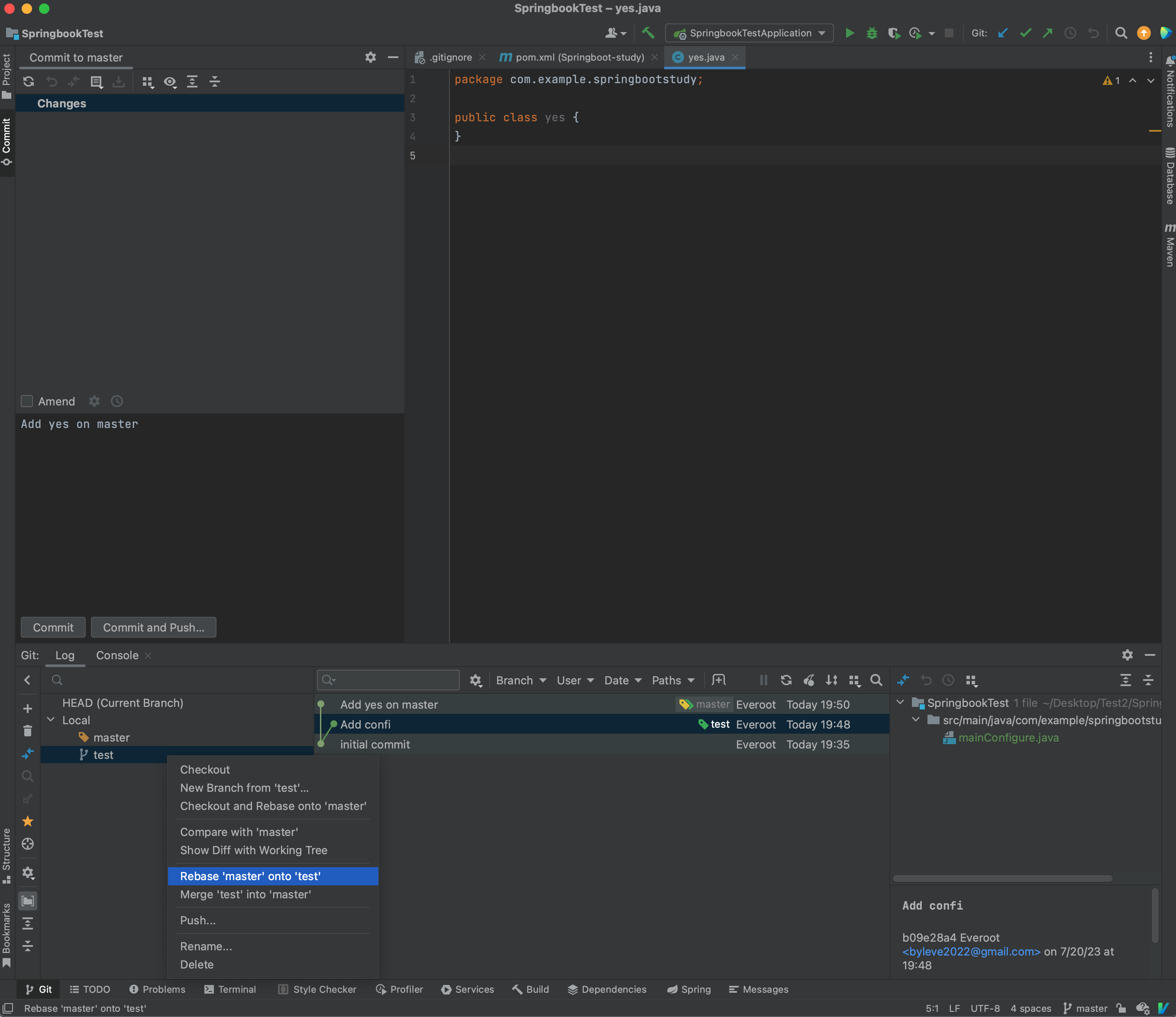
变基分支
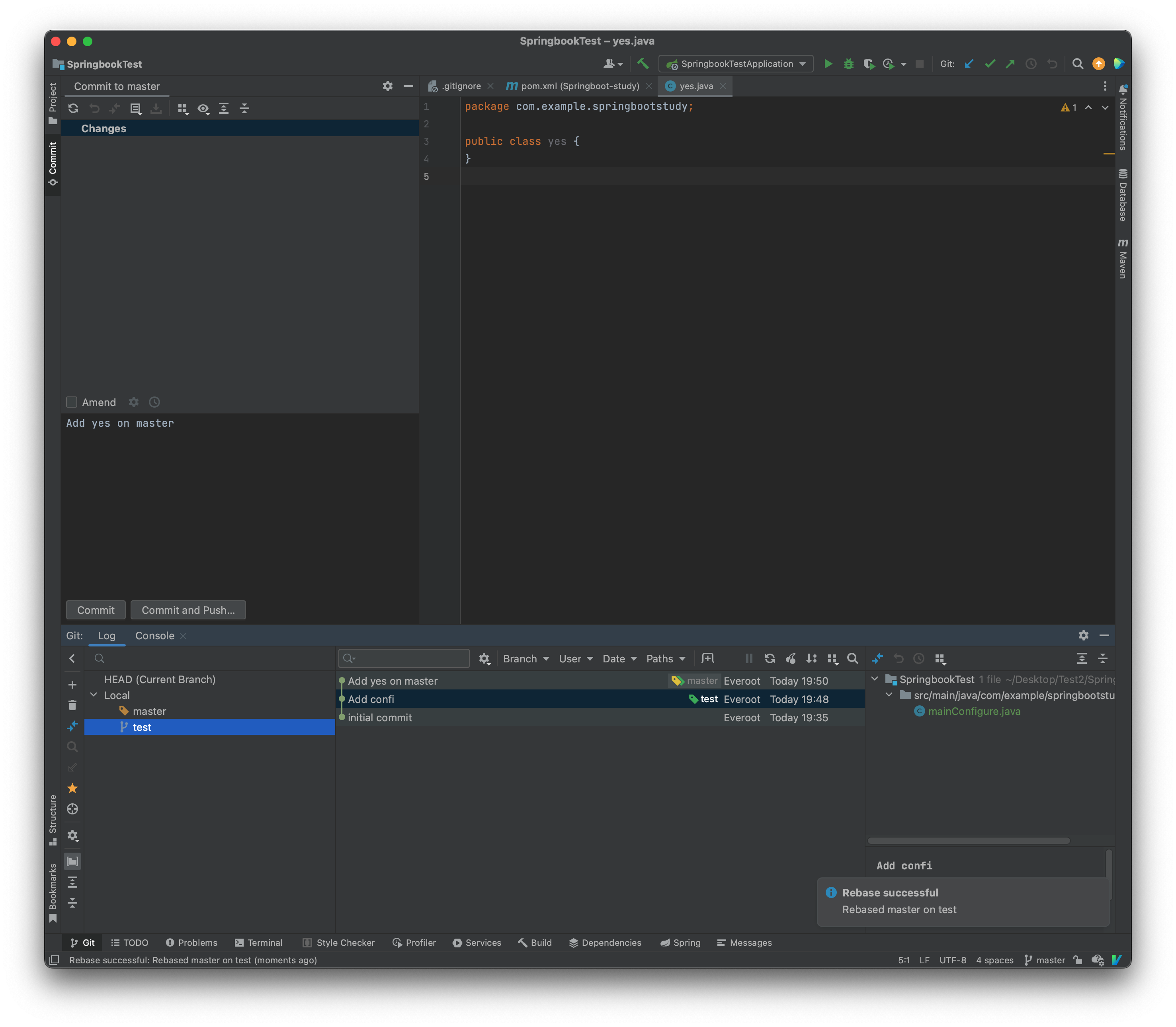
除了直接合并分支以外, 我们还可以进行变基操作, 它跟合并不同, 合并是分支回到主干的过程, 而变基是直接修改分支开始的位置, 比如希望将test变基到master上, 那么test会将分支起点移动到master最后一次提交位置:
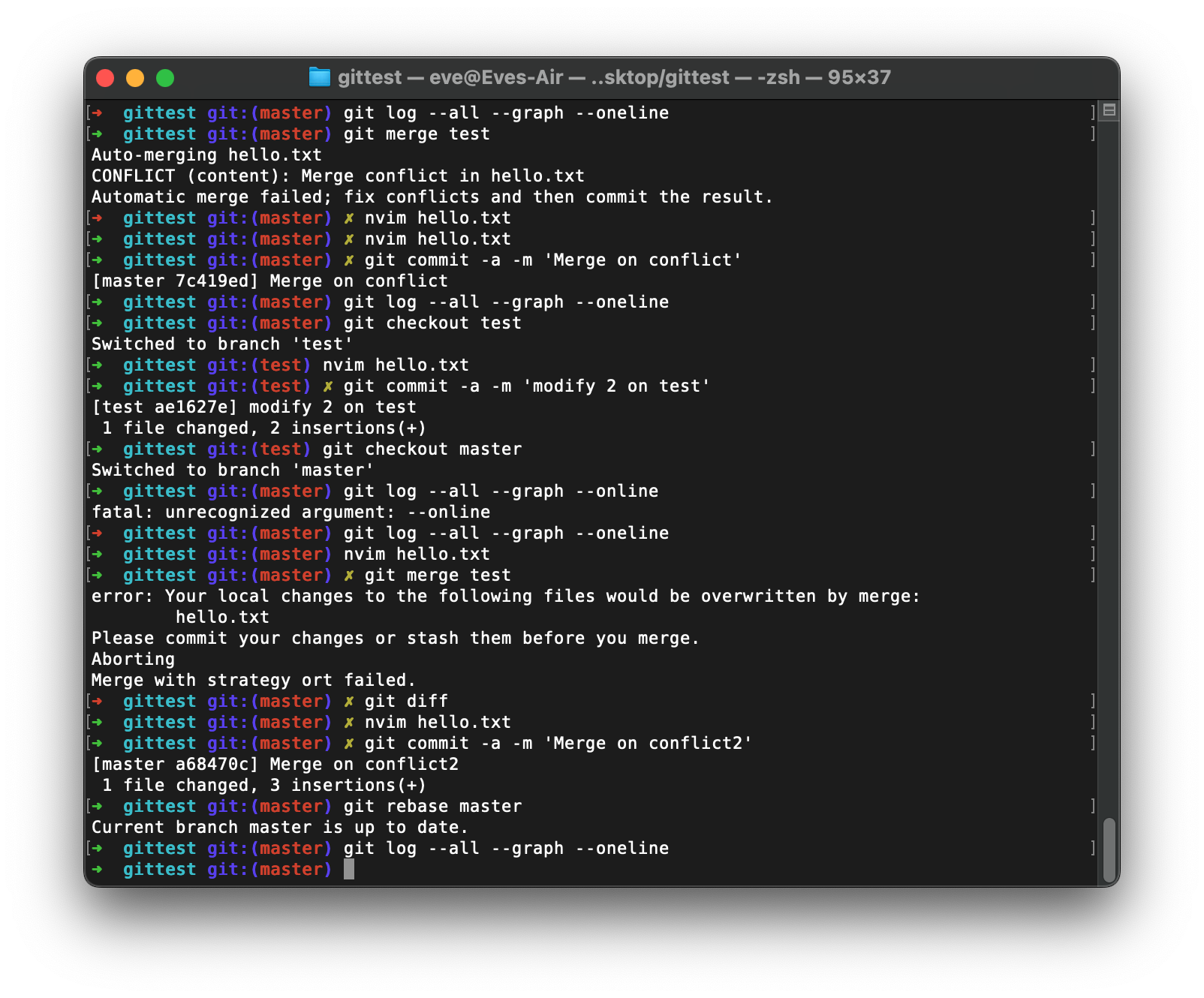
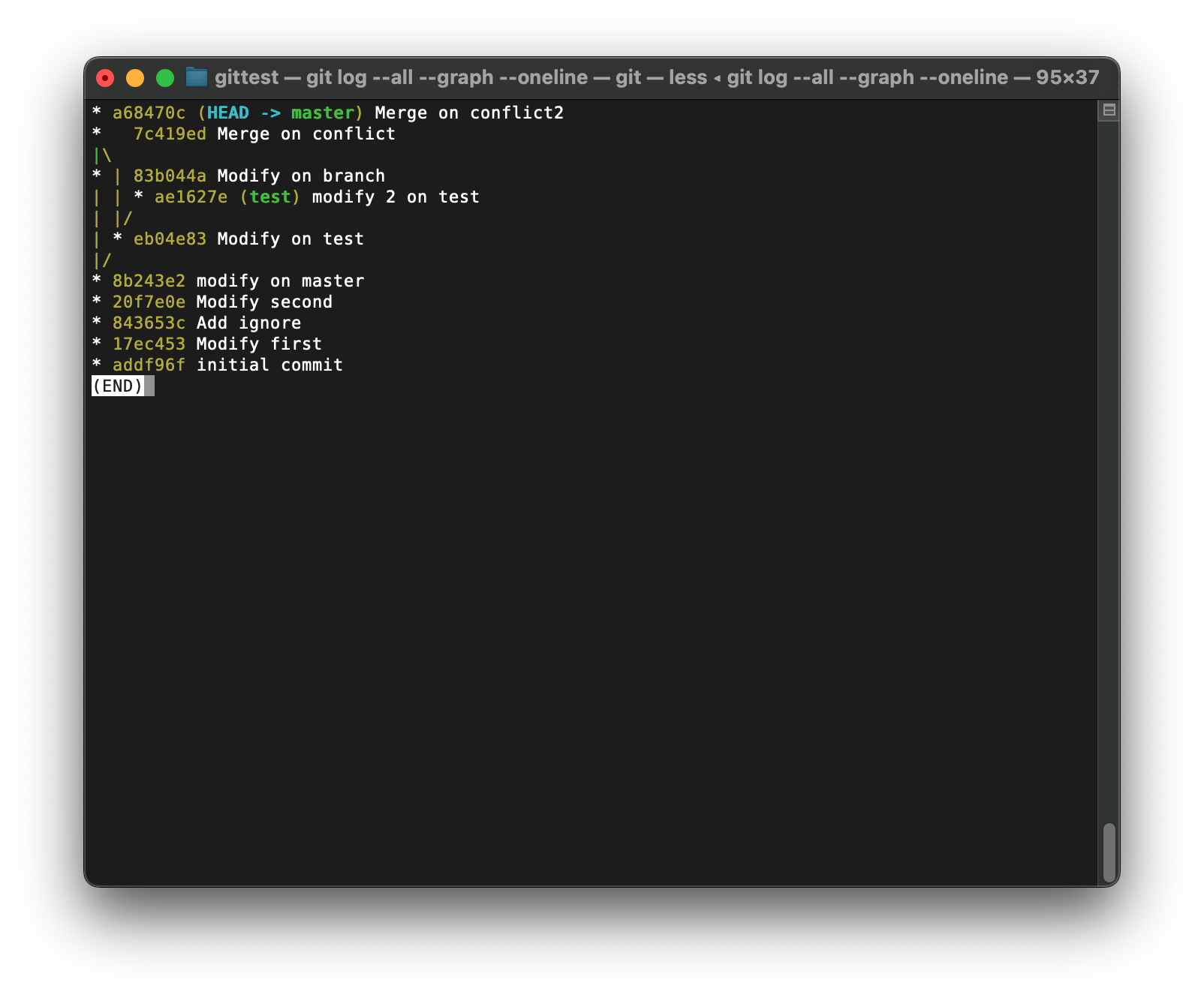
变基后, test分支相当于同步了此前master分支的全部提交
优选
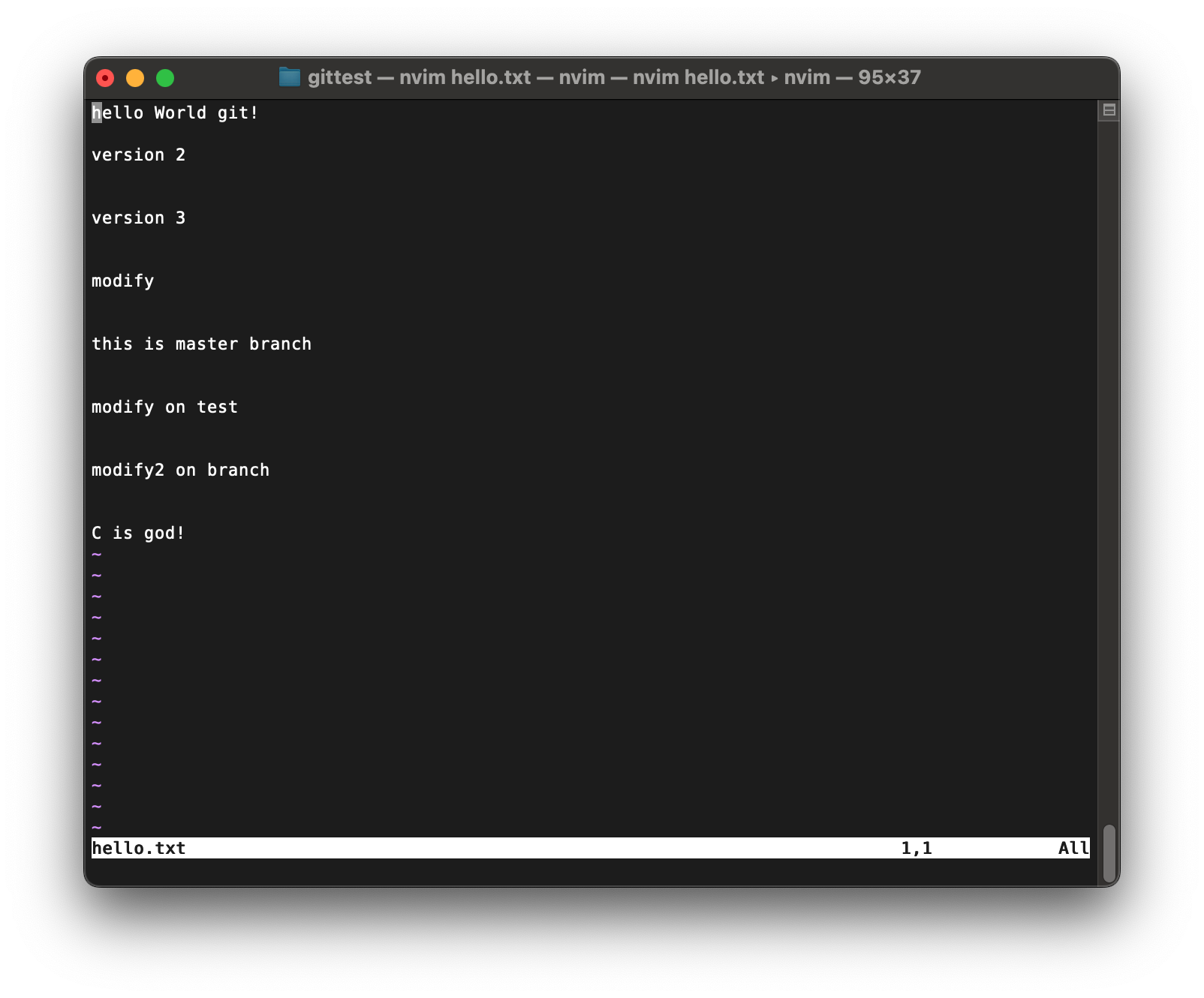
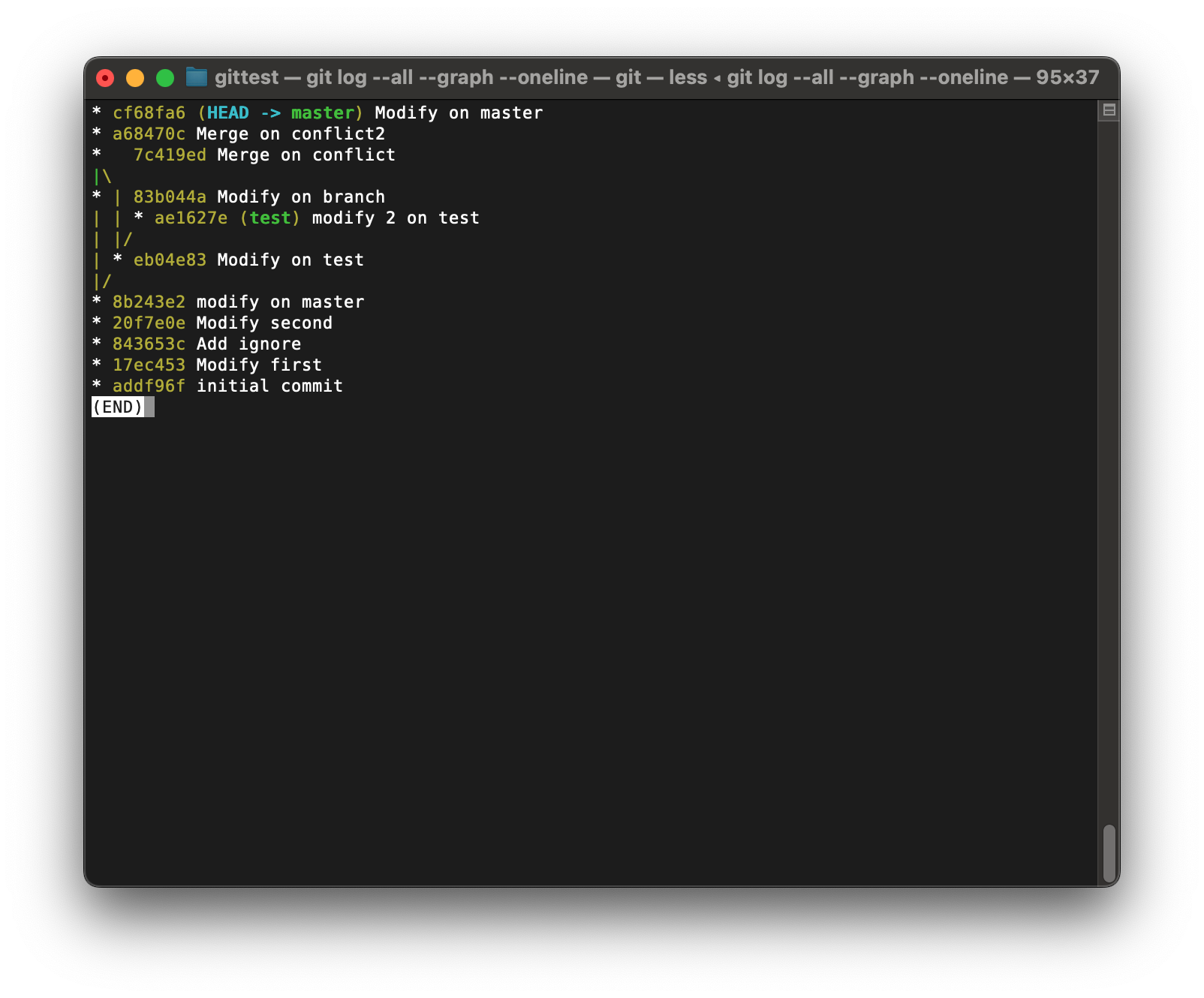
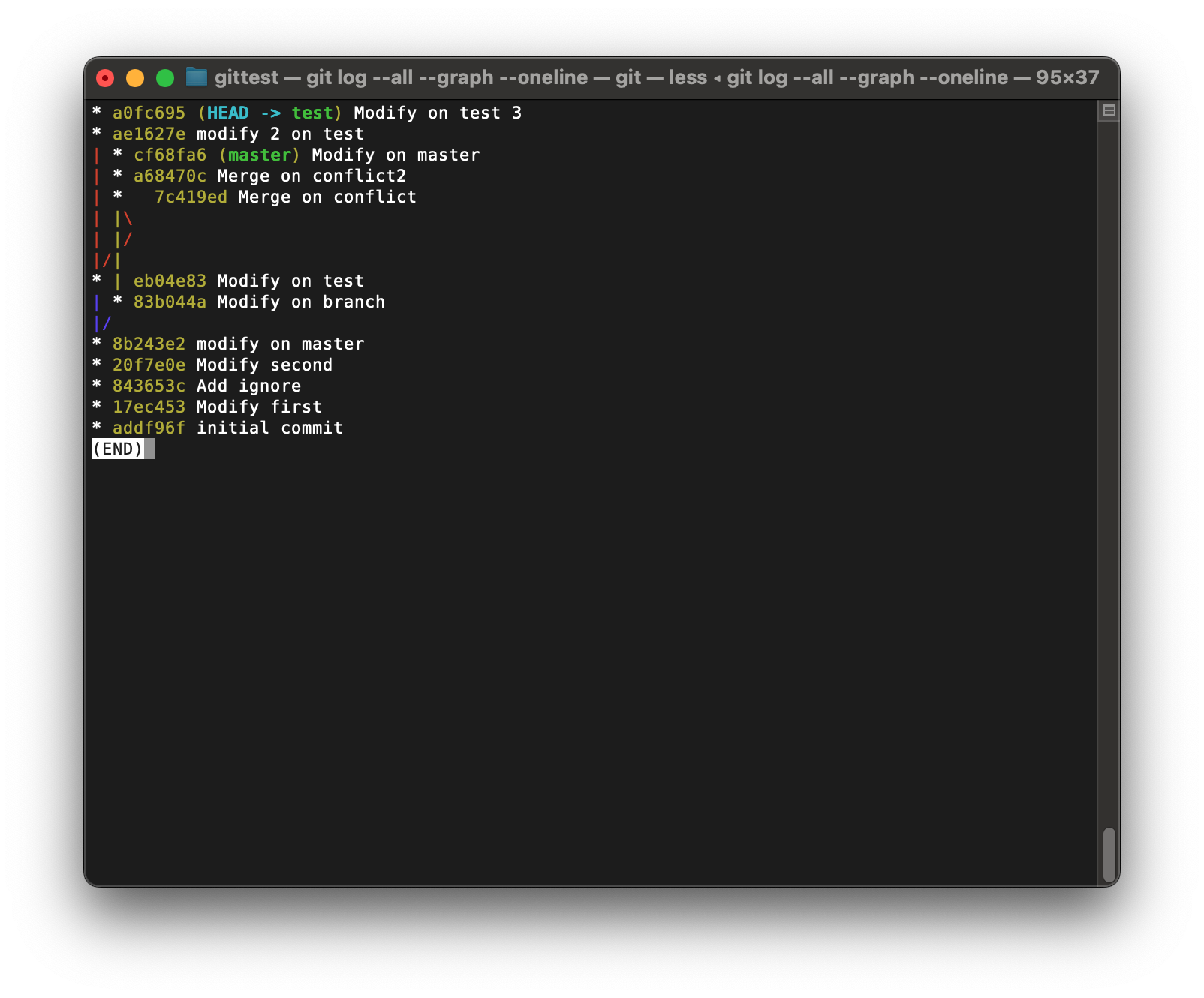
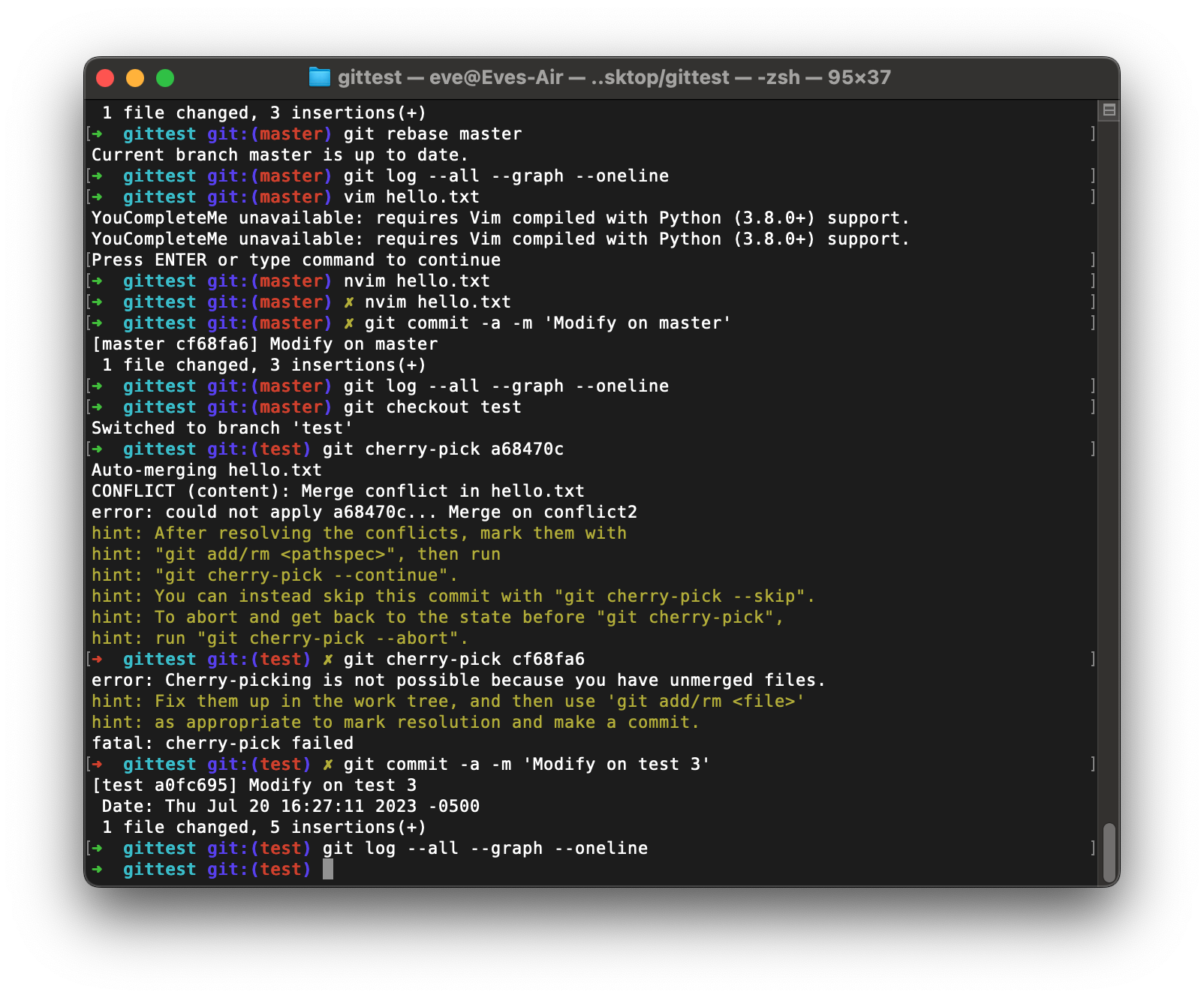
我们还可以选择其他分支上的提交作用于当前分支上, 这种操作成为cherrypick:
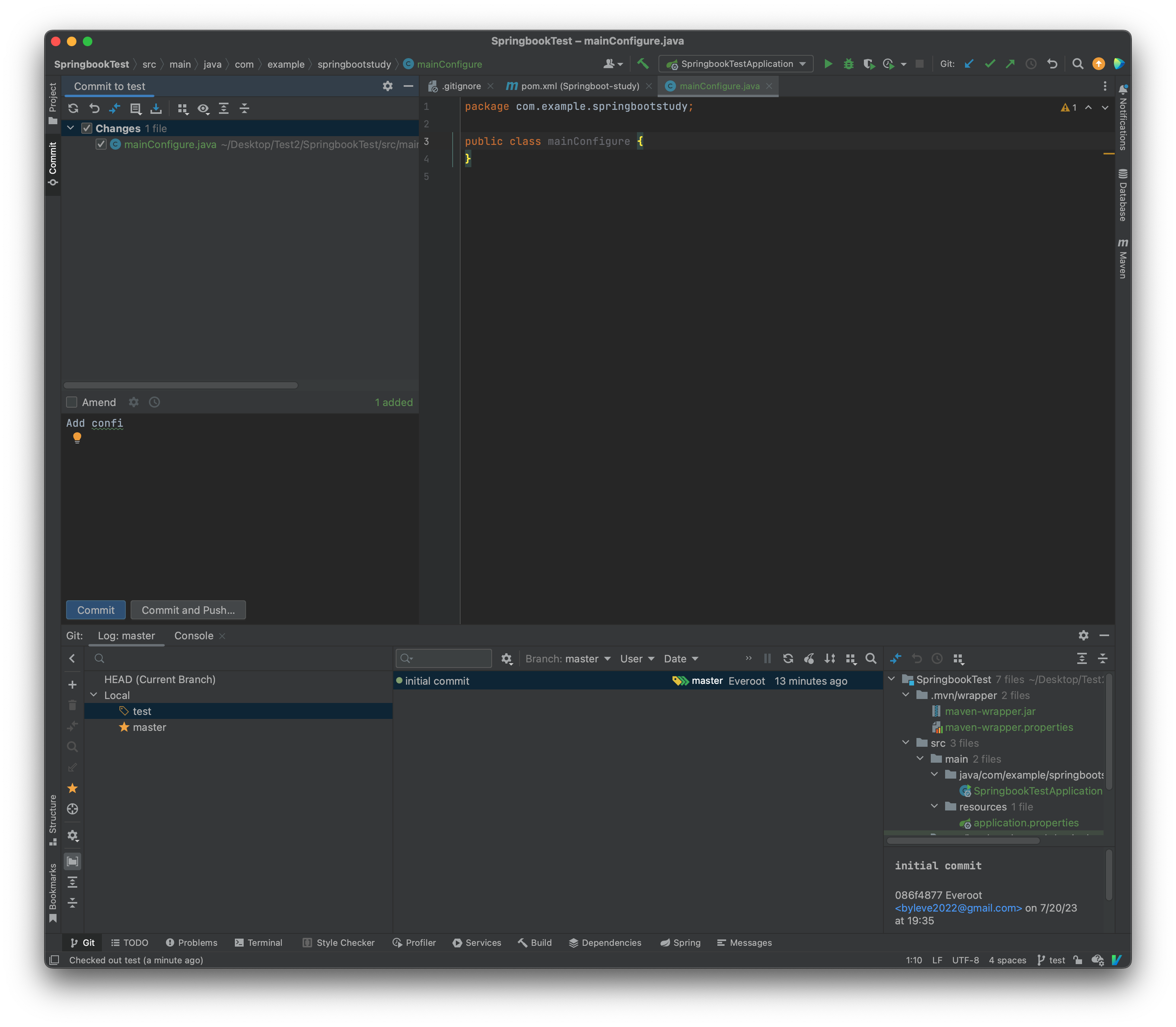
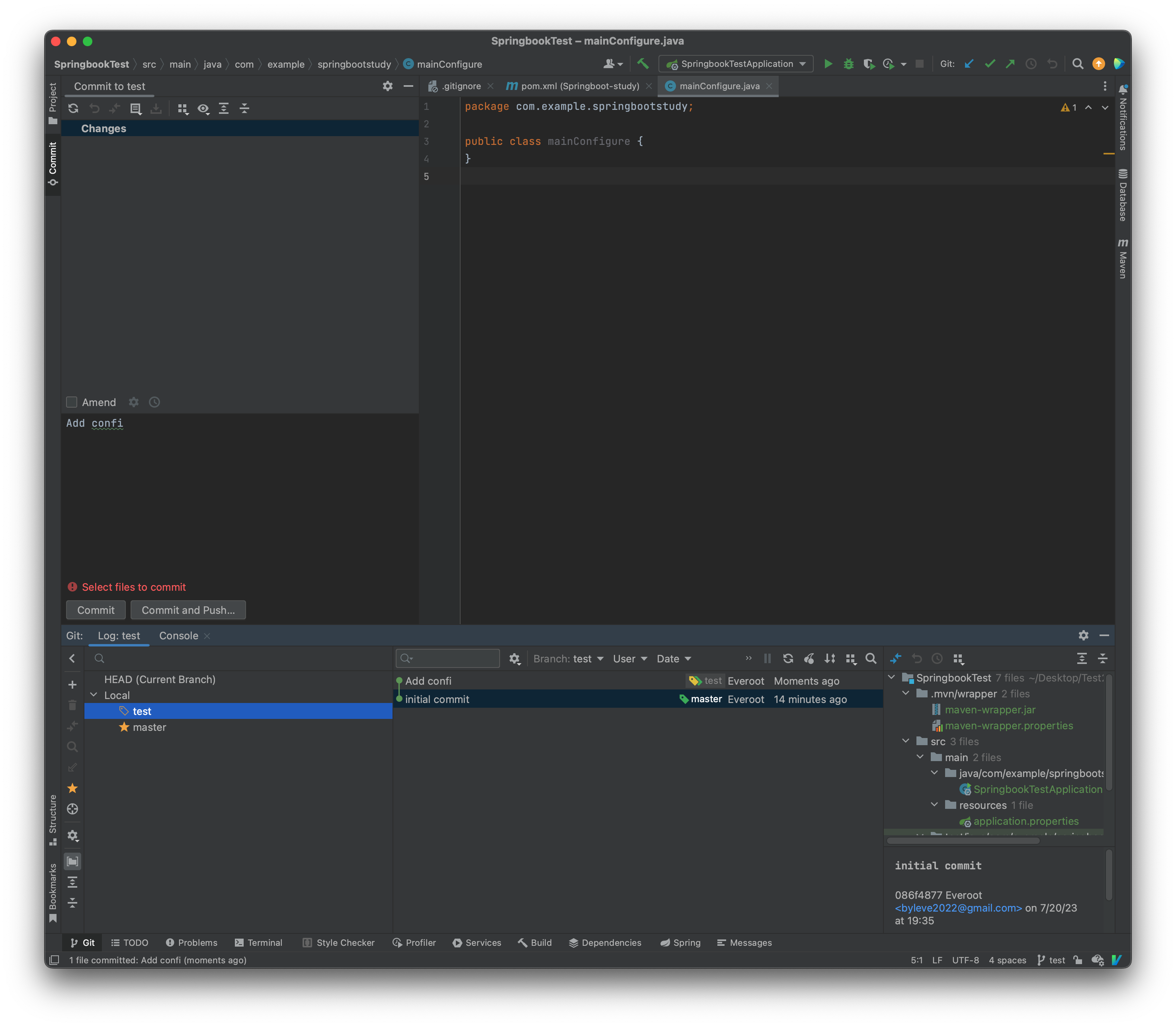
使用IDEA版本控制
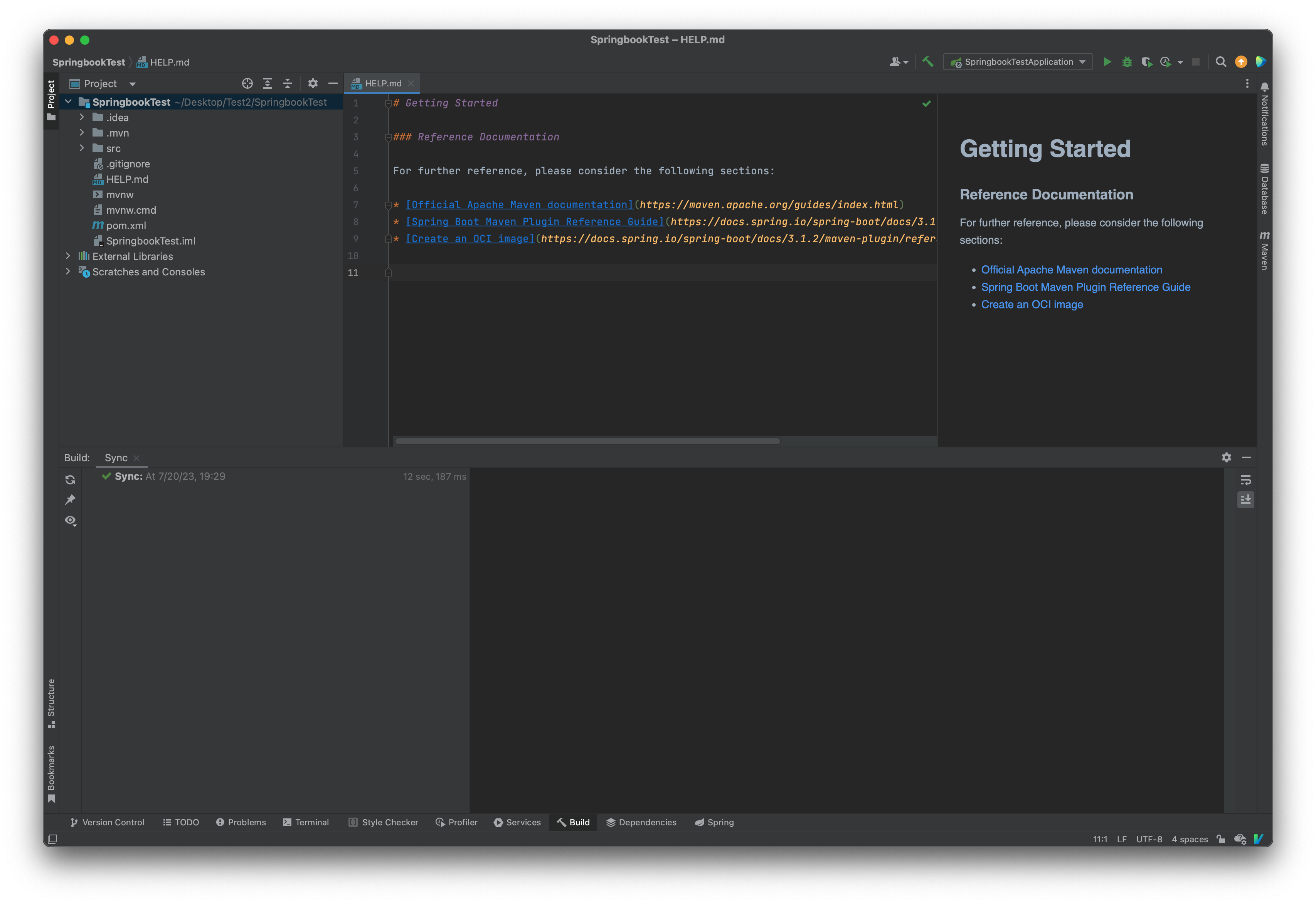
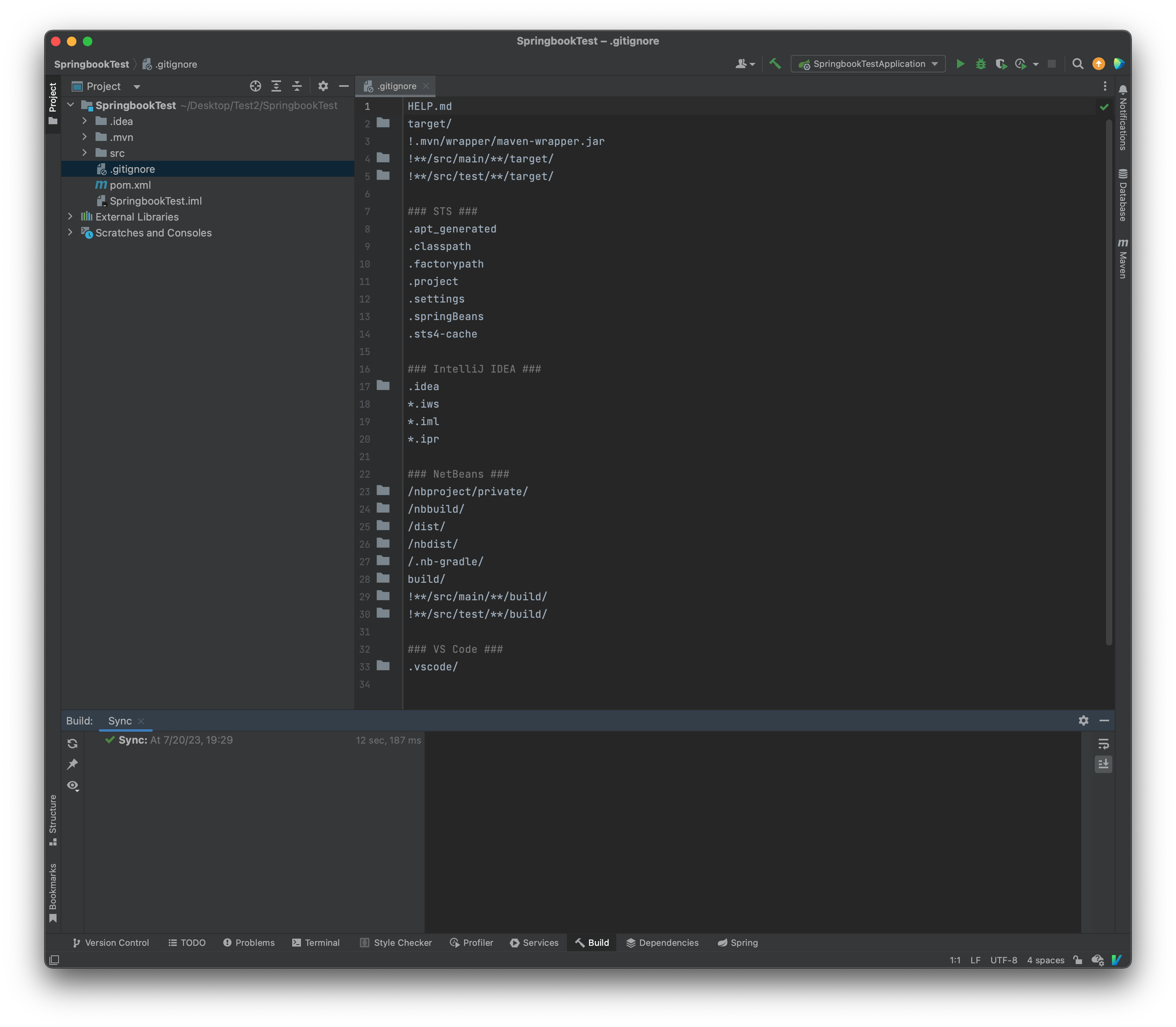
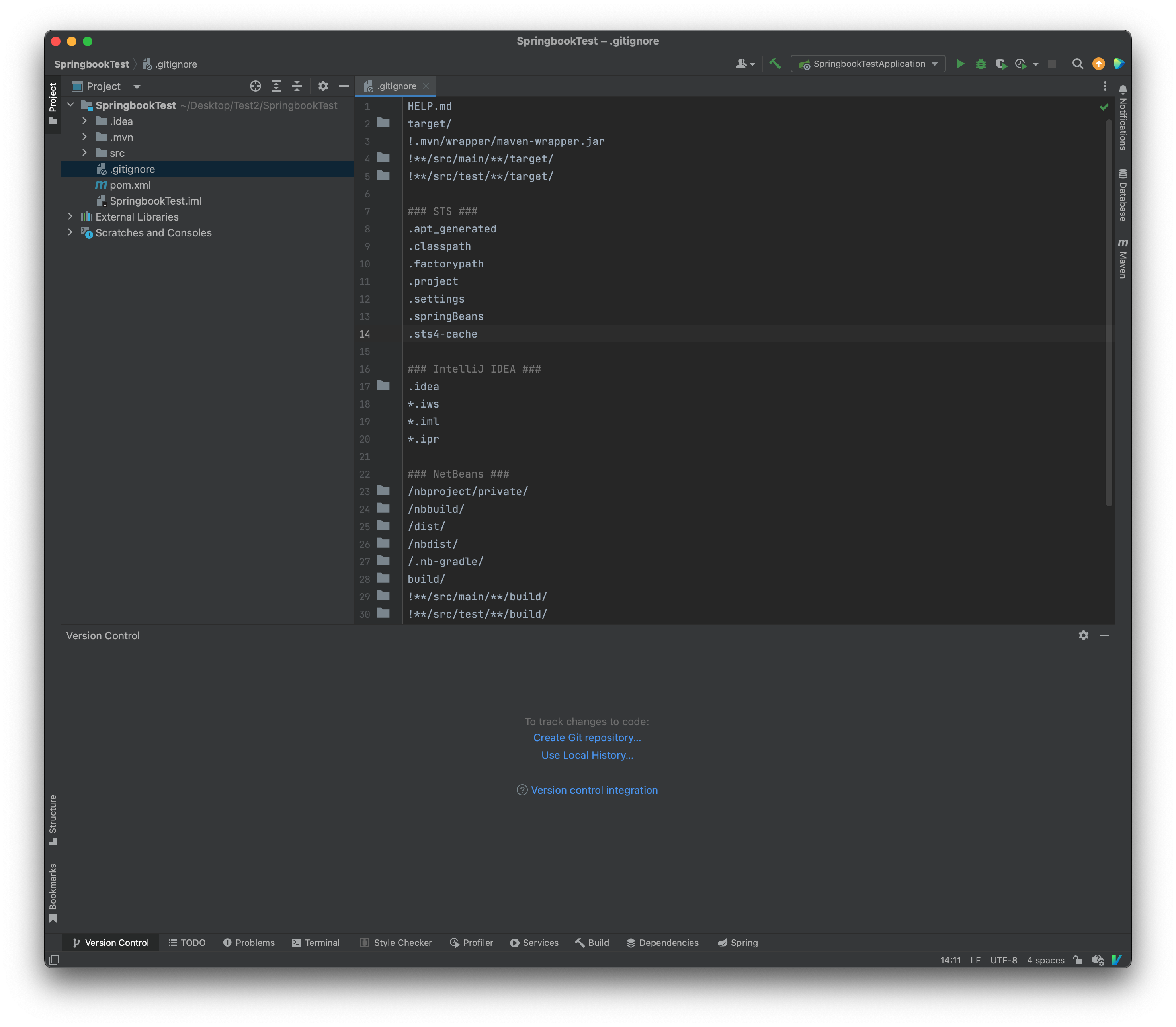
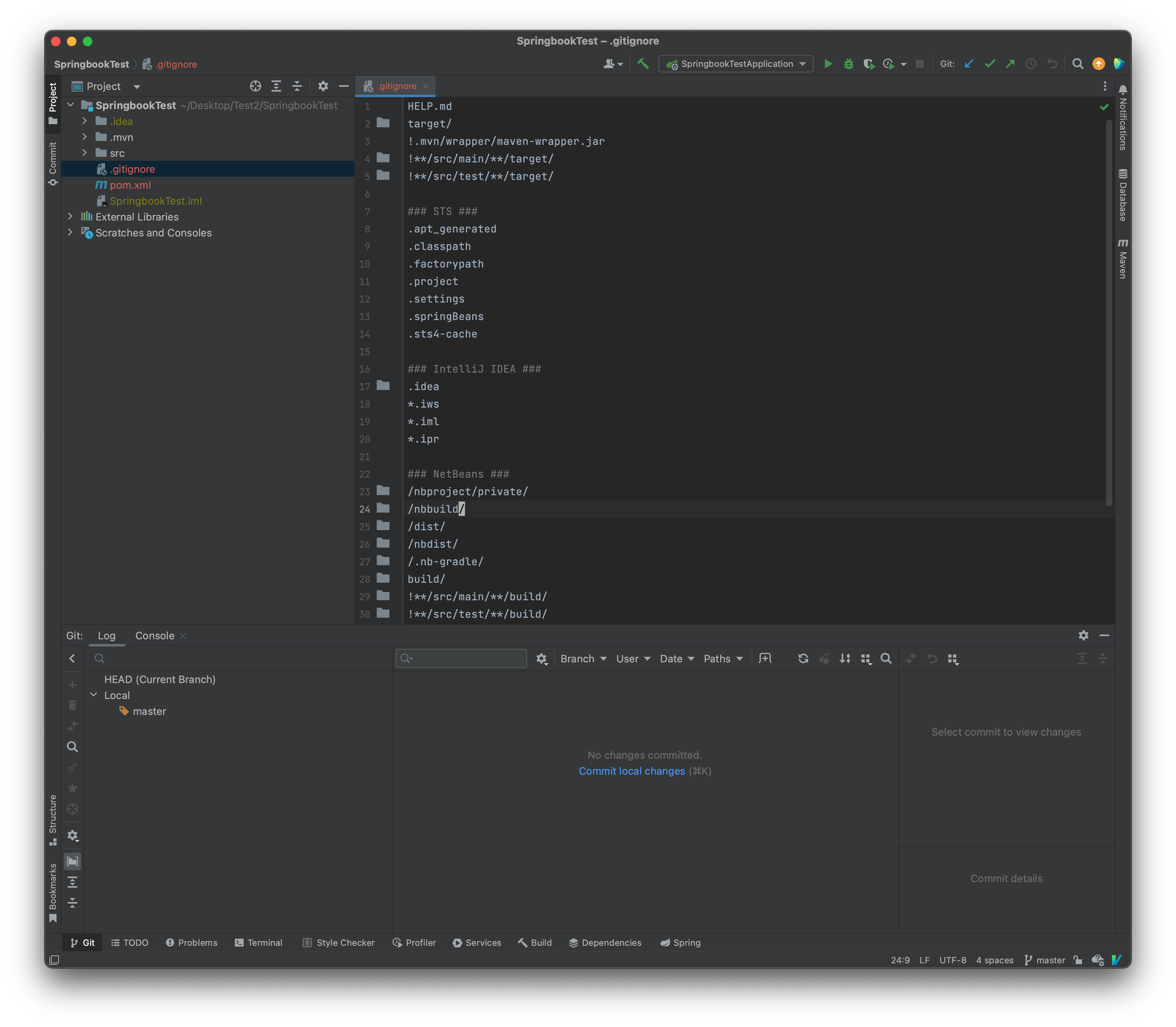
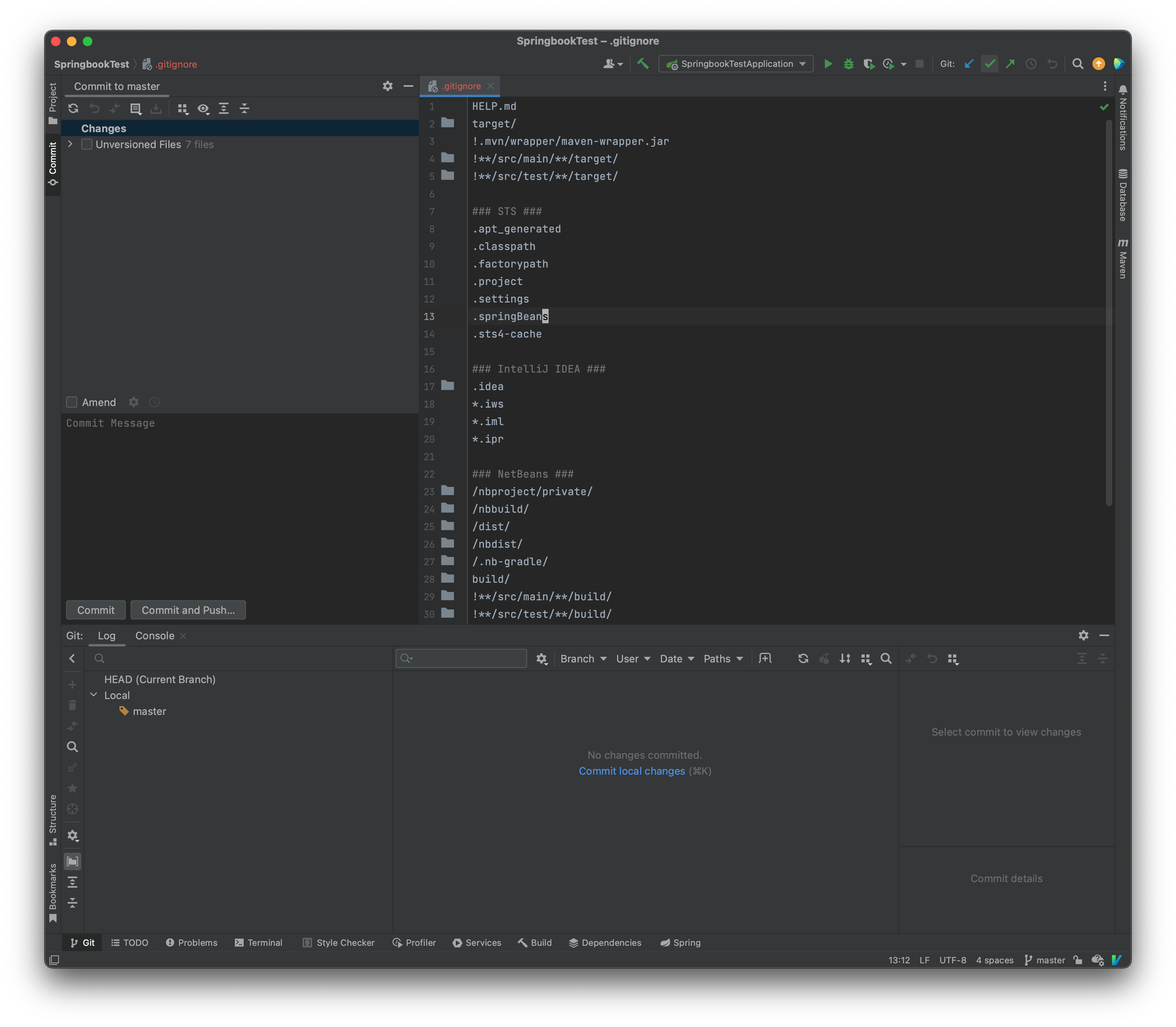
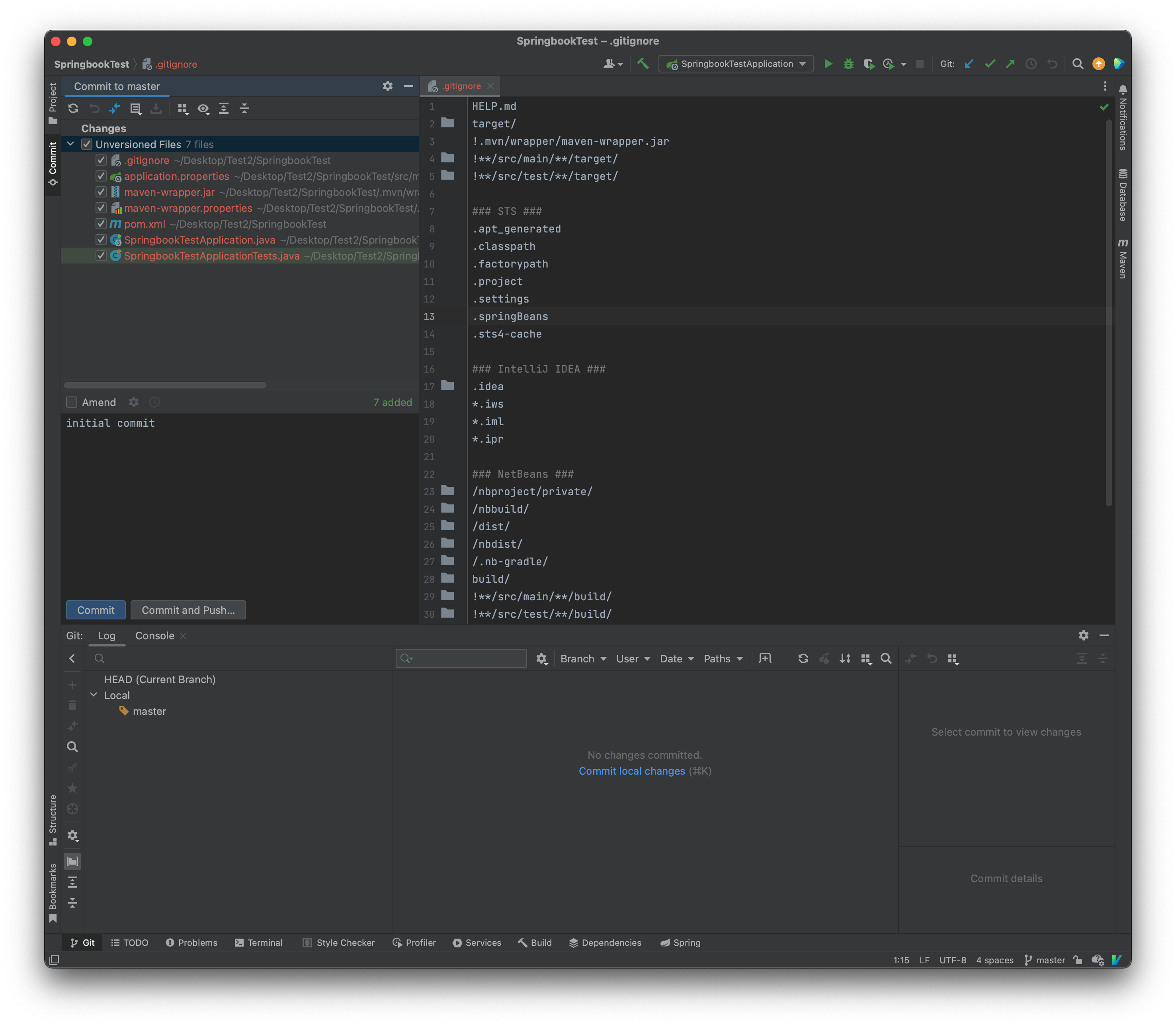
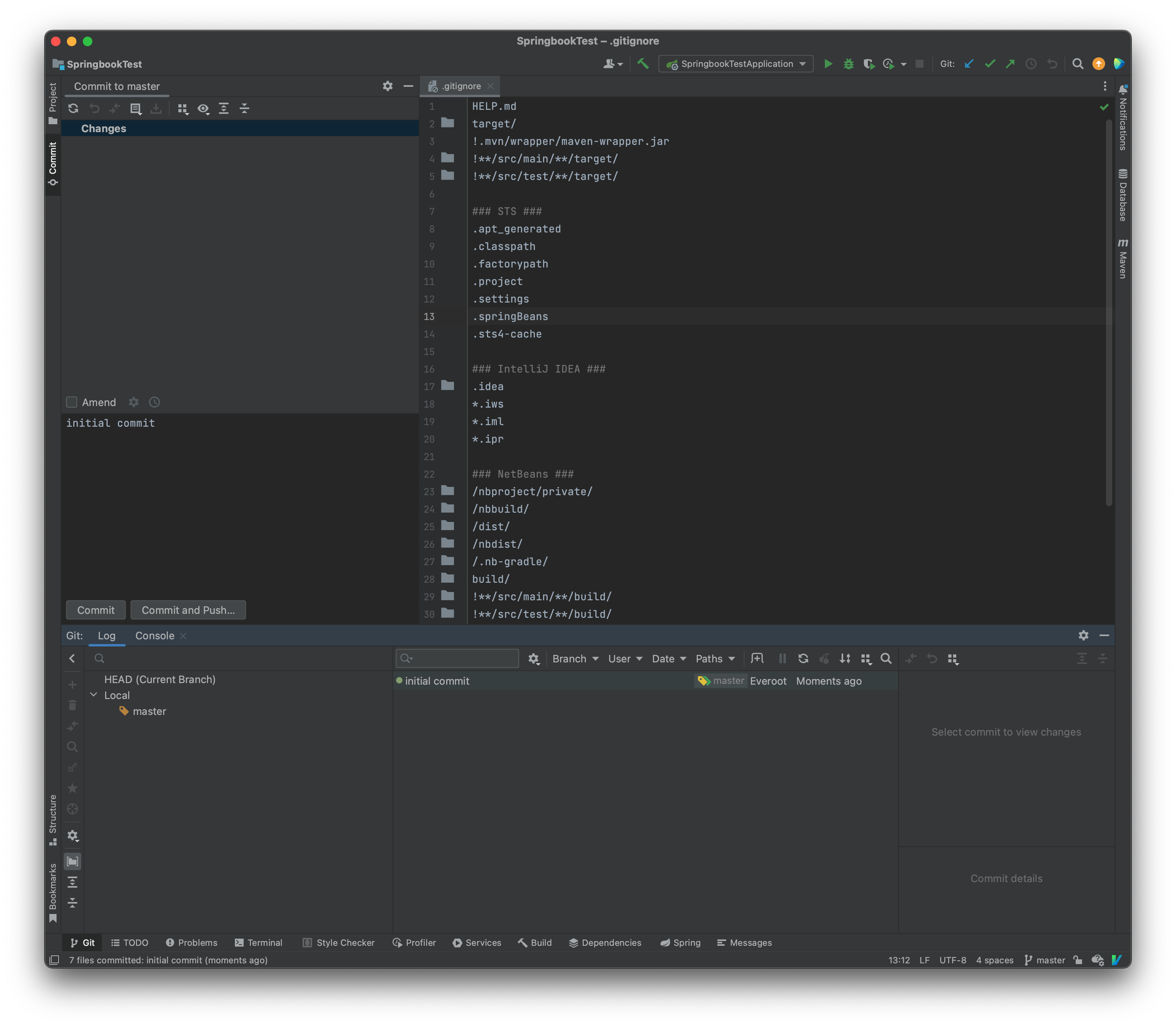
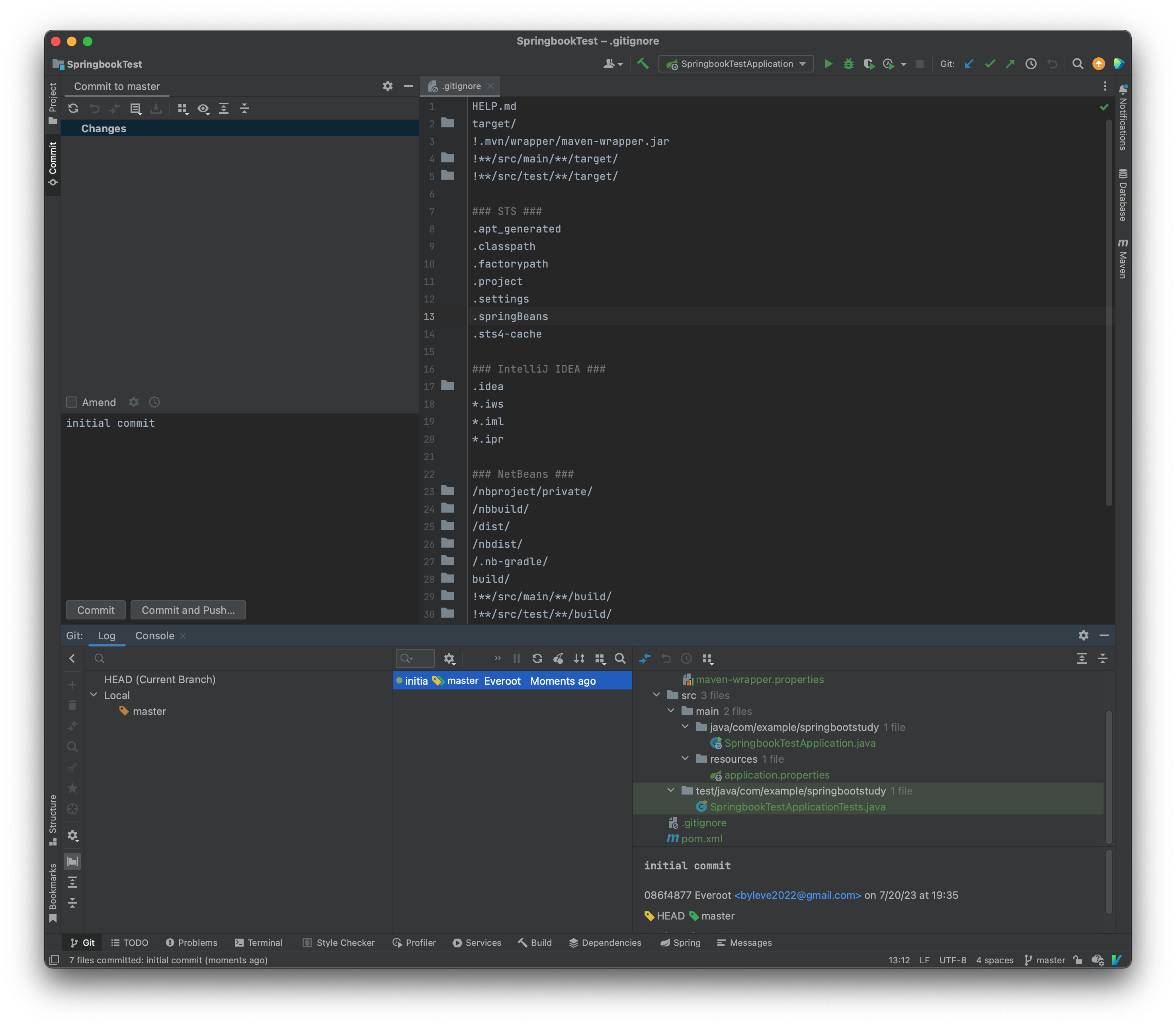
绿色文件 新建文件
蓝色表示修改
新建个文件 修改个文件
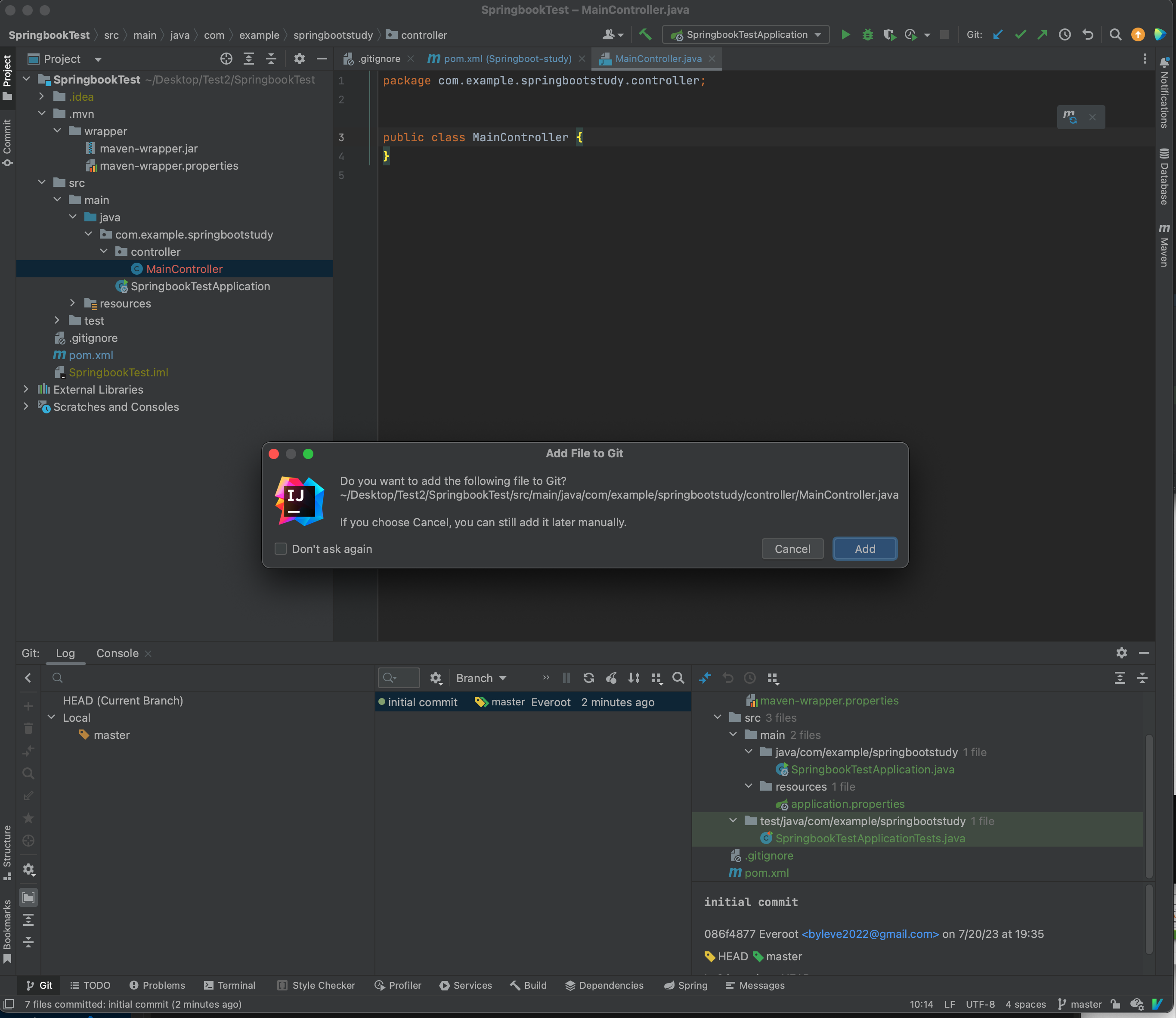
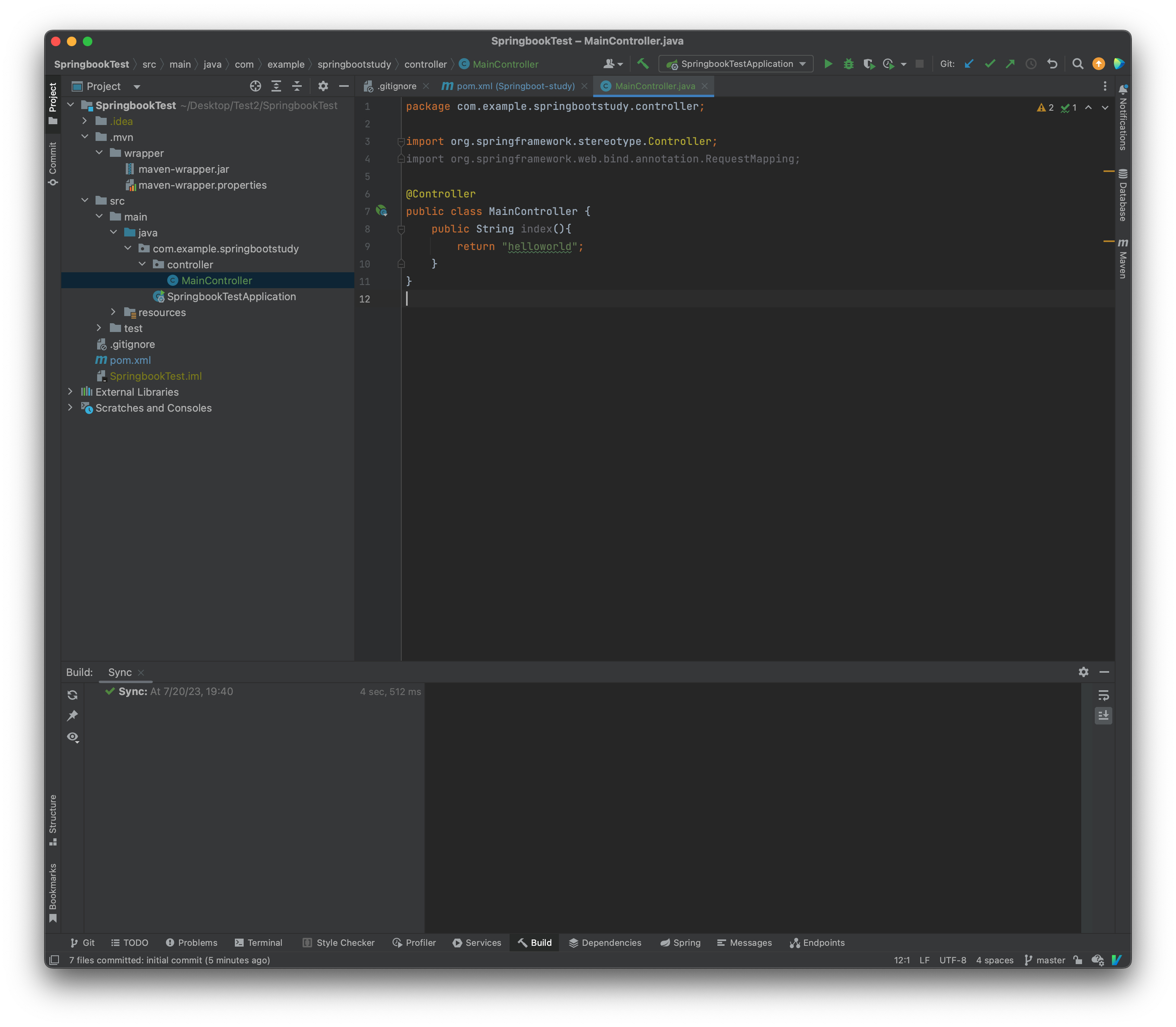
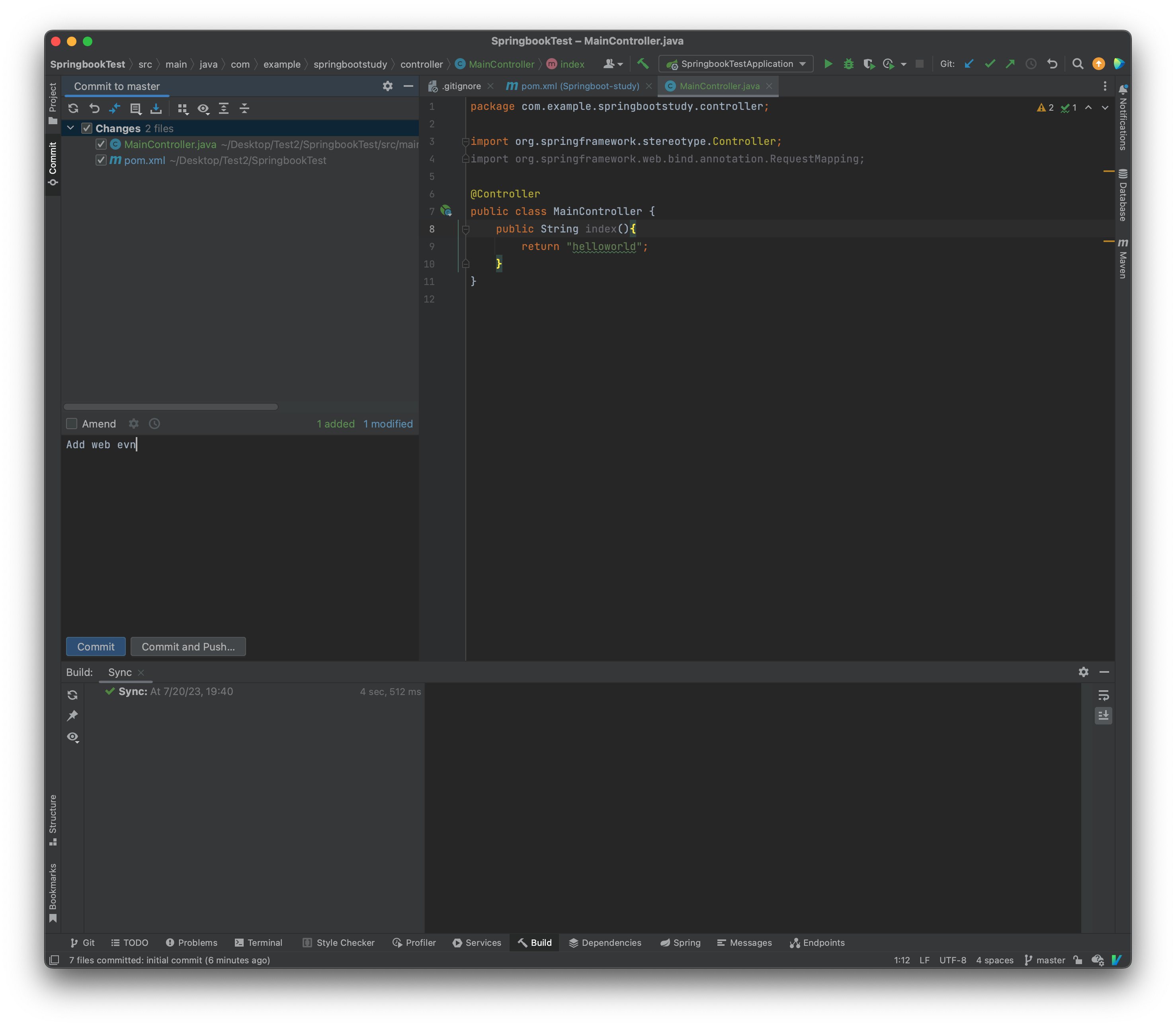
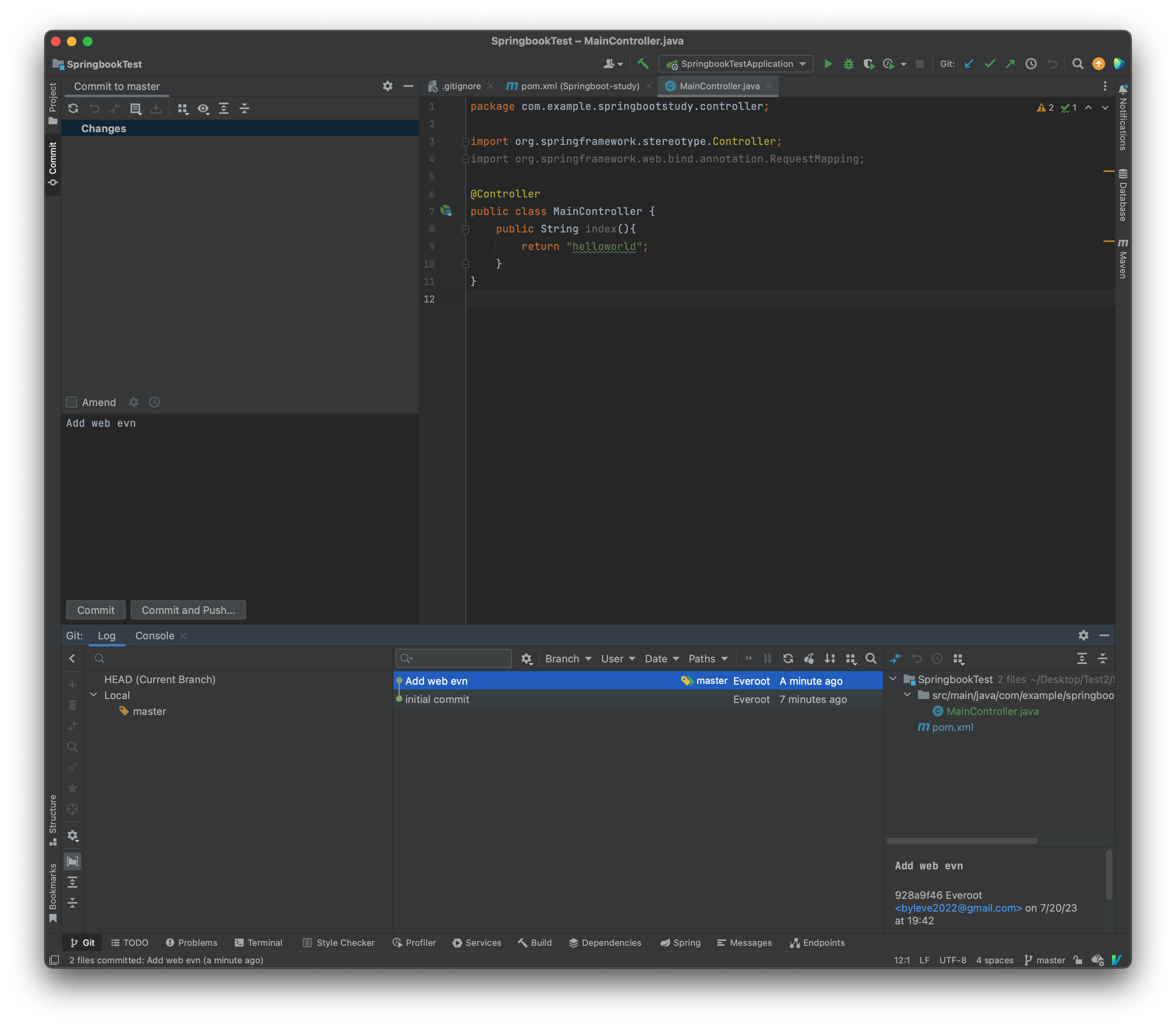
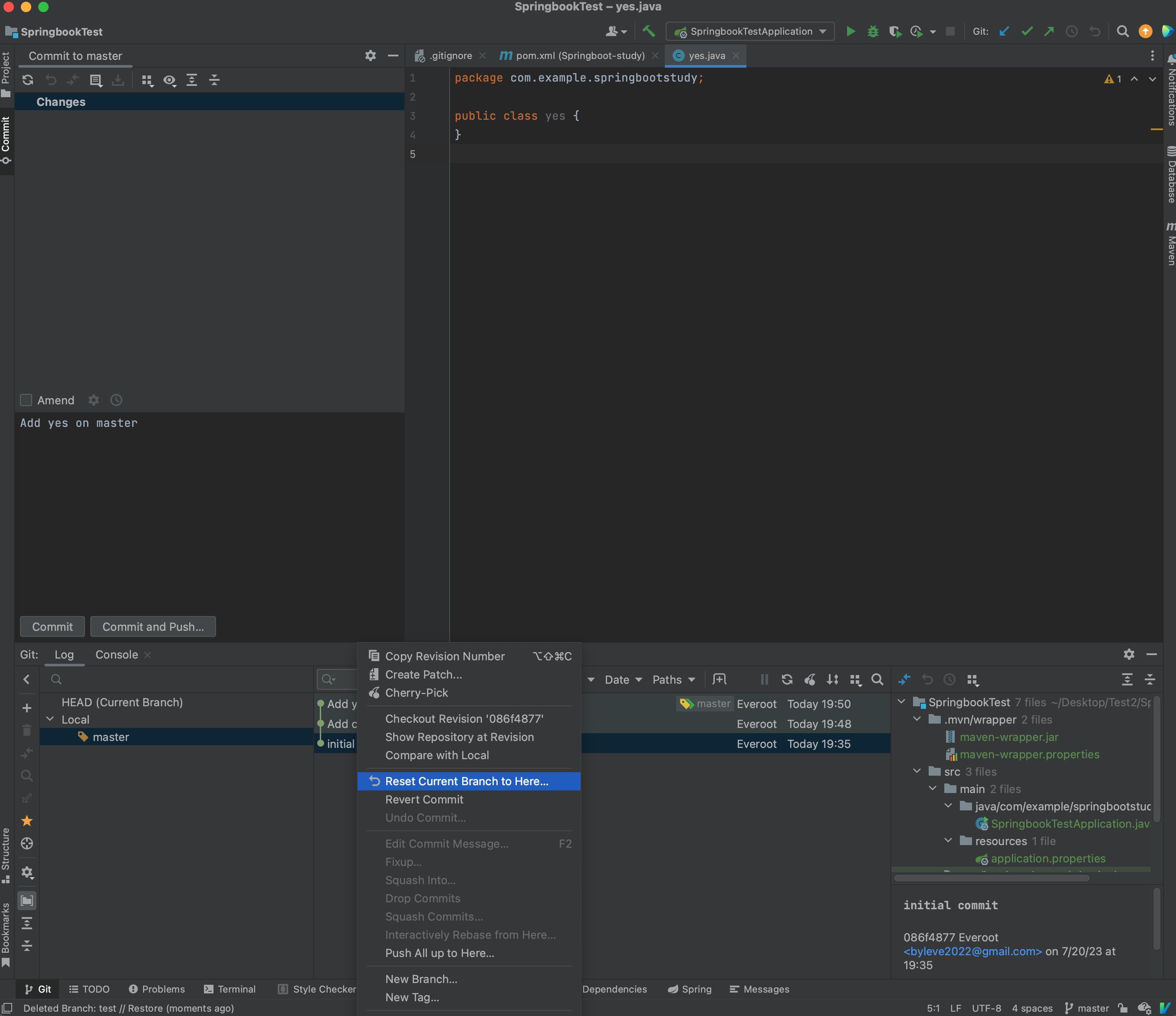
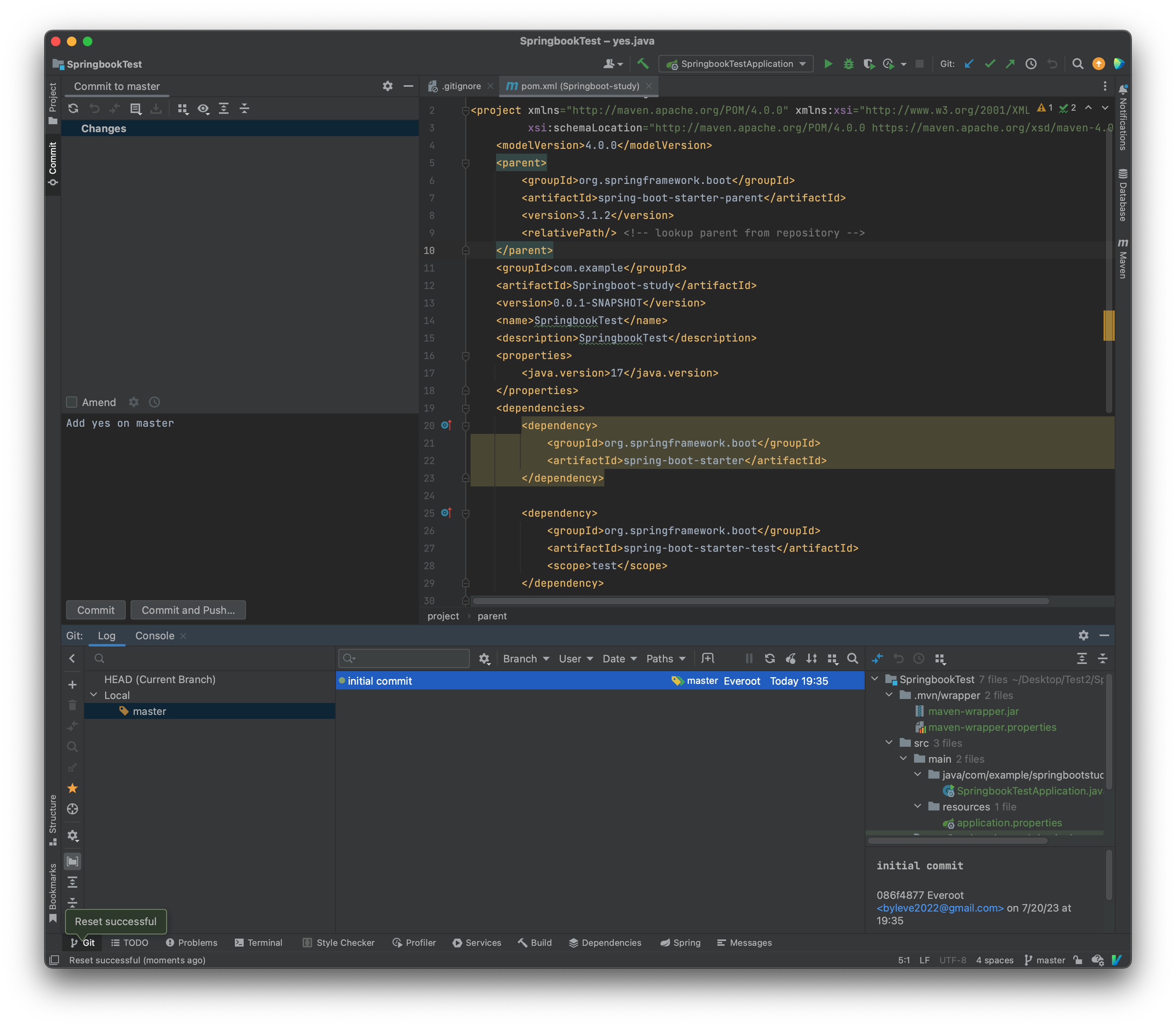
If I want to go back,
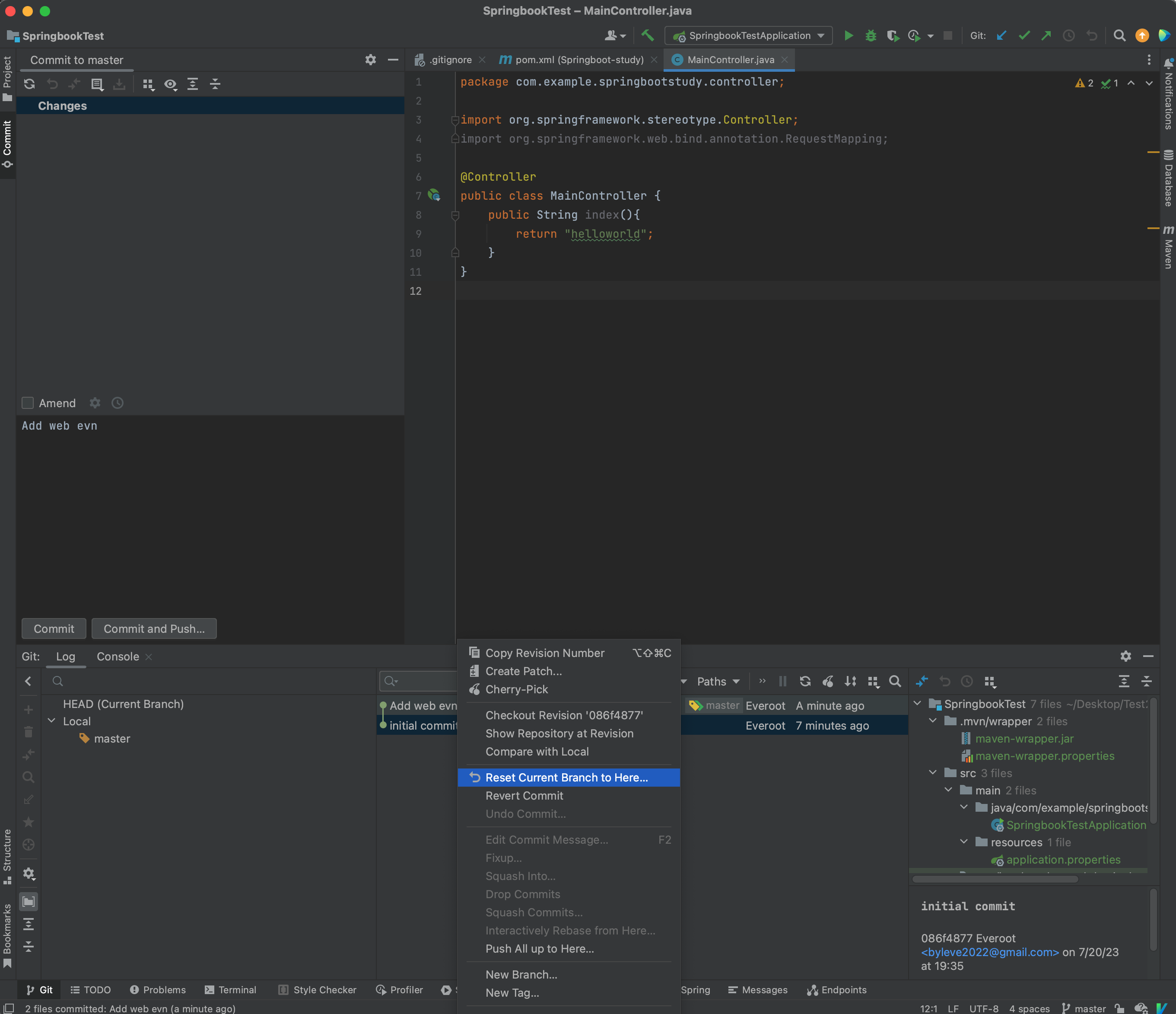
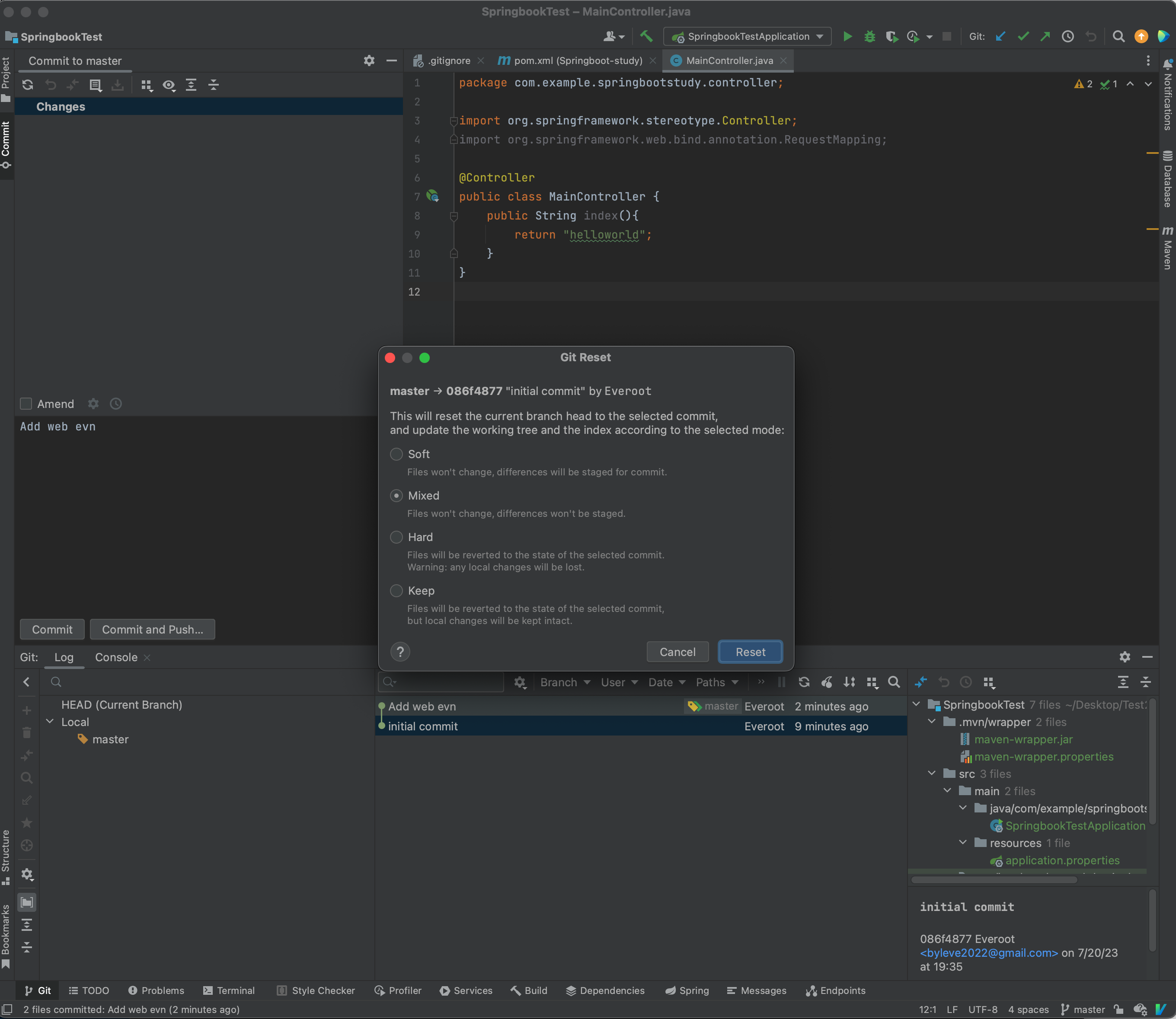
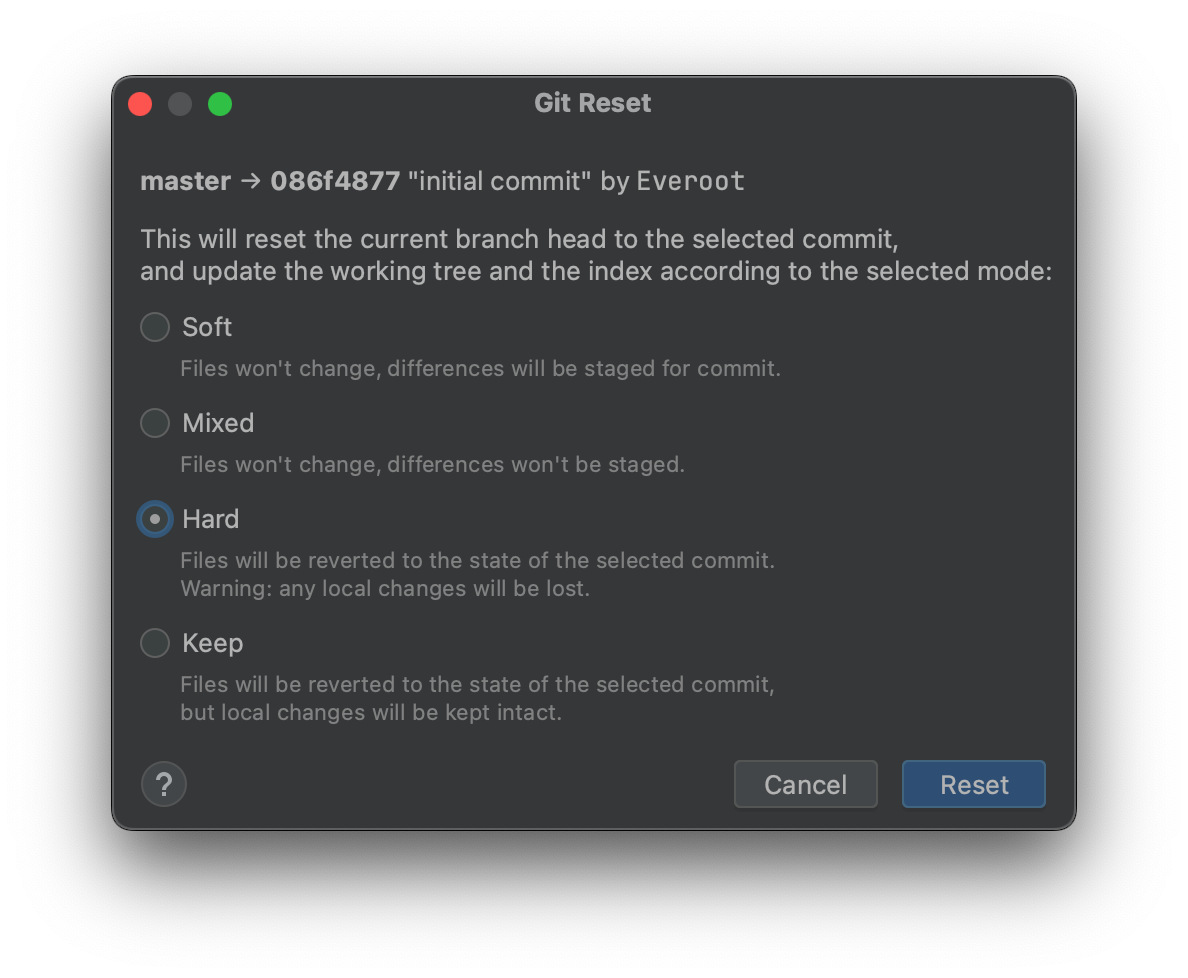
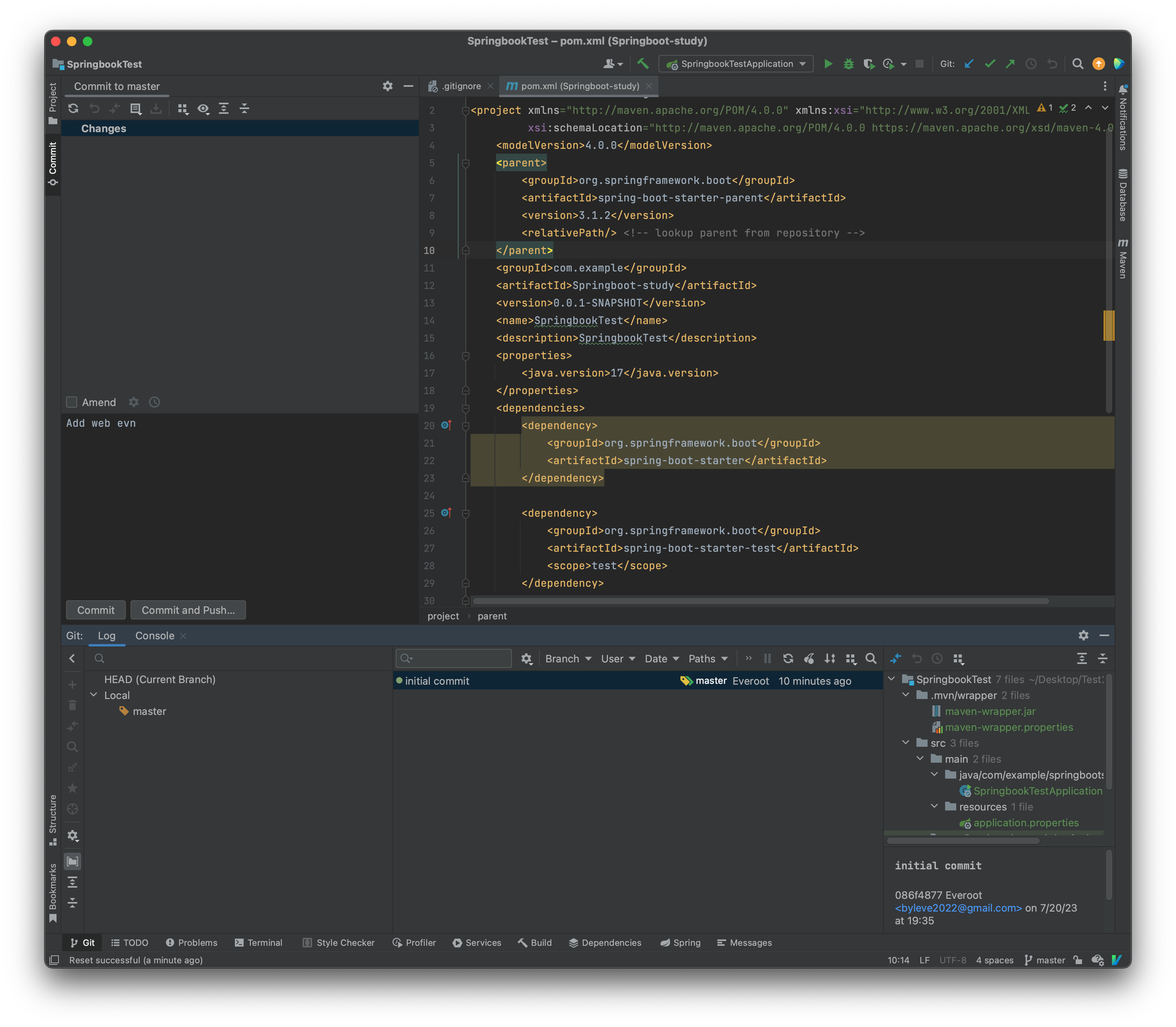
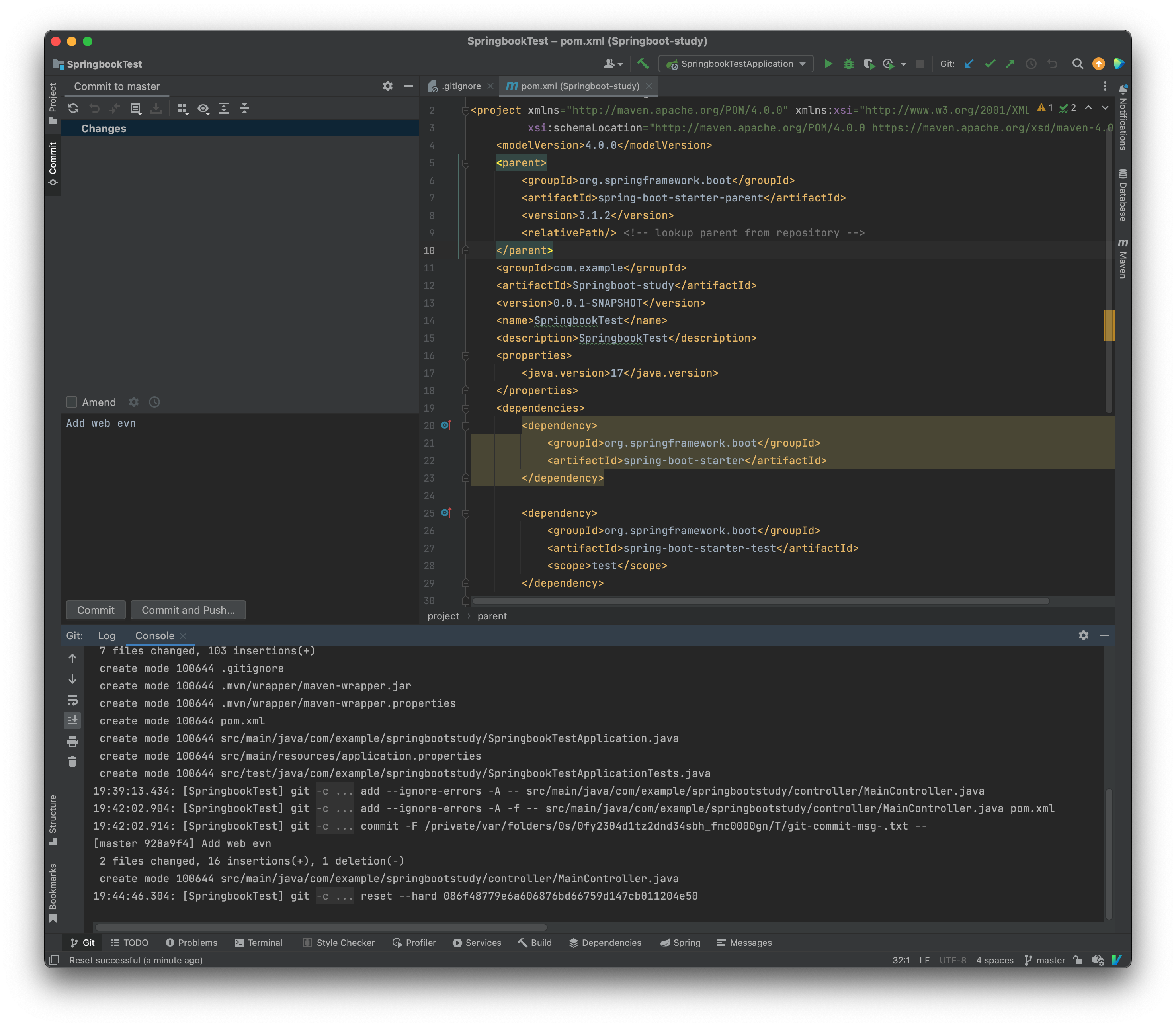
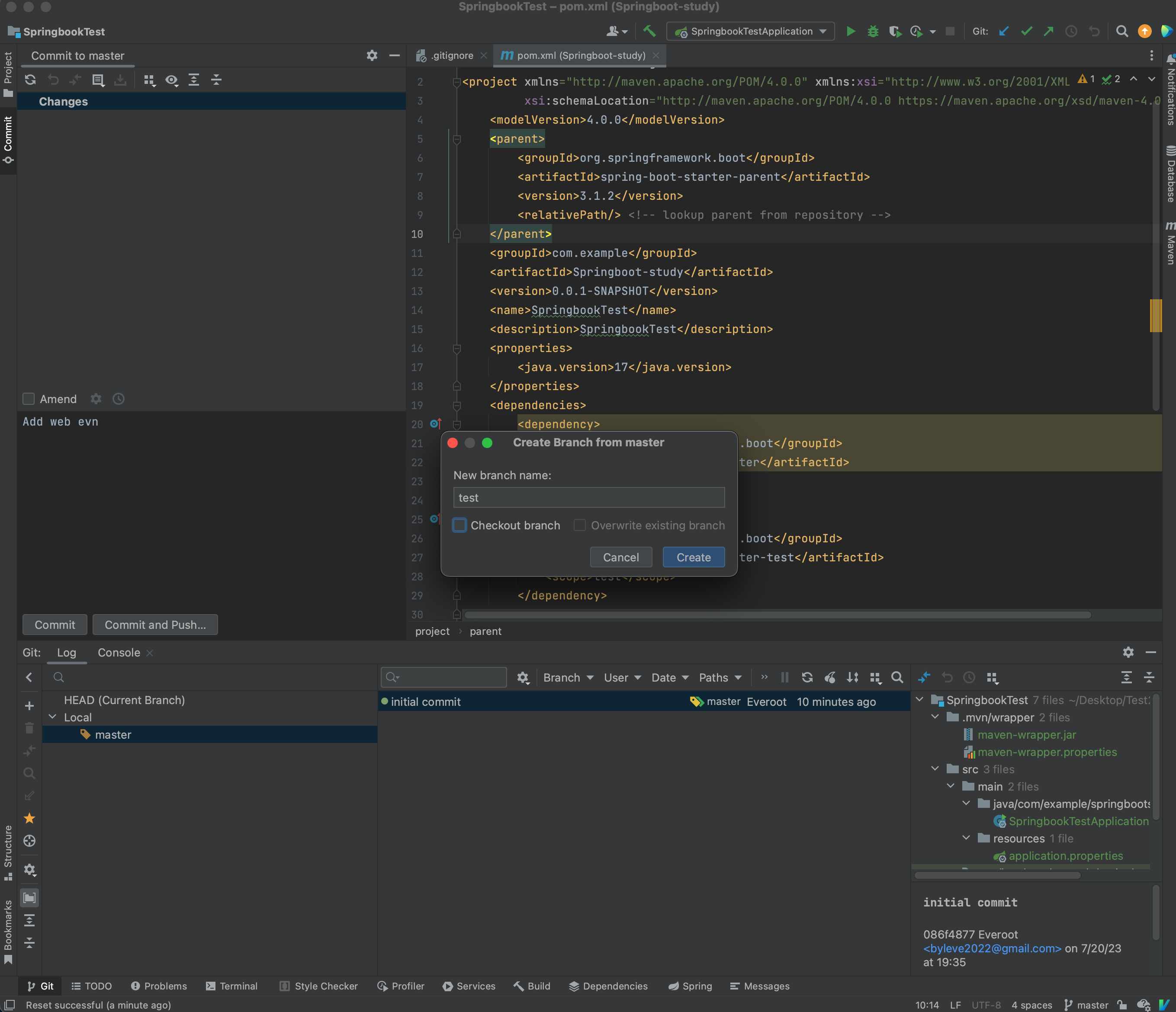
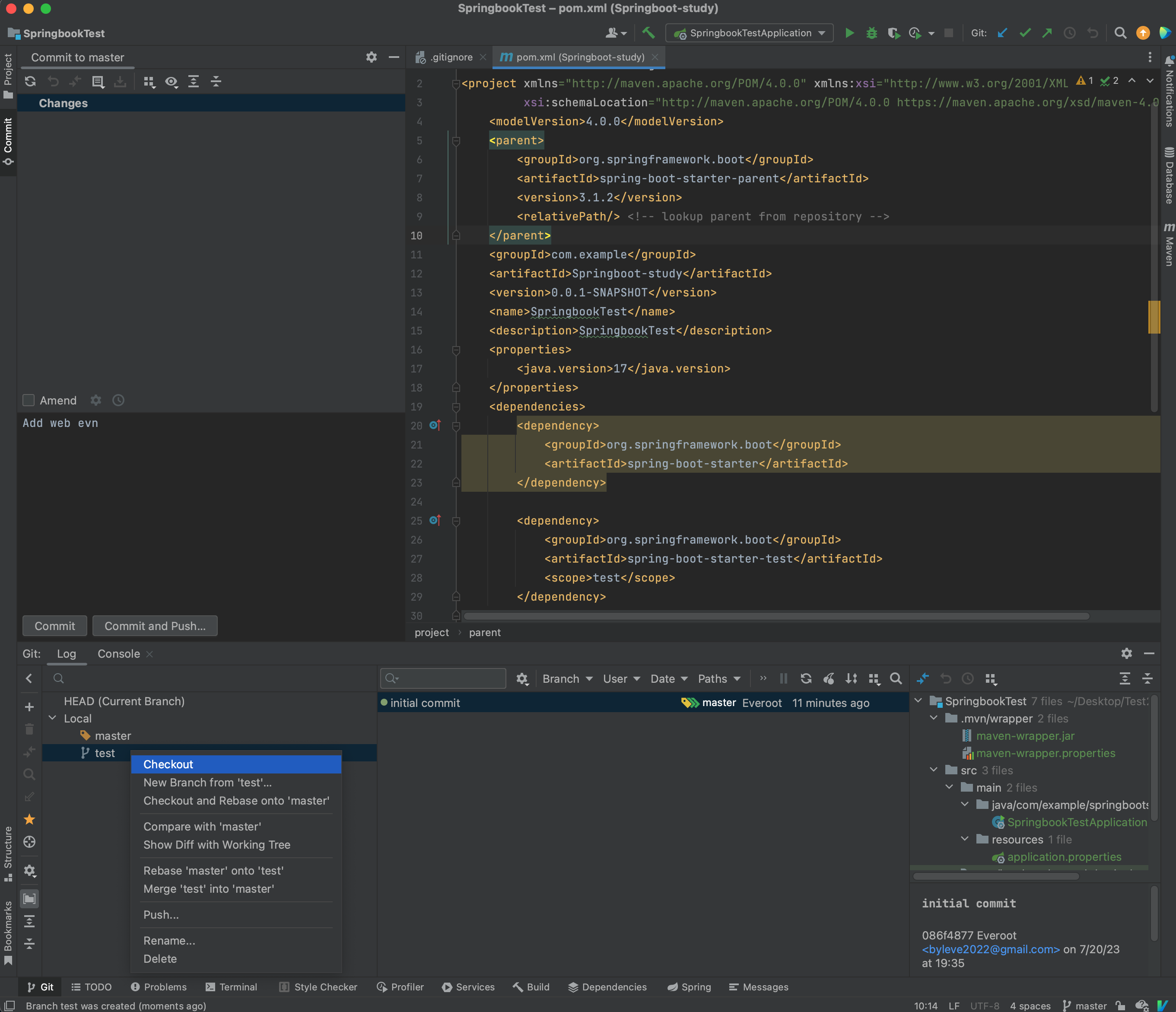
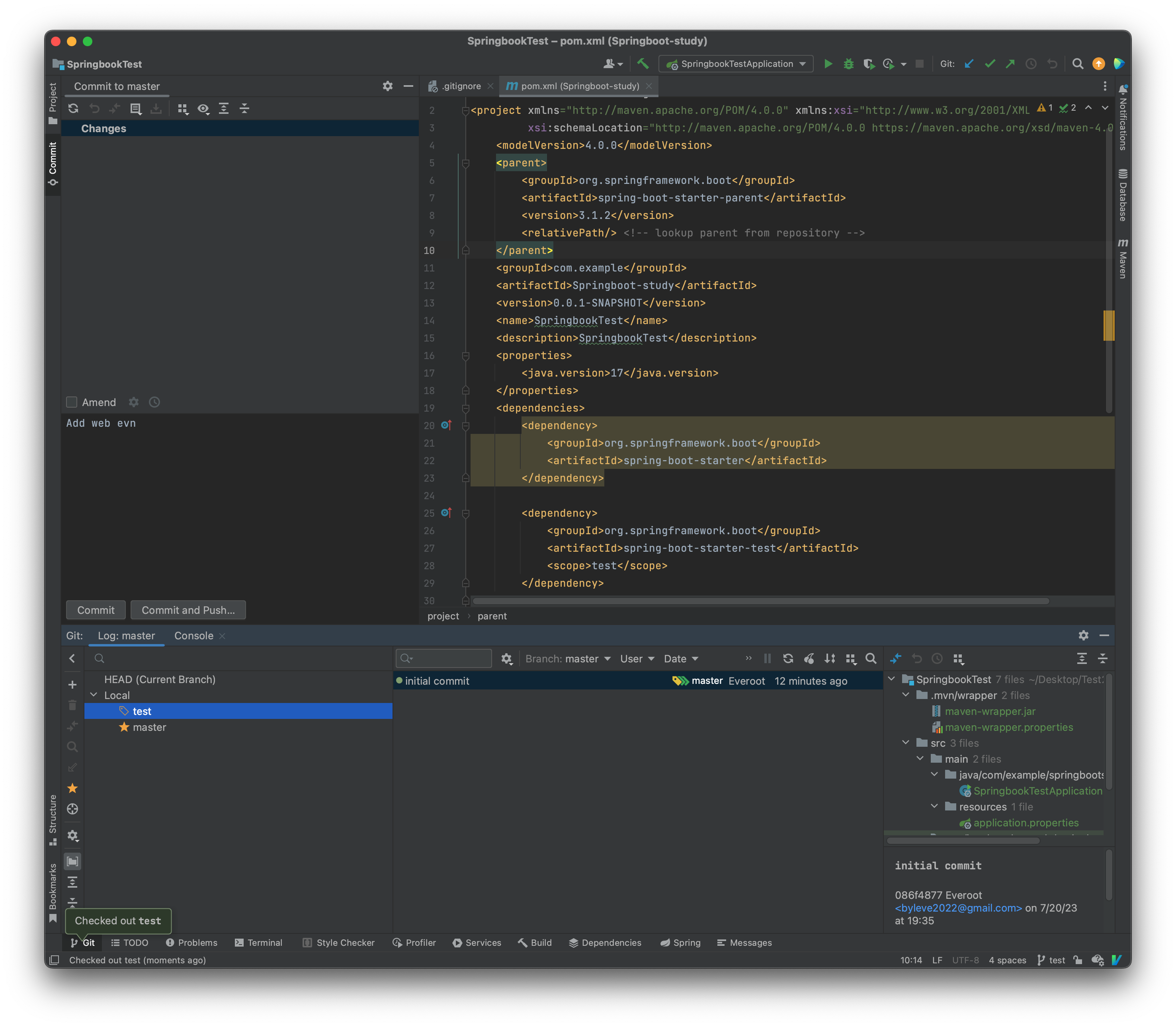
create new branch
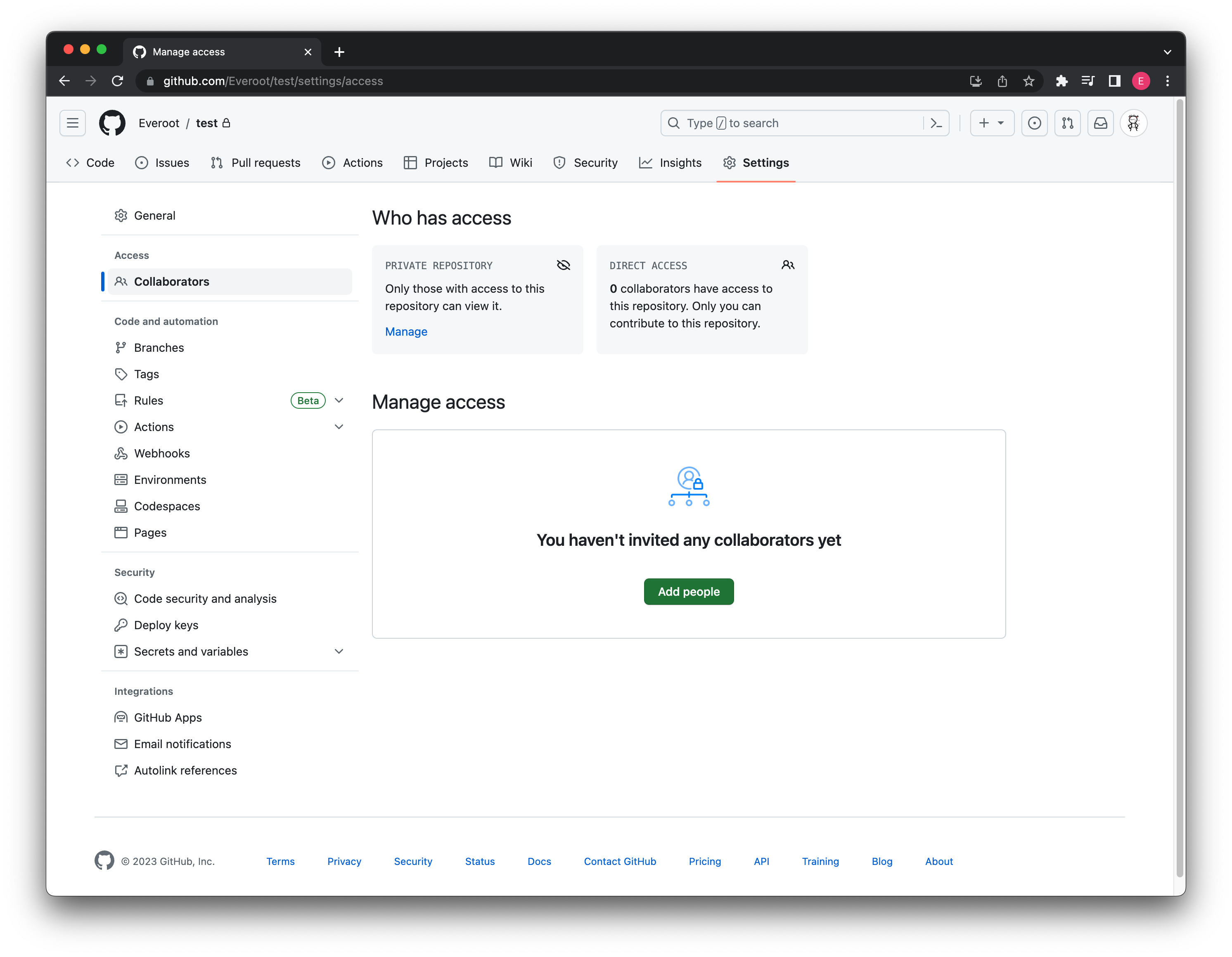
Github
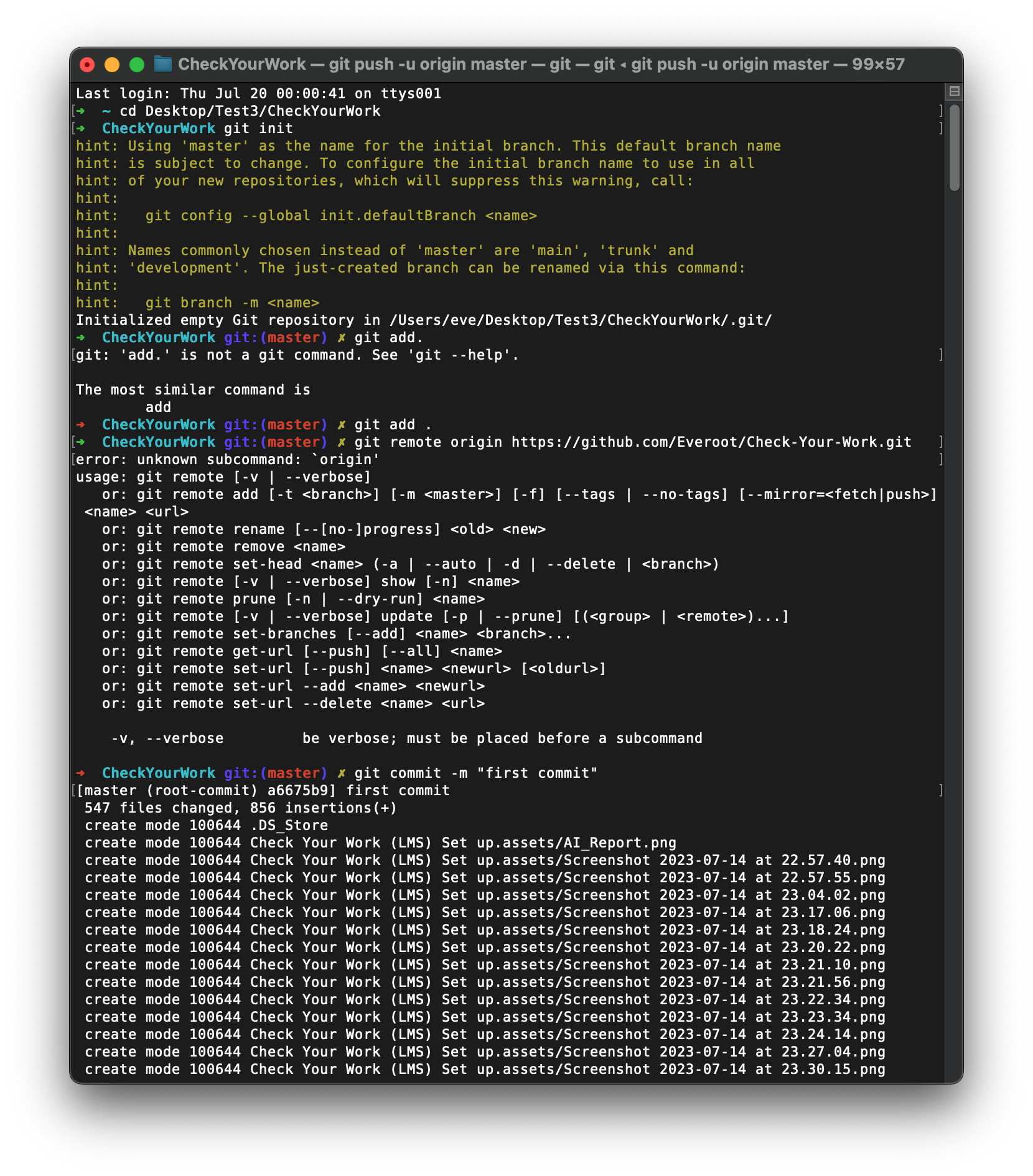
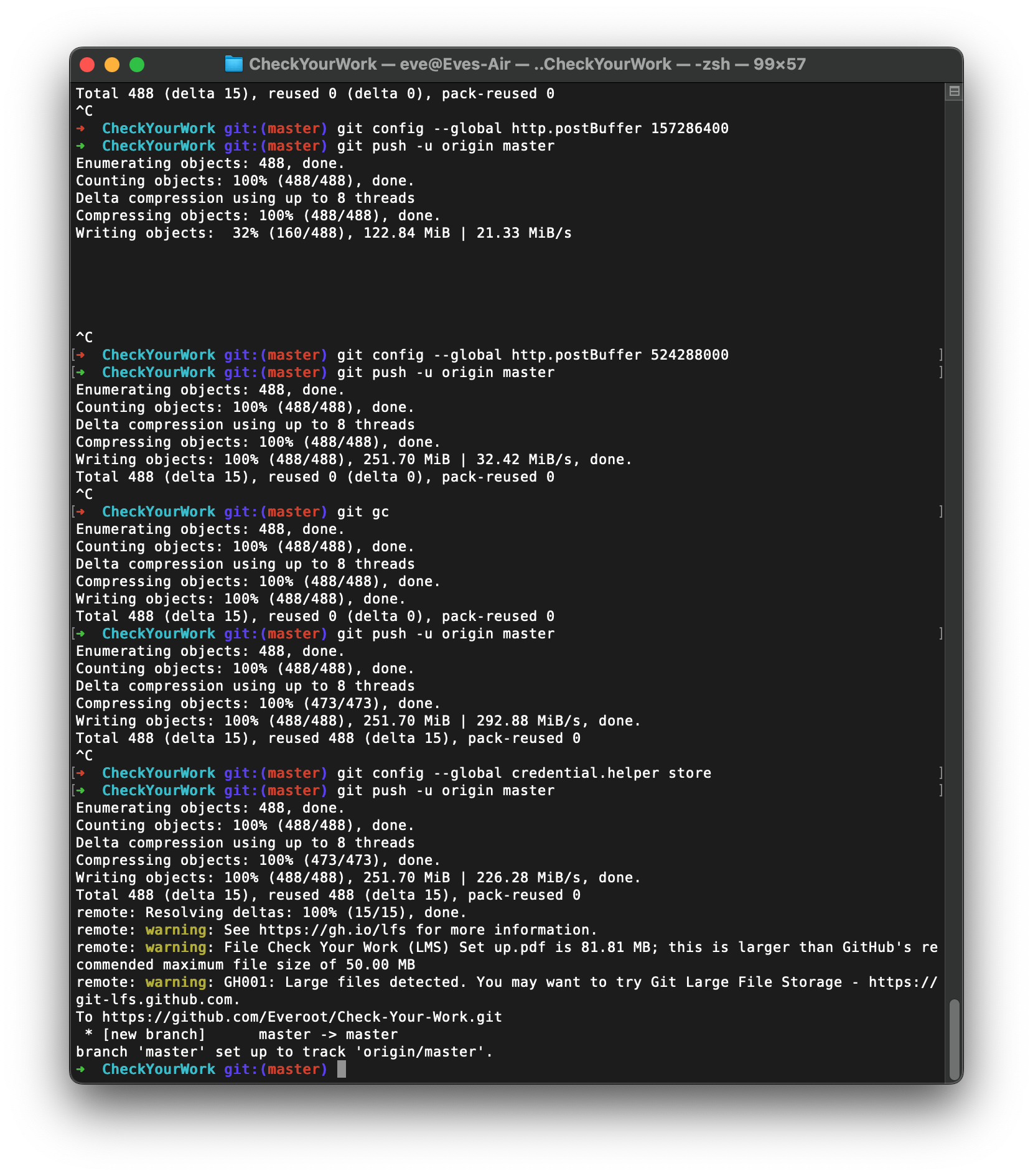
可以将远端和本地的分支进行绑定, 绑定后就不需要制定分支名称了:
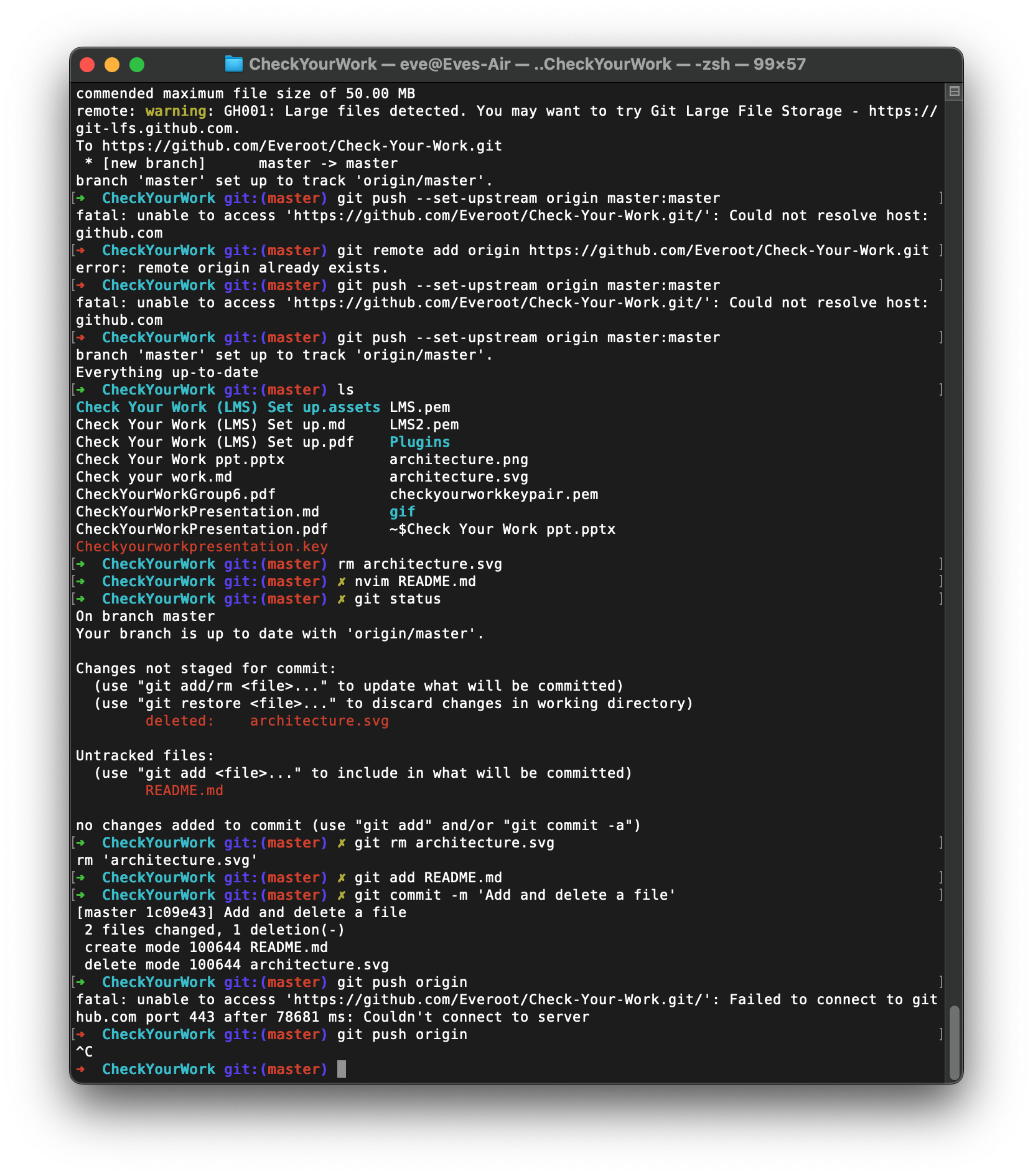
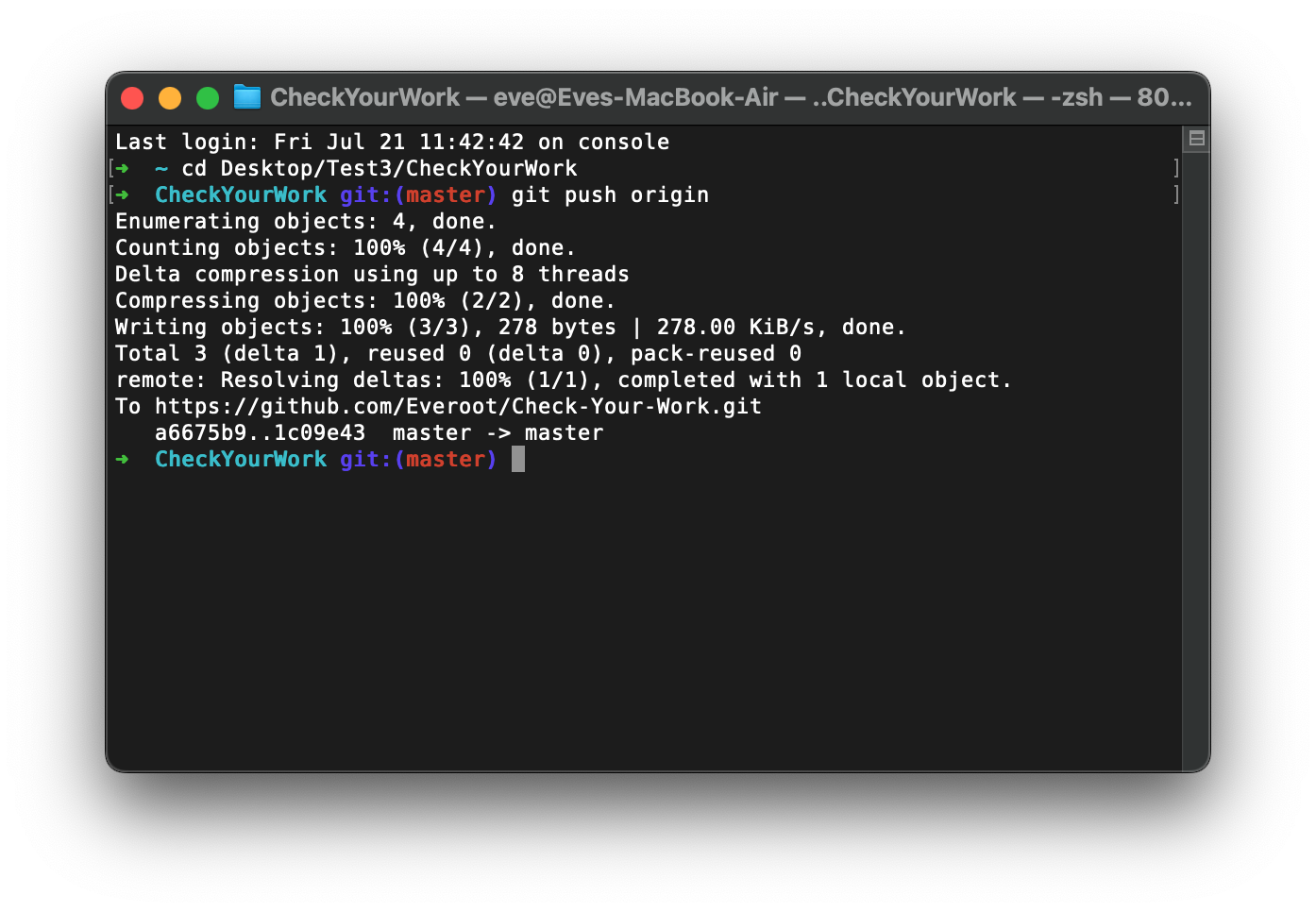
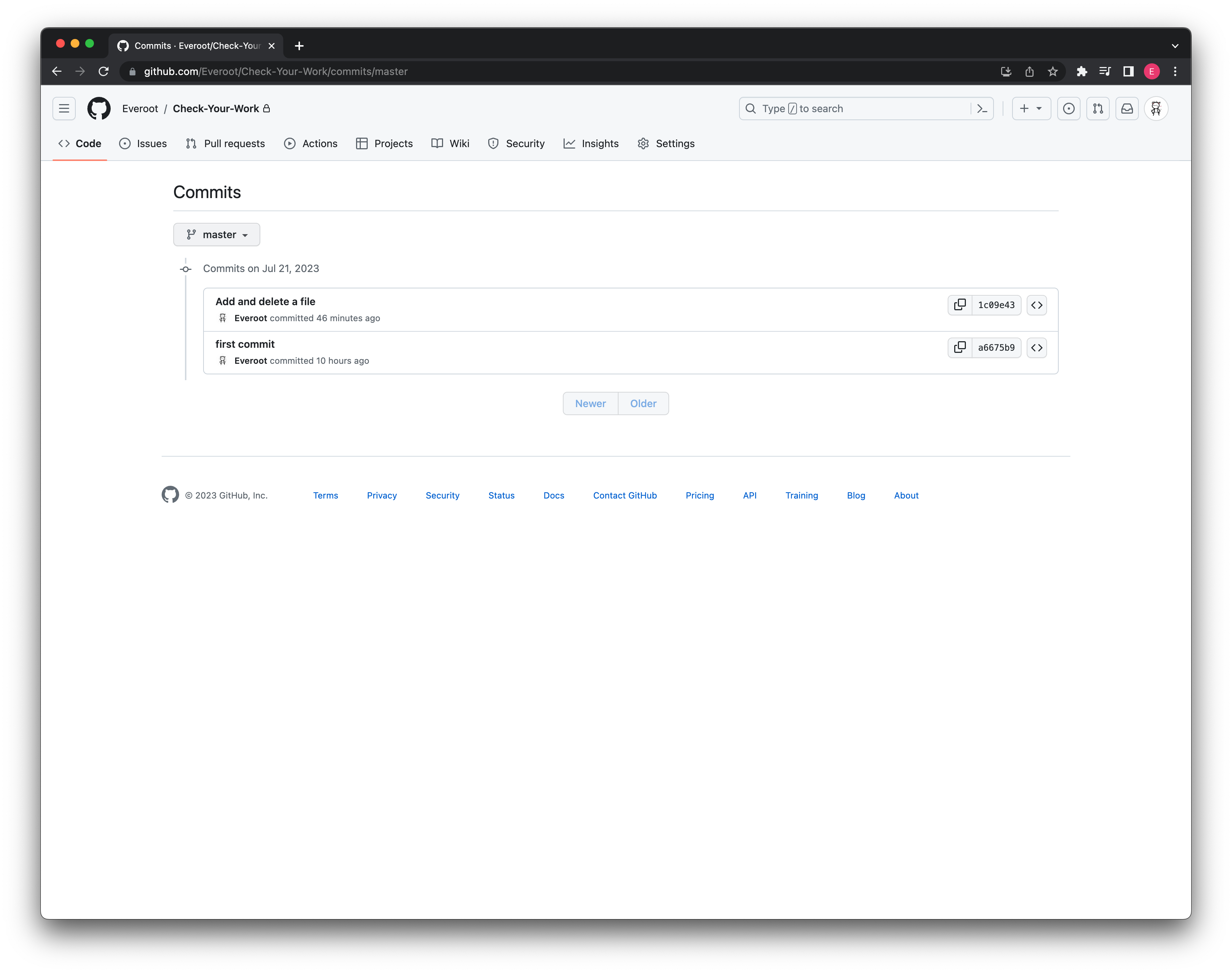
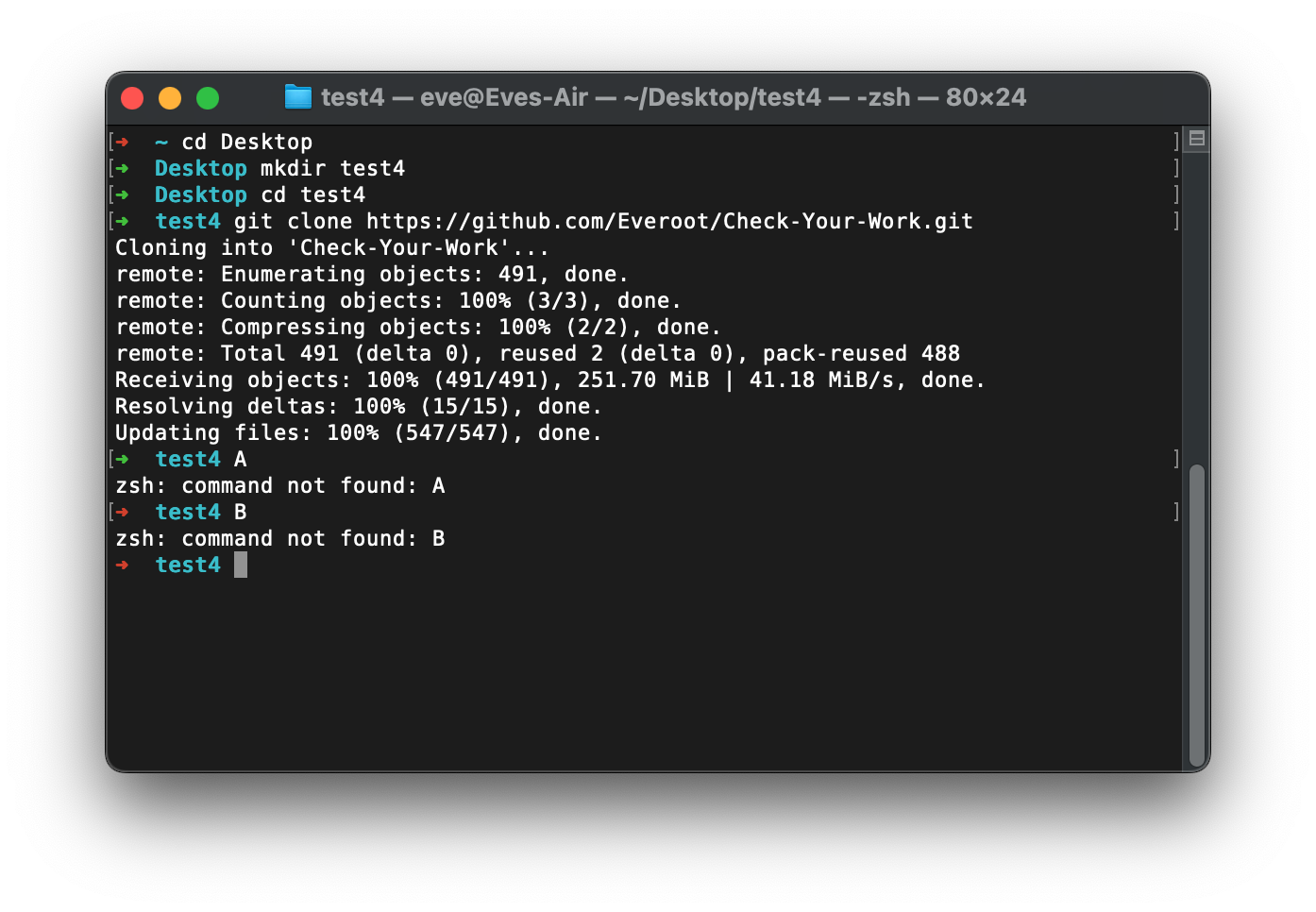
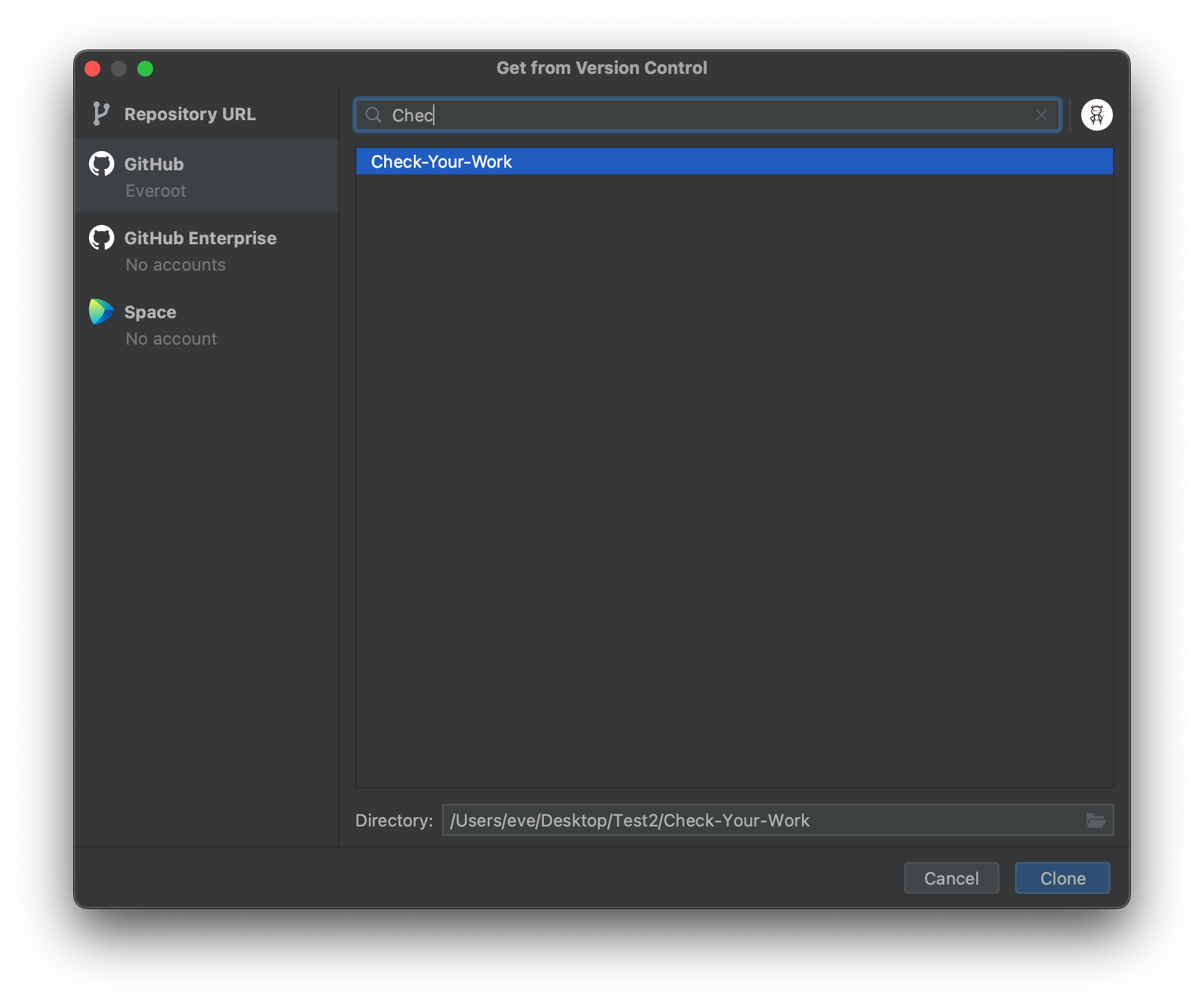
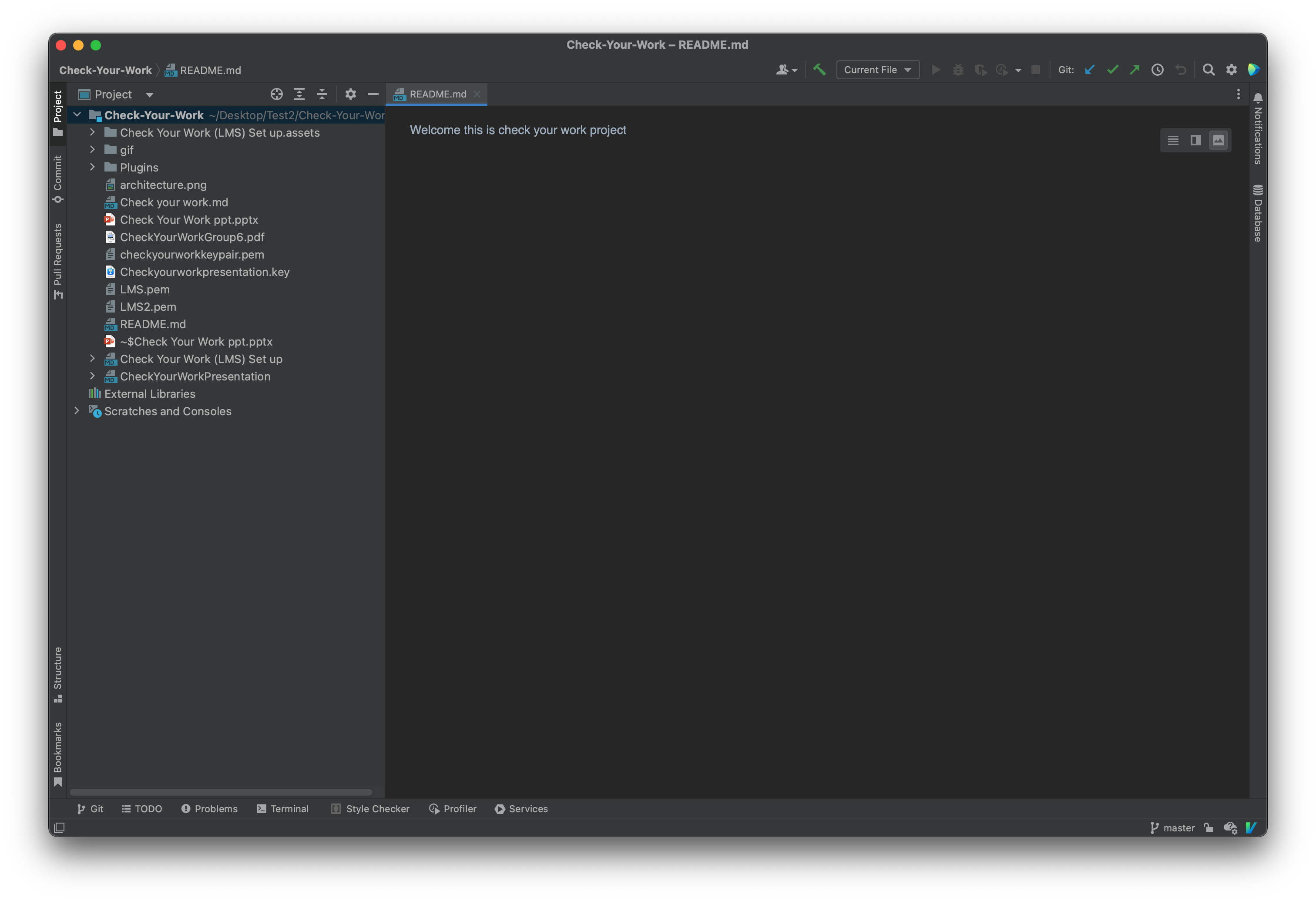
Clone Project
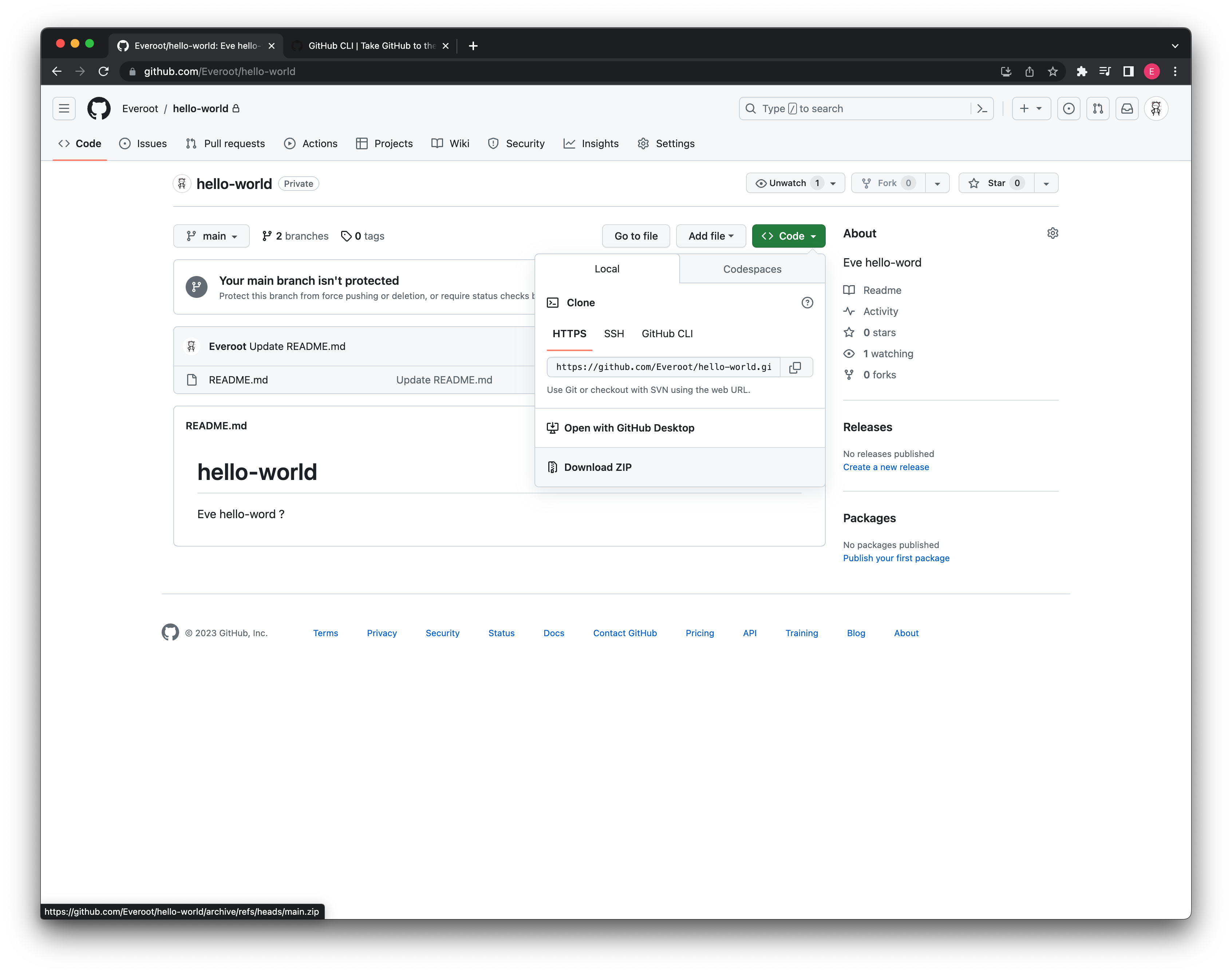
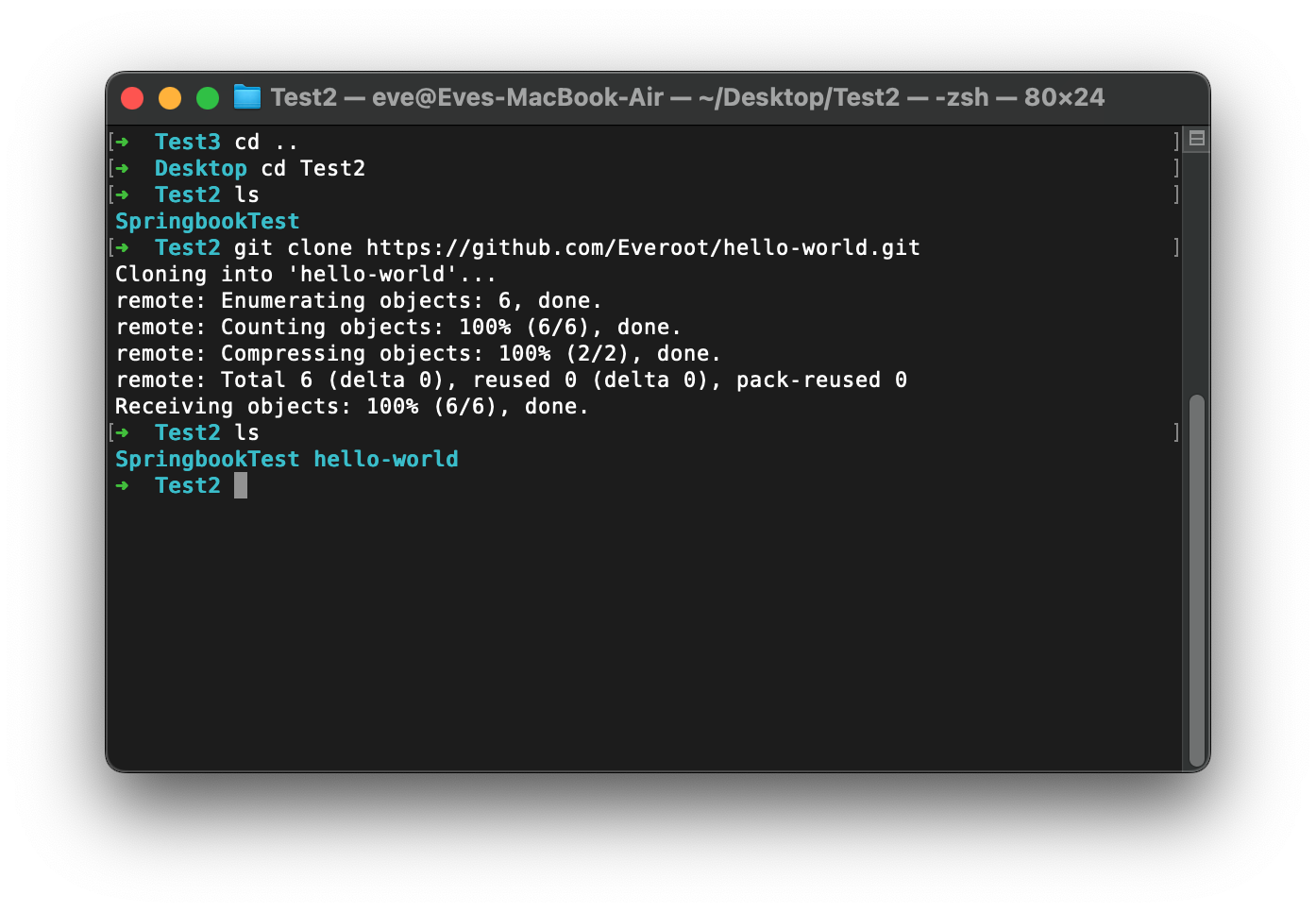
抓取, 拉取和冲突解决
team work
A
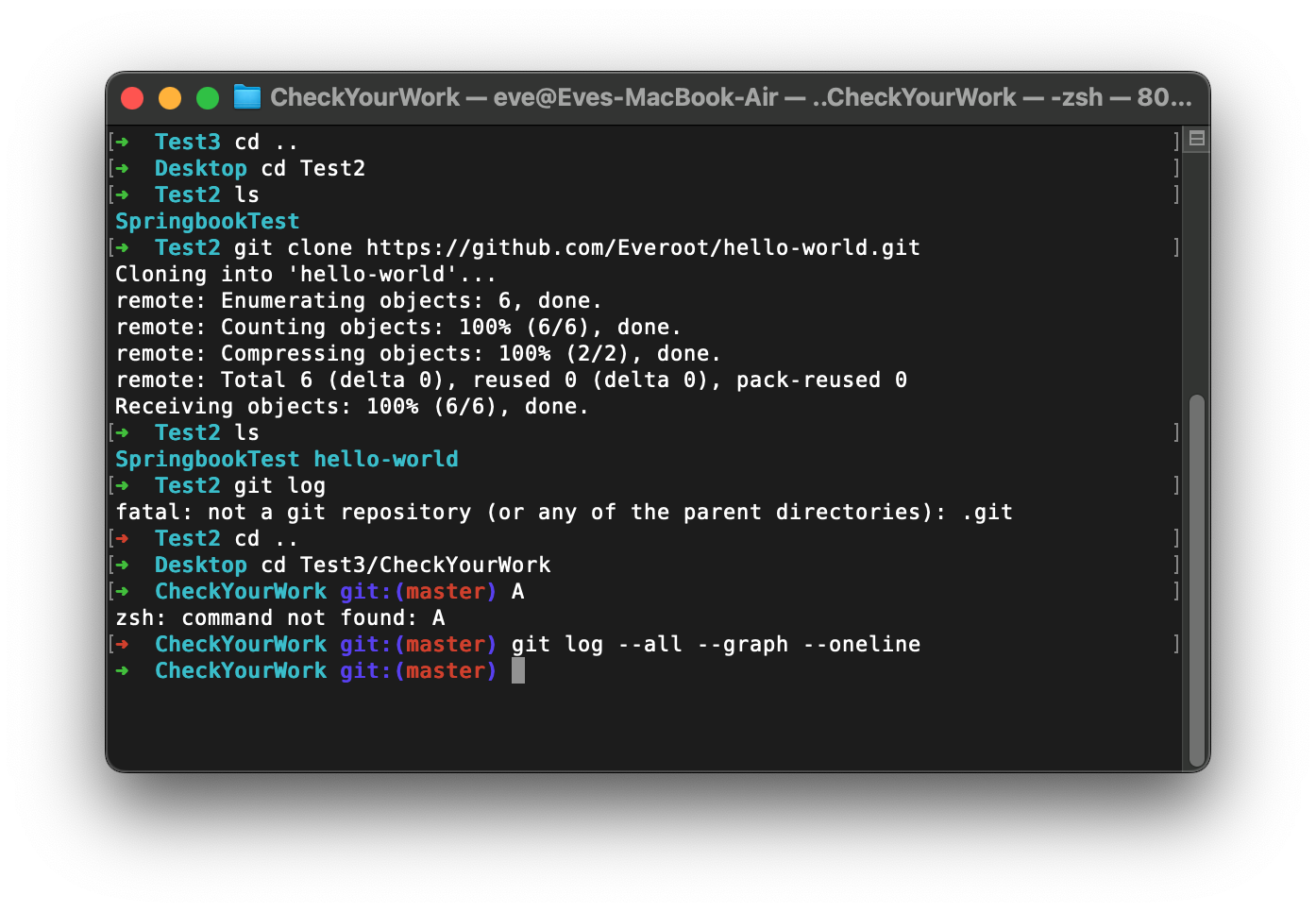
B
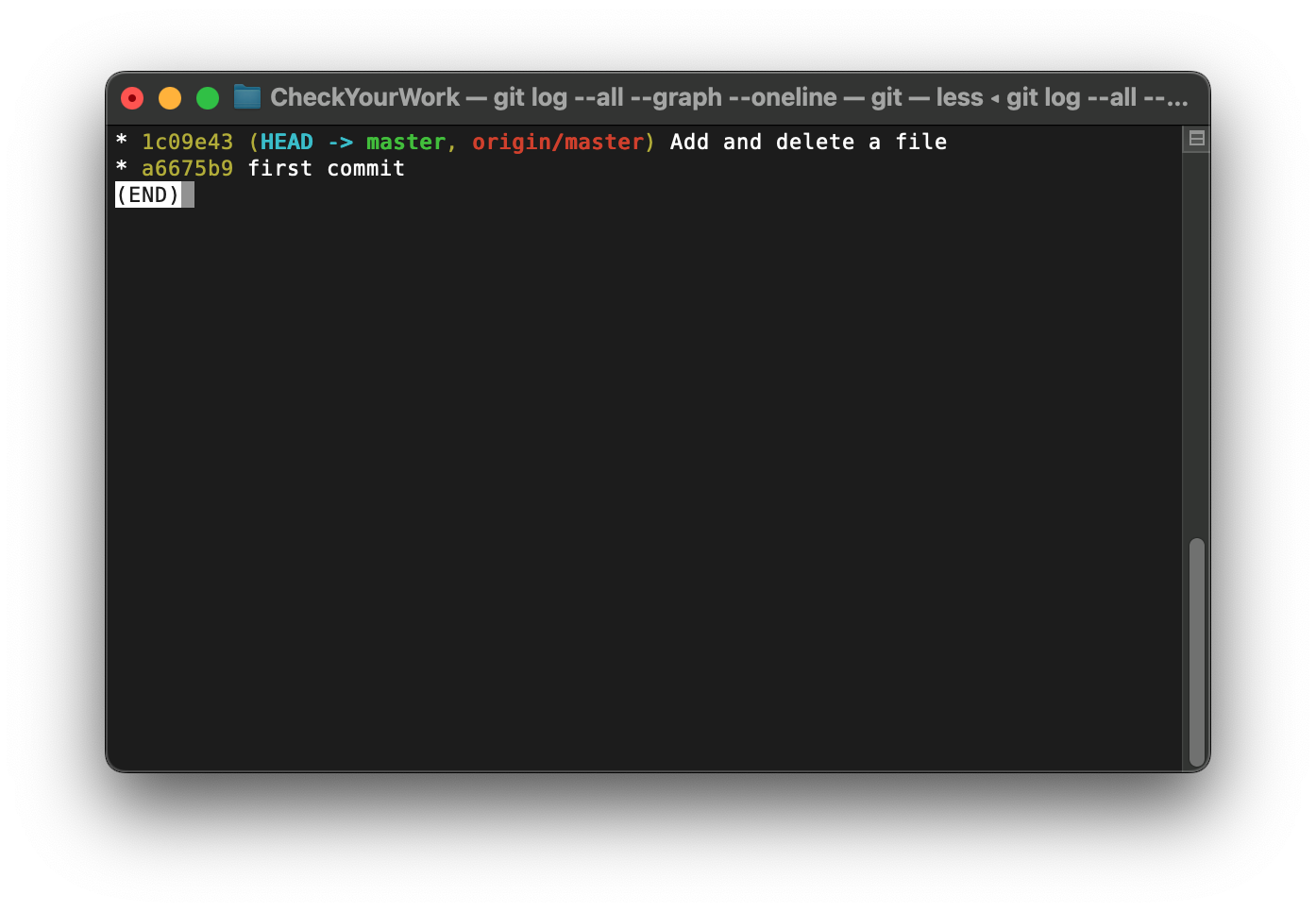
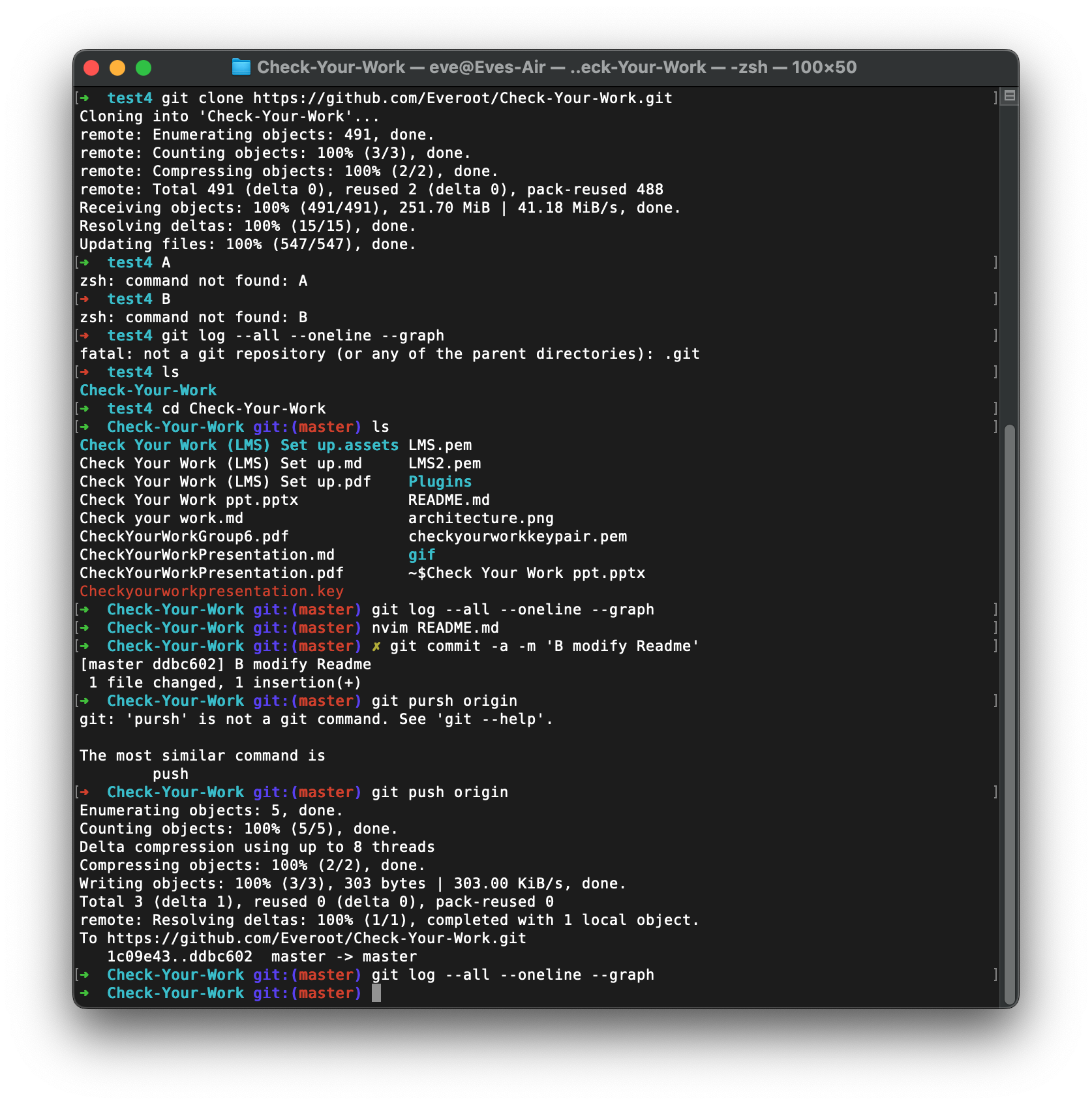
B
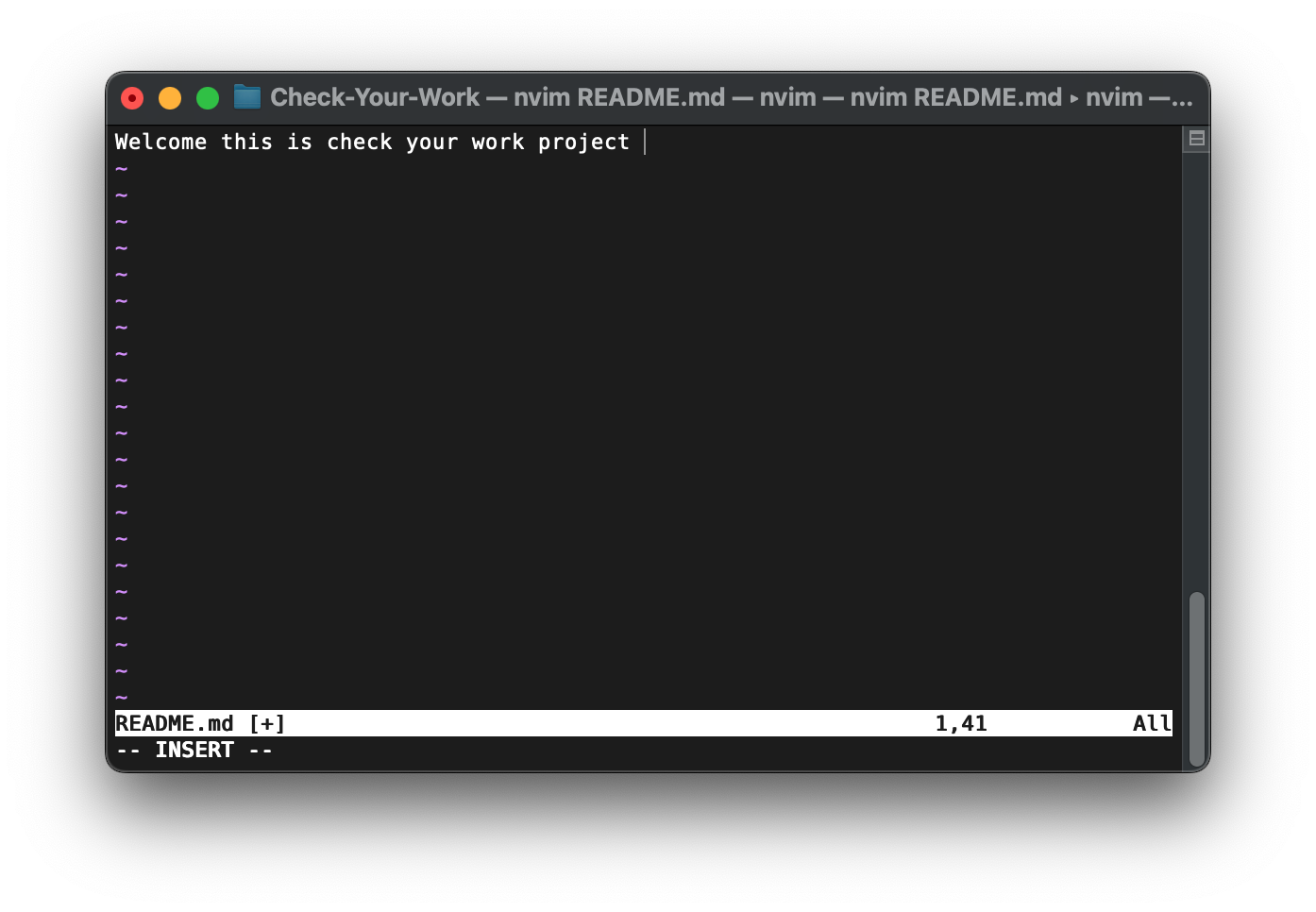
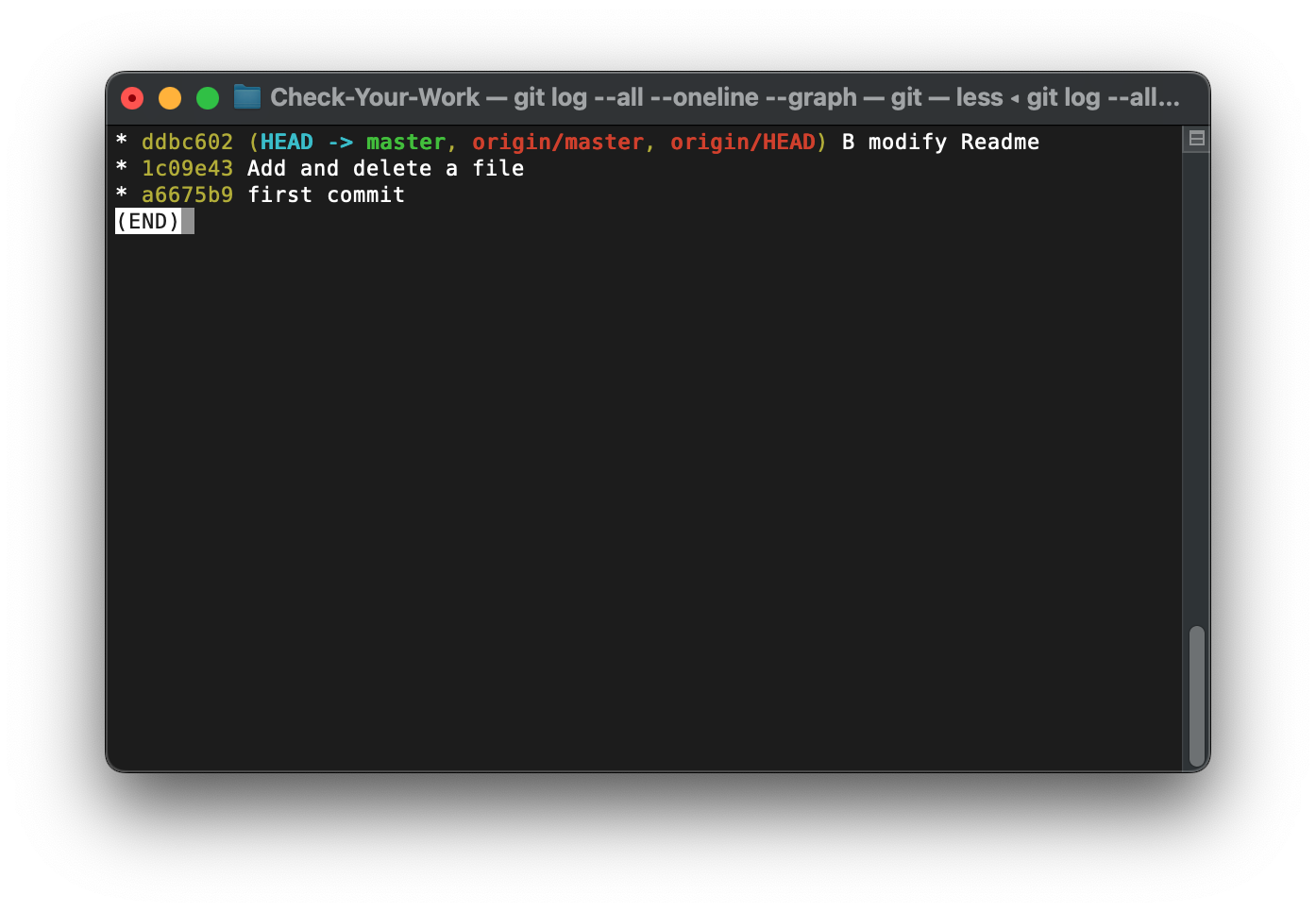
A don't know.
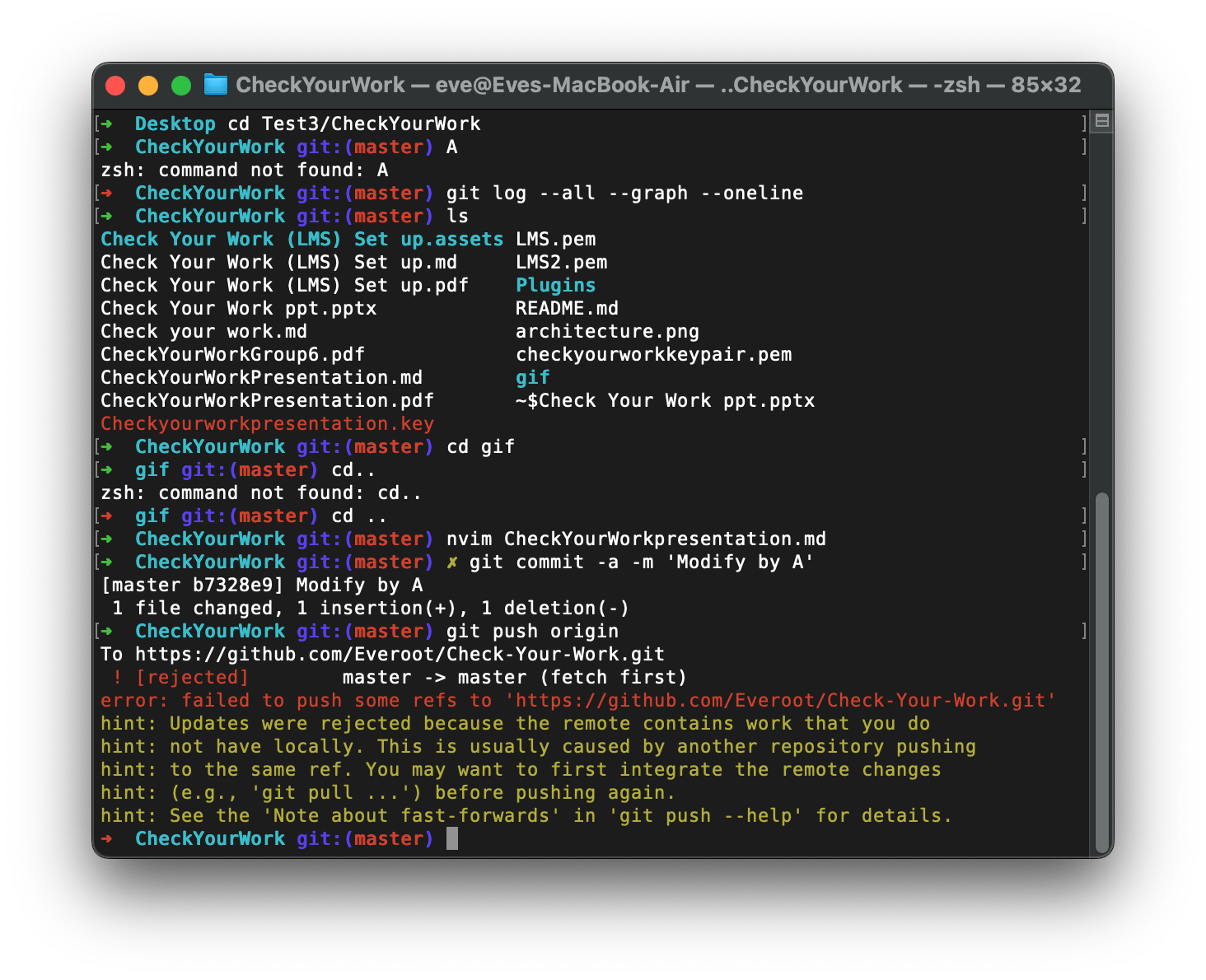
B 推送了不同步
git fetch
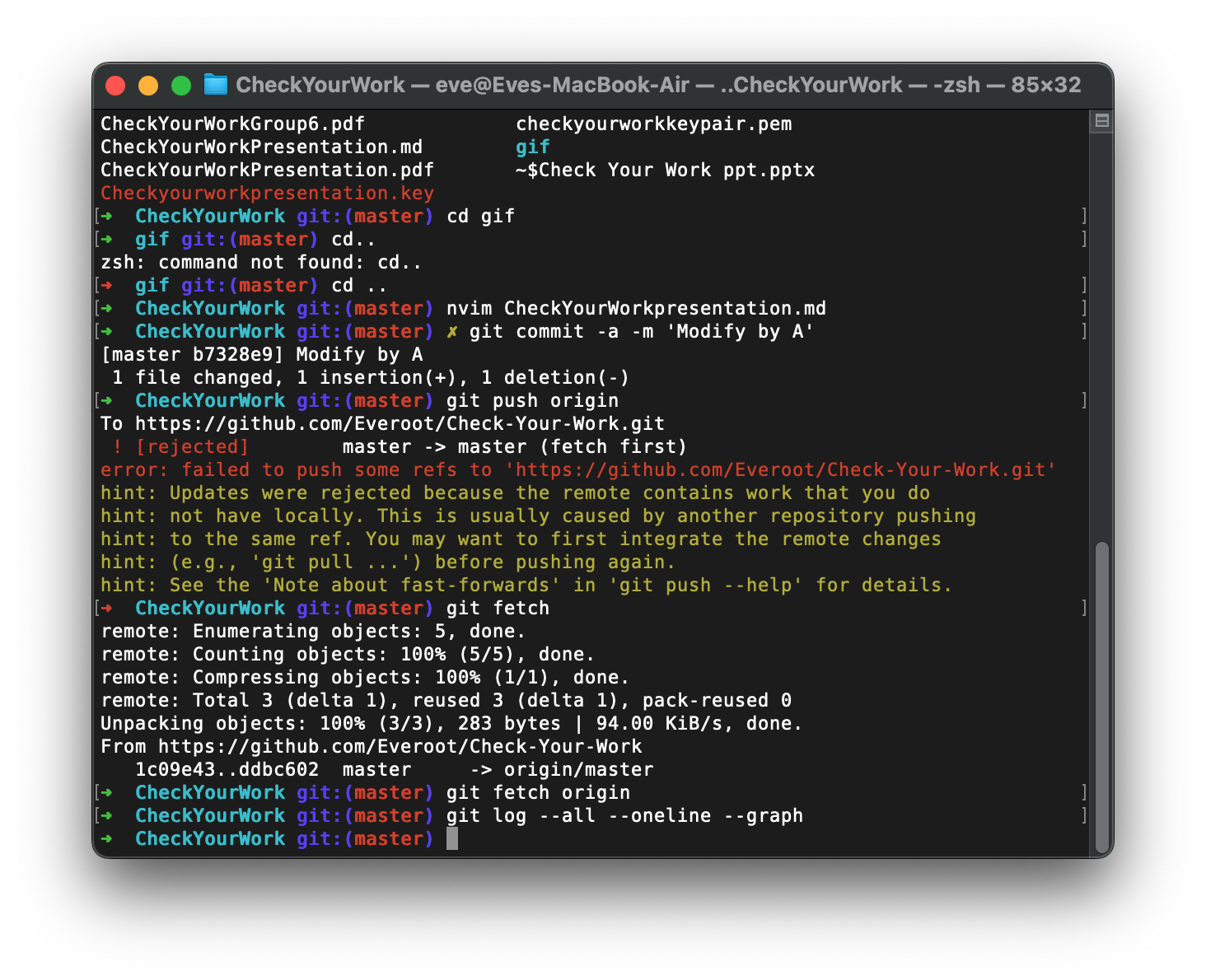
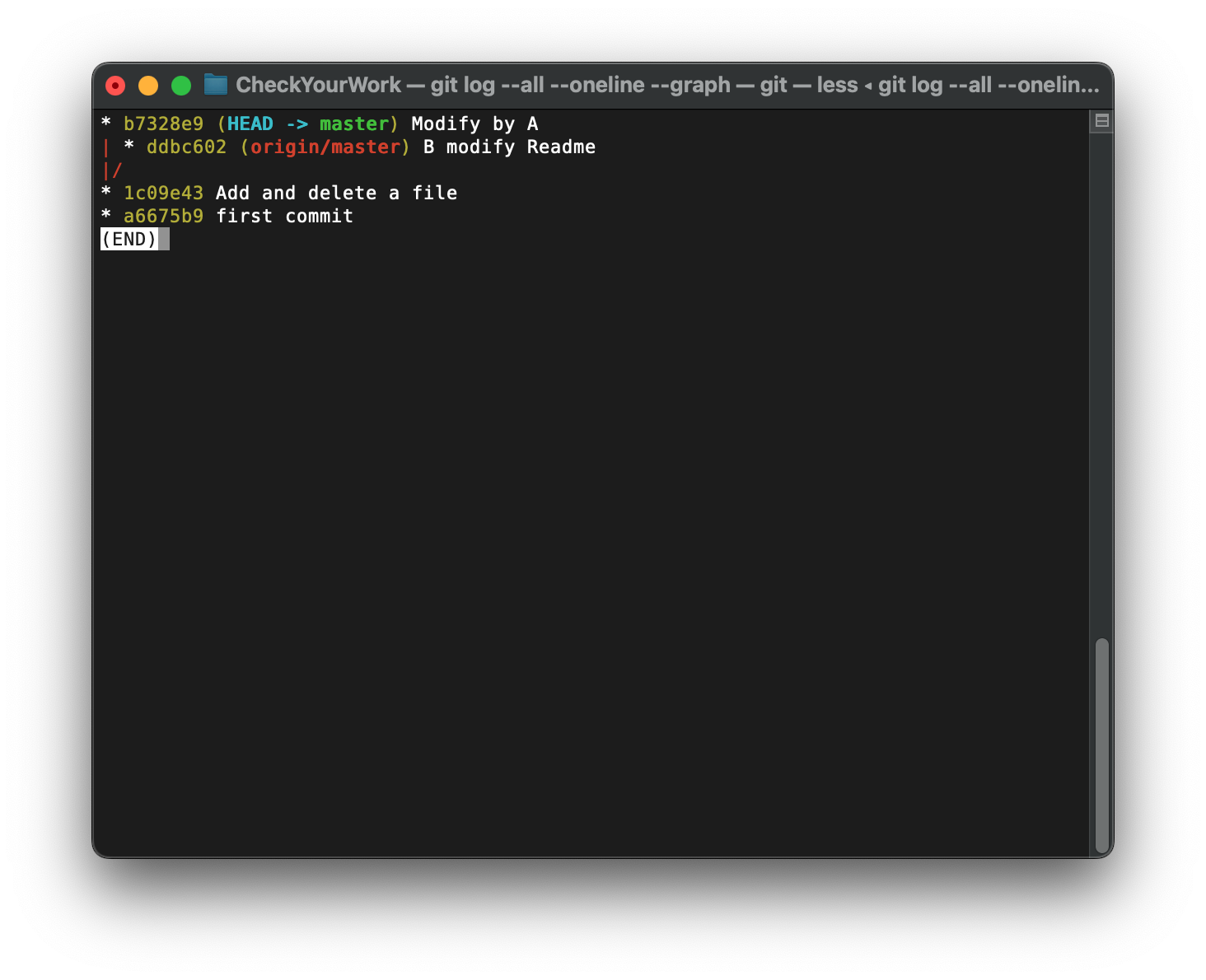
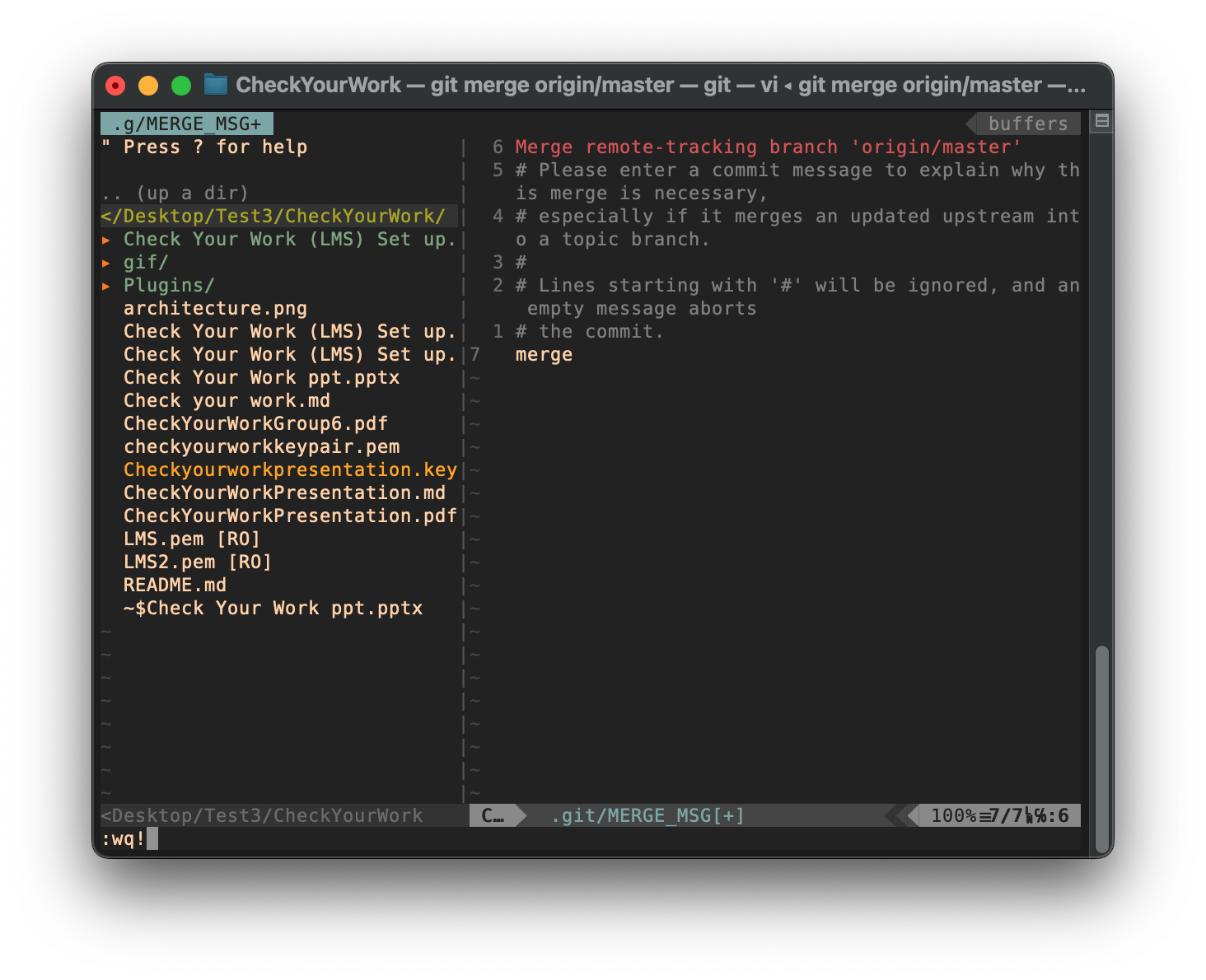
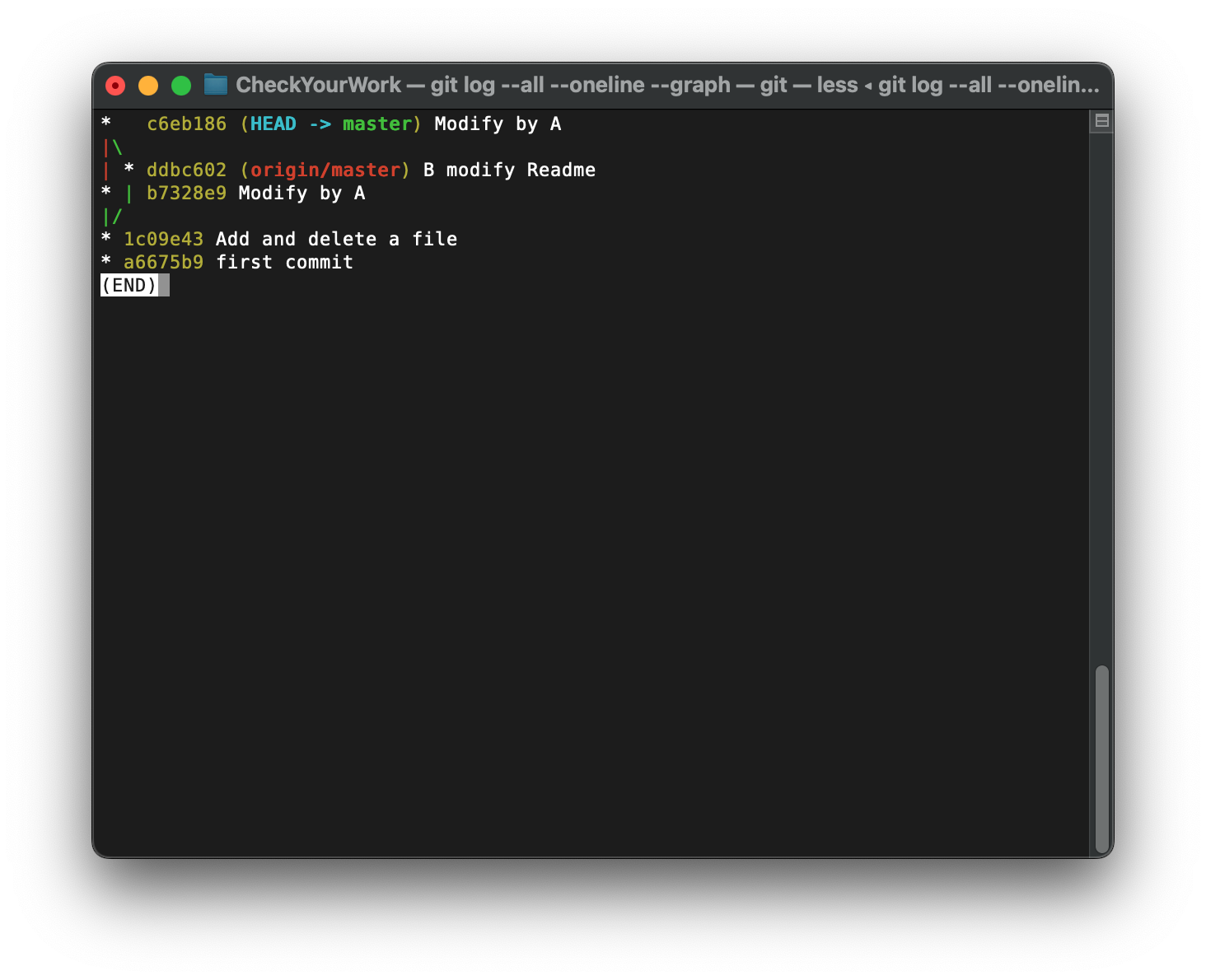
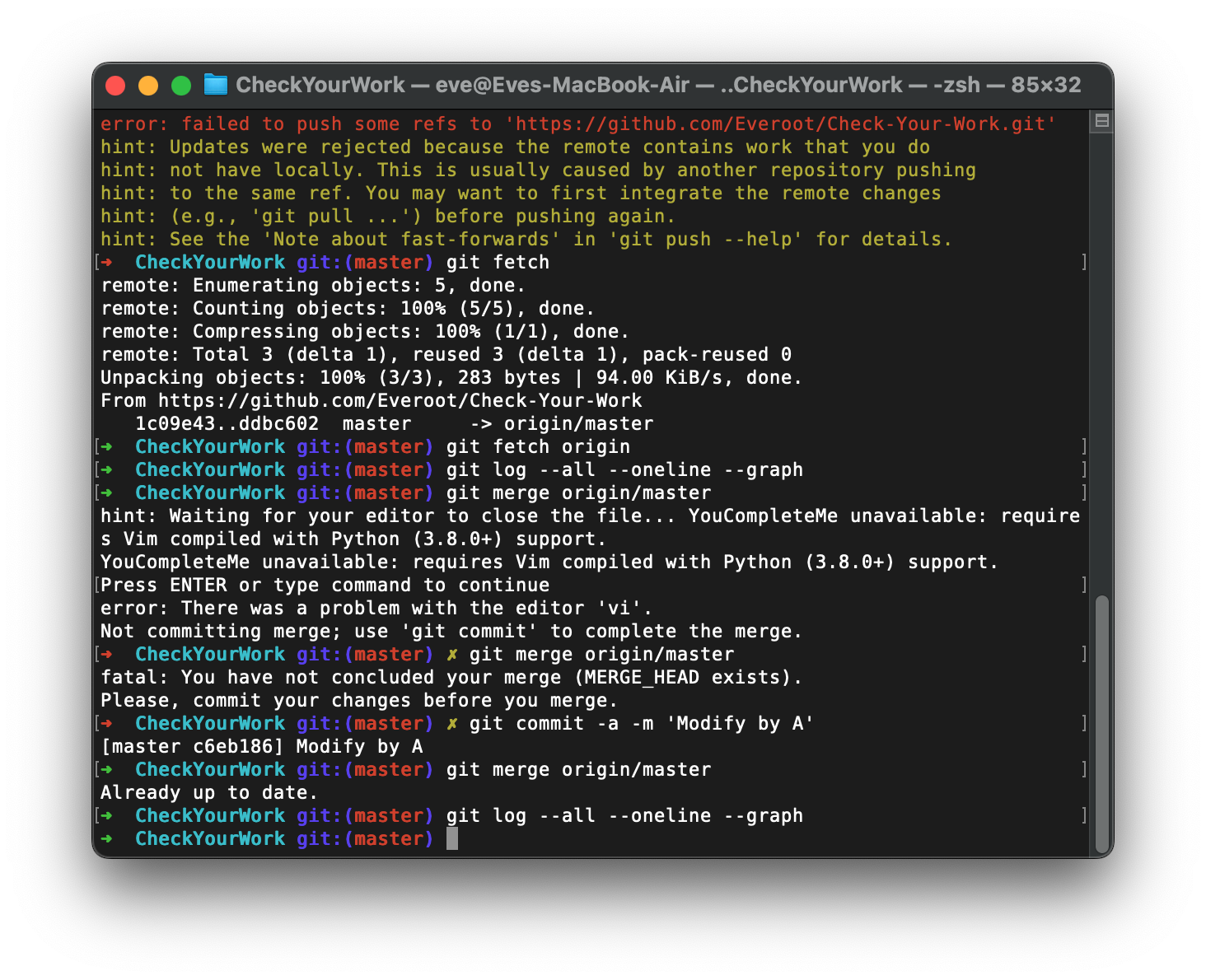
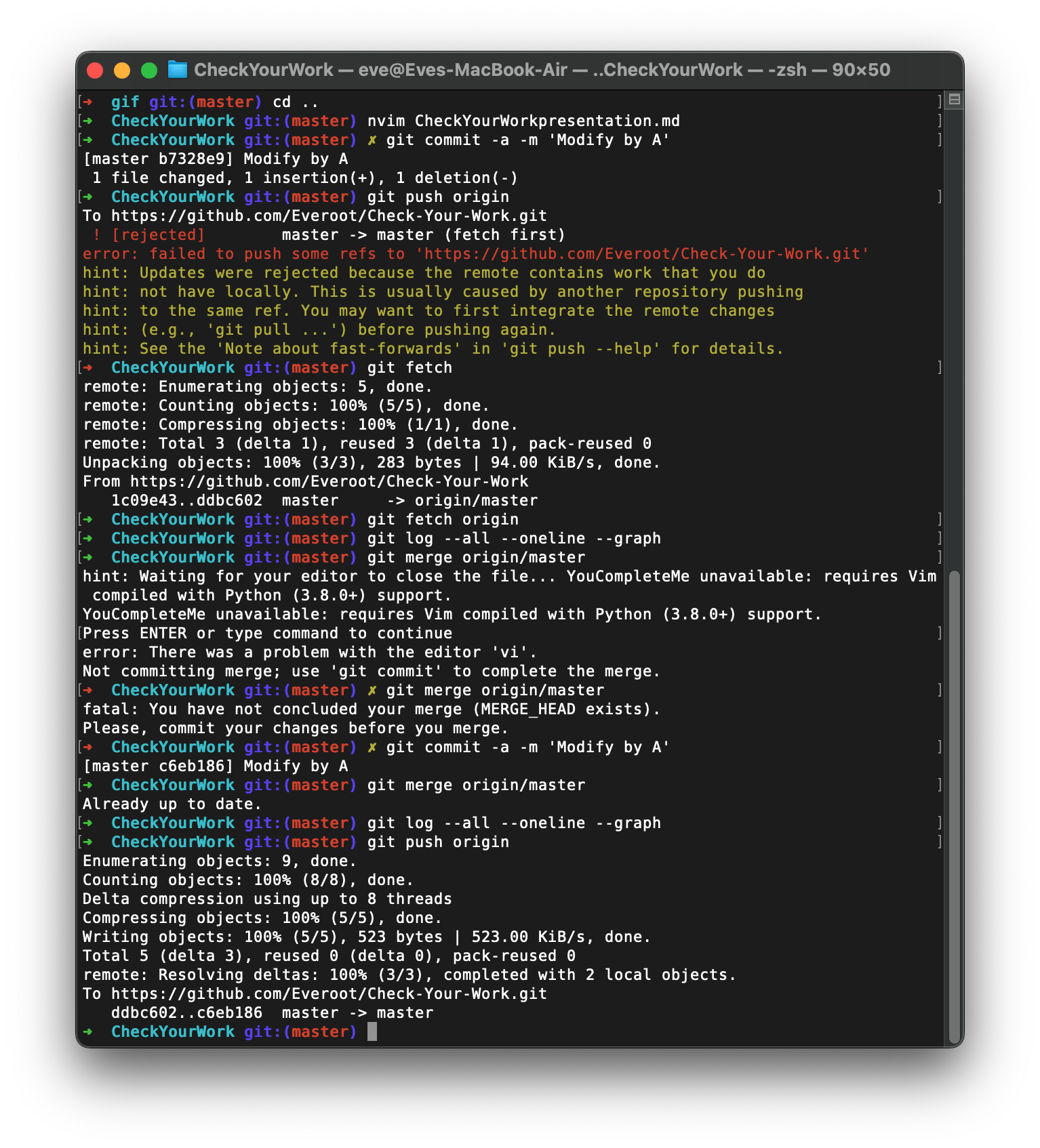
git fetch: 抓取: 只获取但不合并远端分支, 后续需要手动合并才能提交
git pull: 拉取 获取 合并
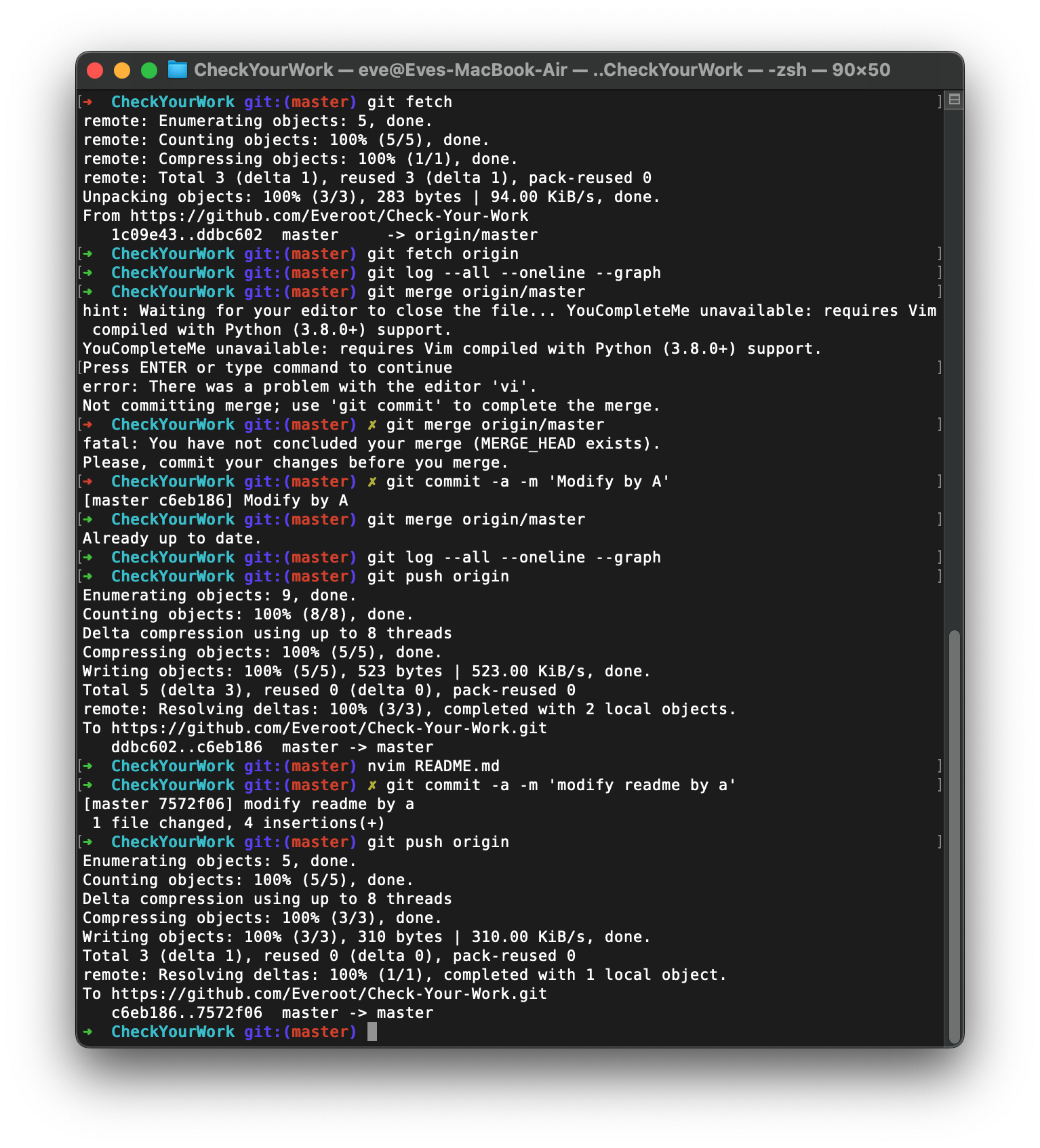
A:
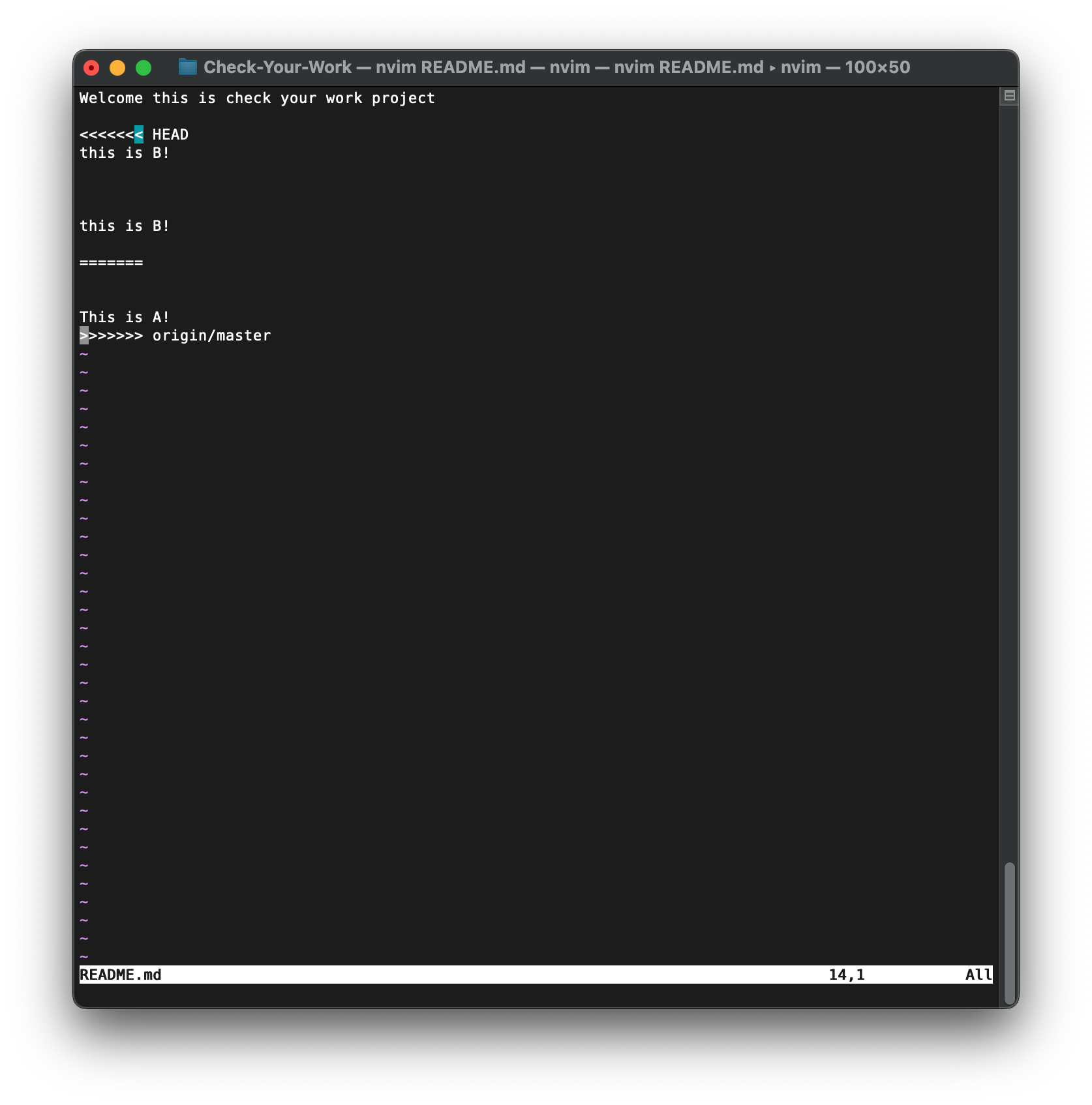
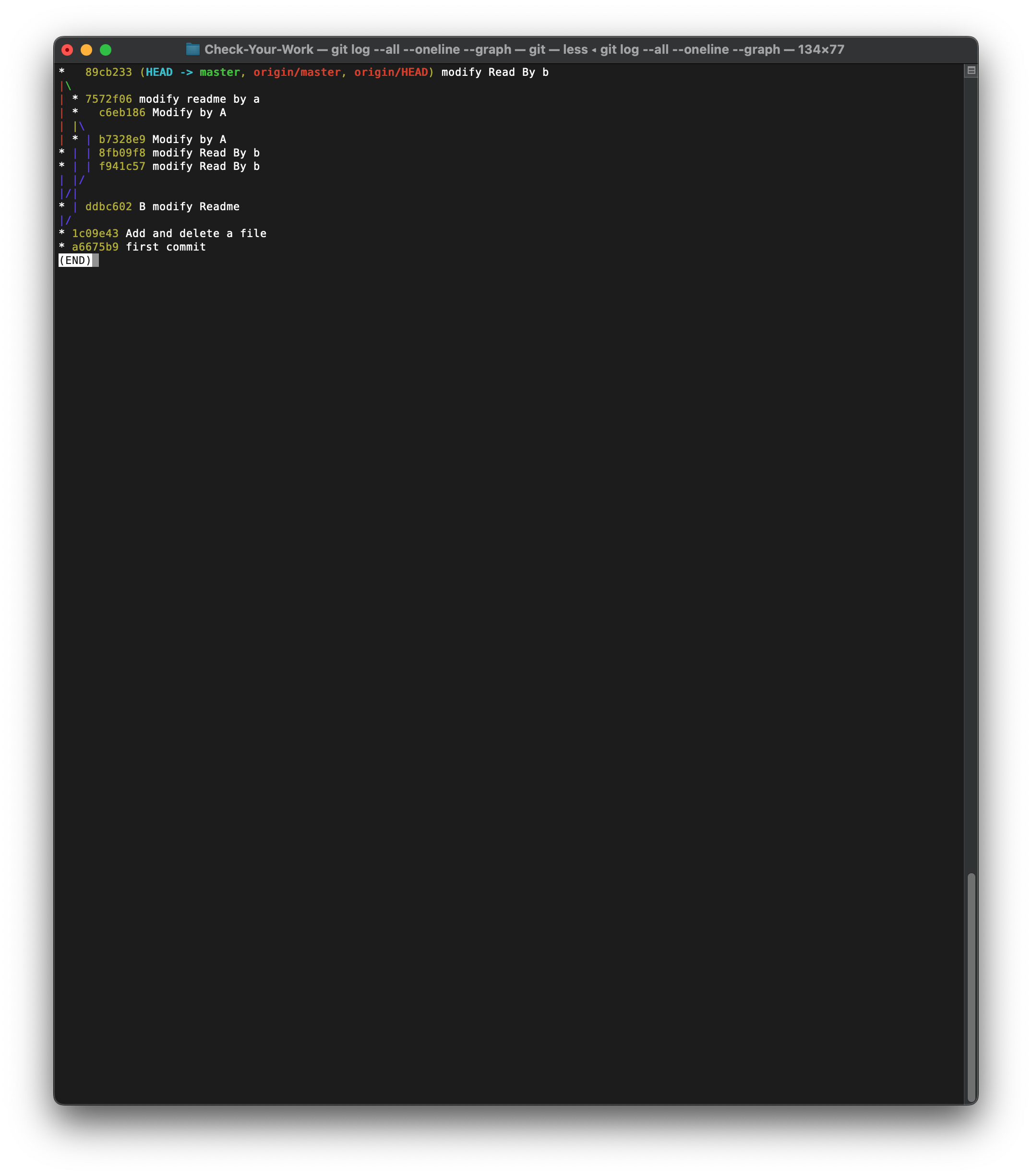
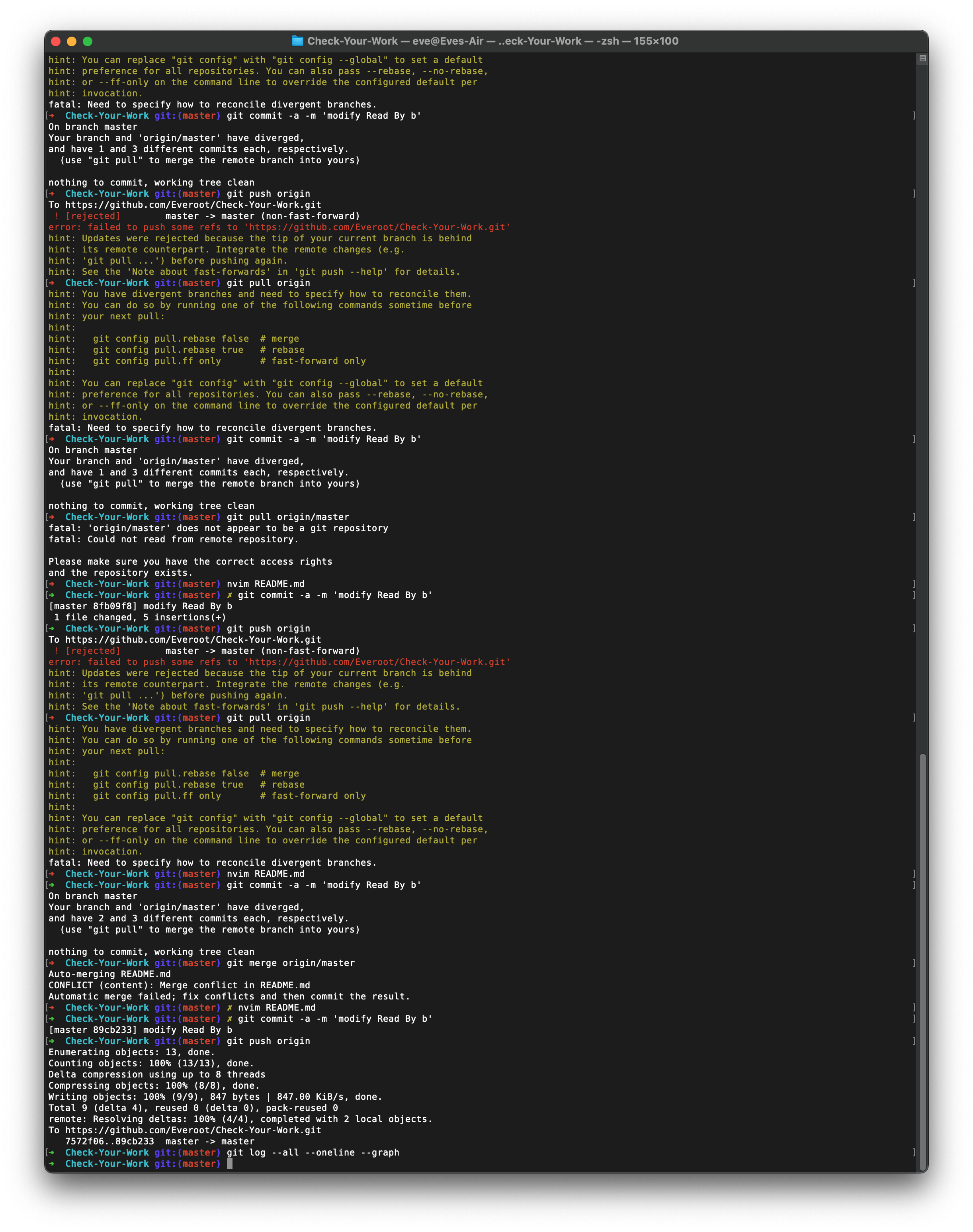
IDEA
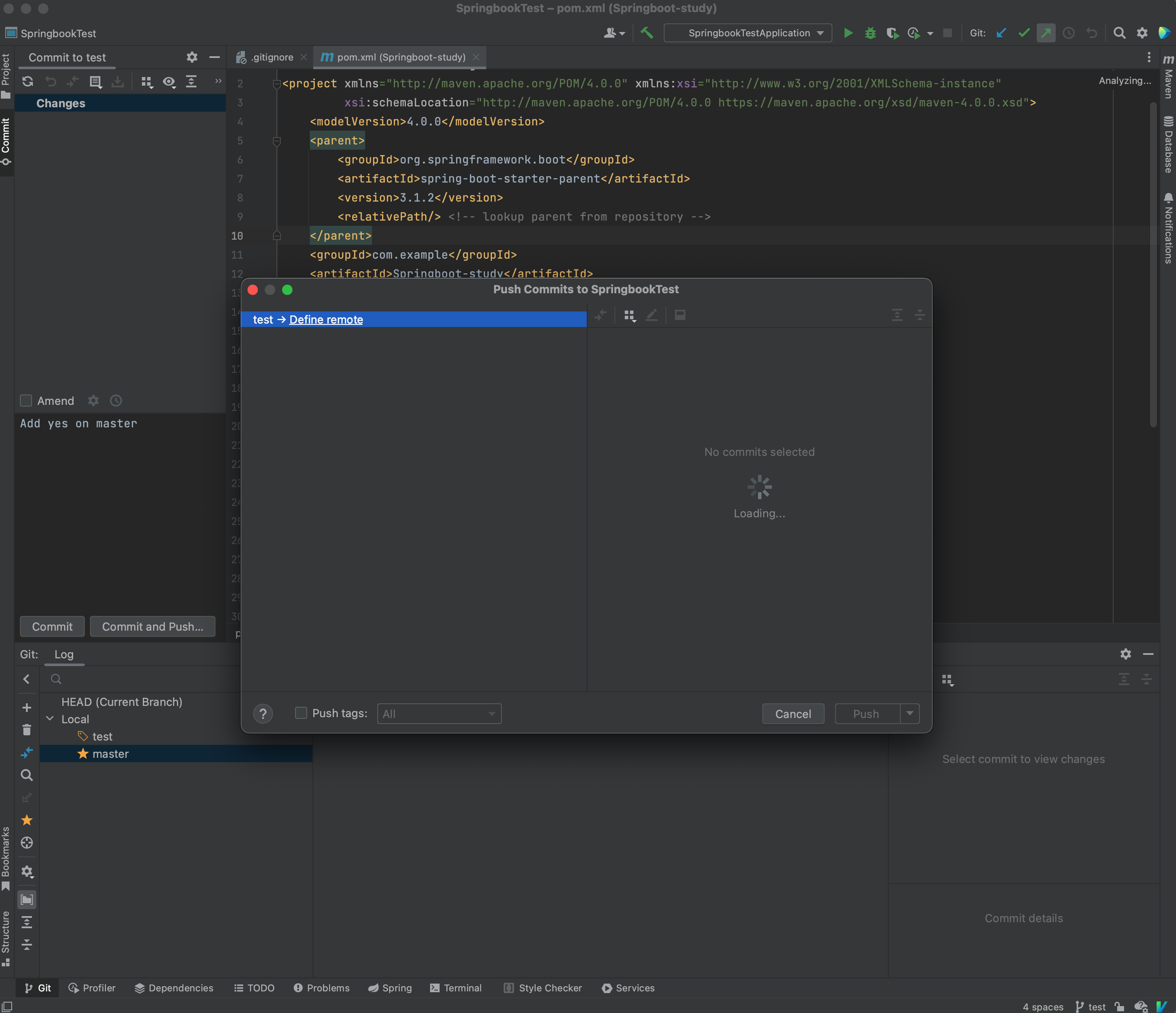
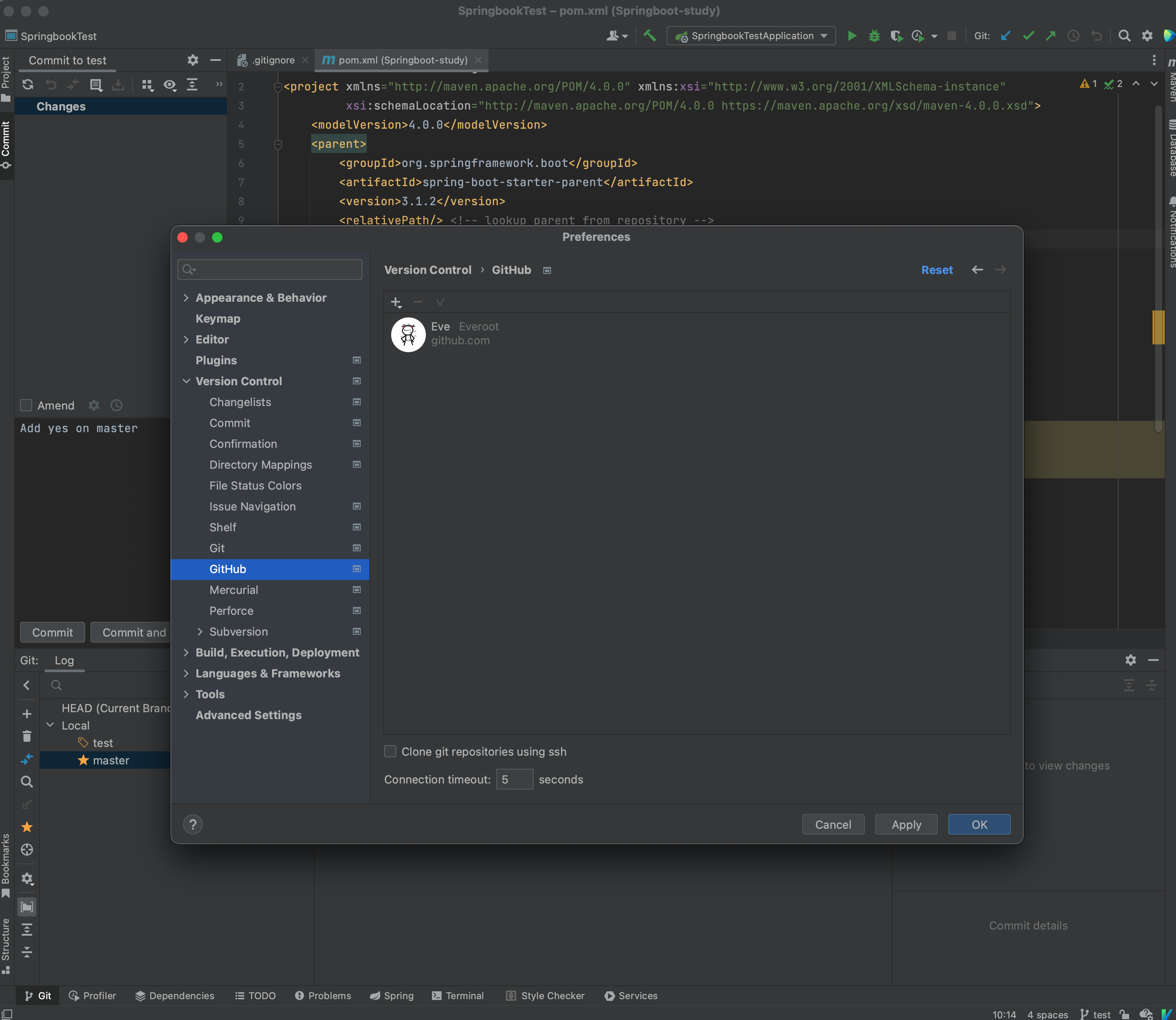
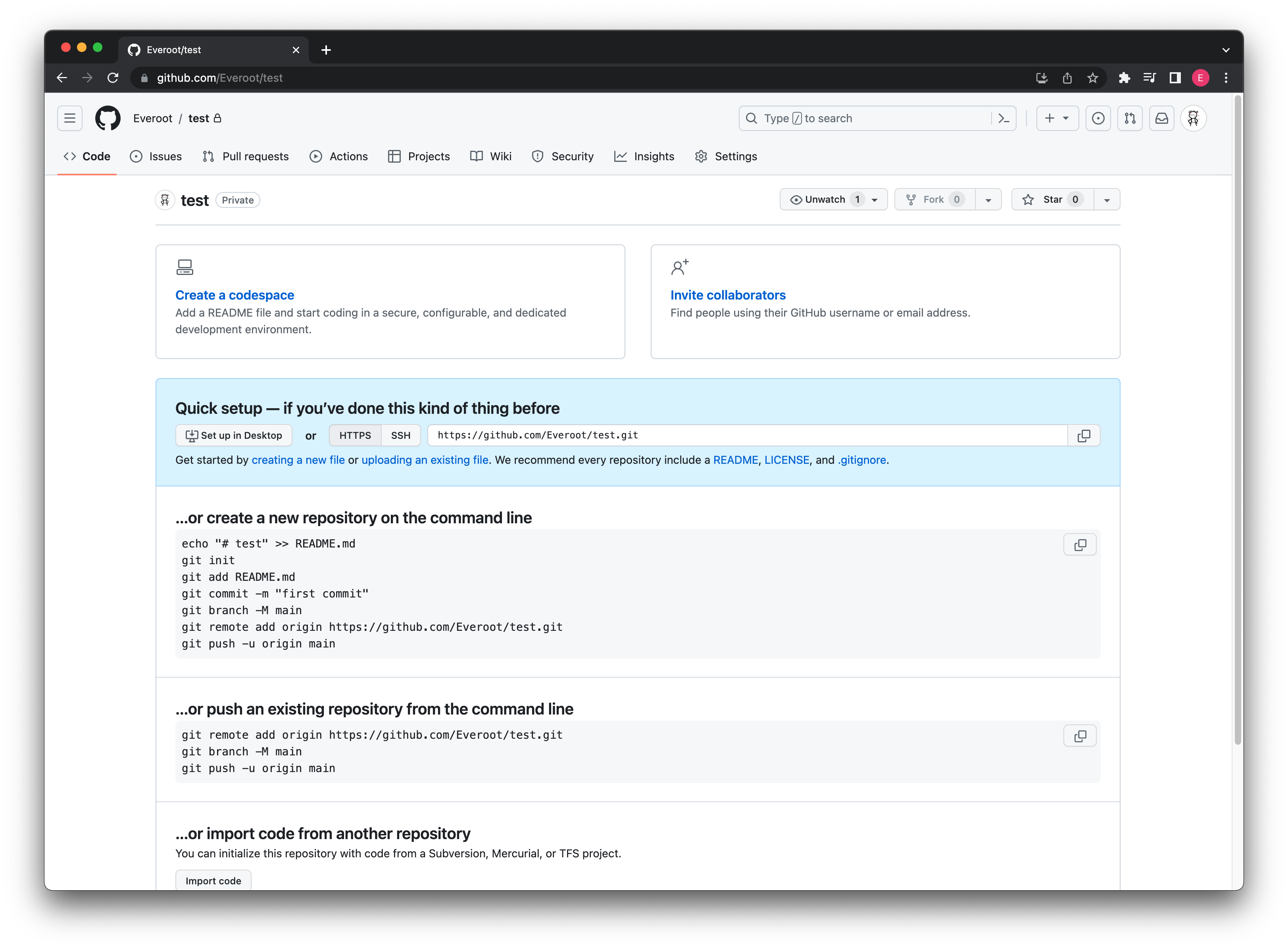
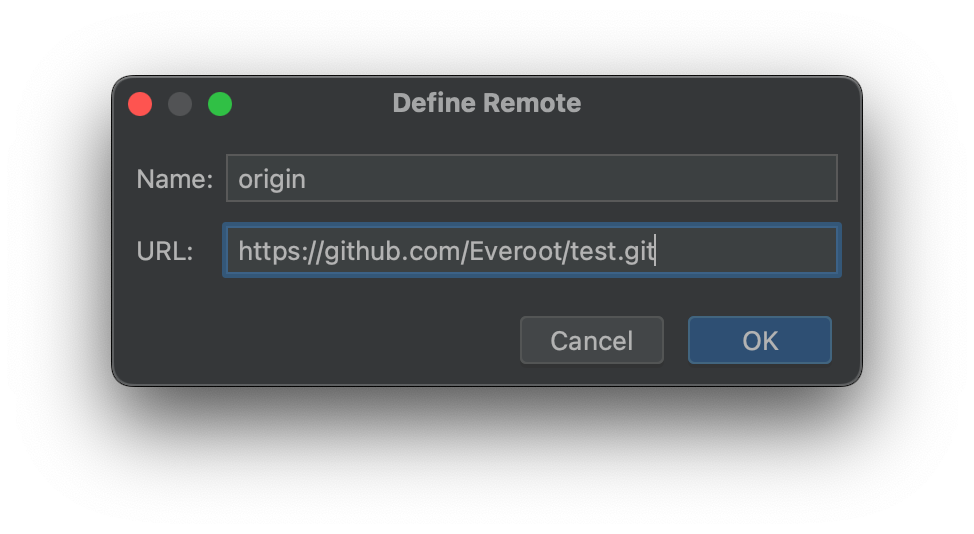
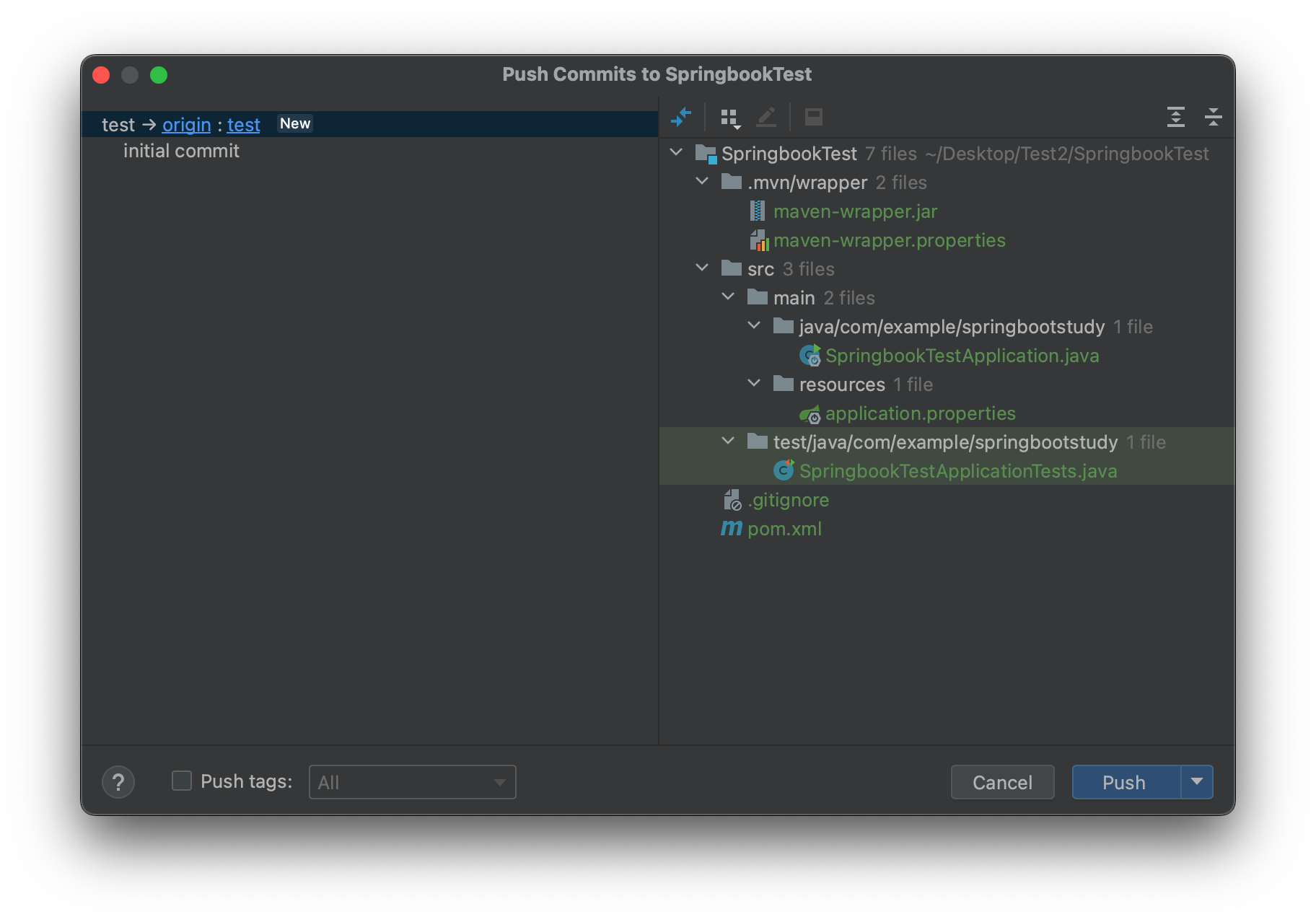
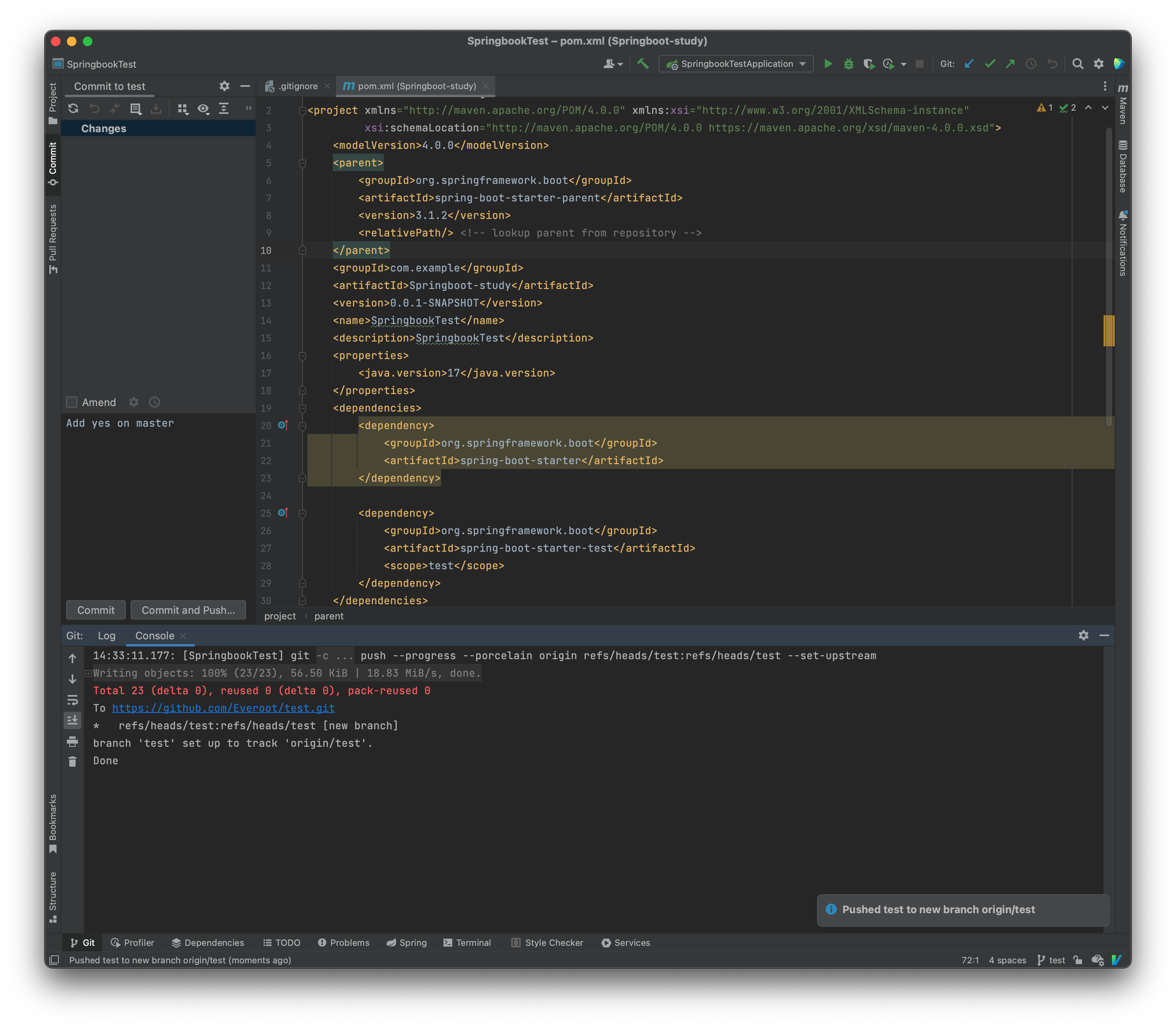
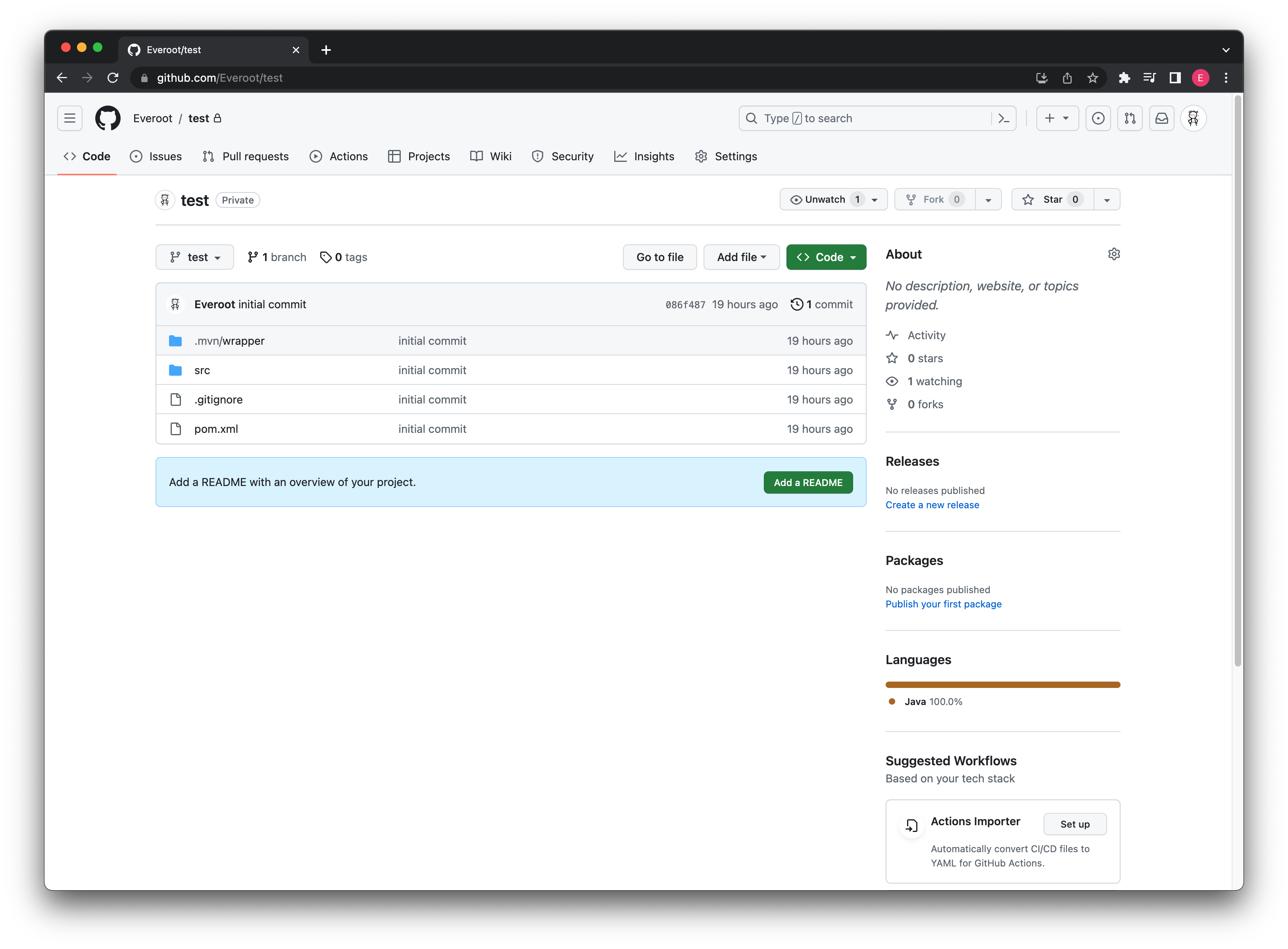
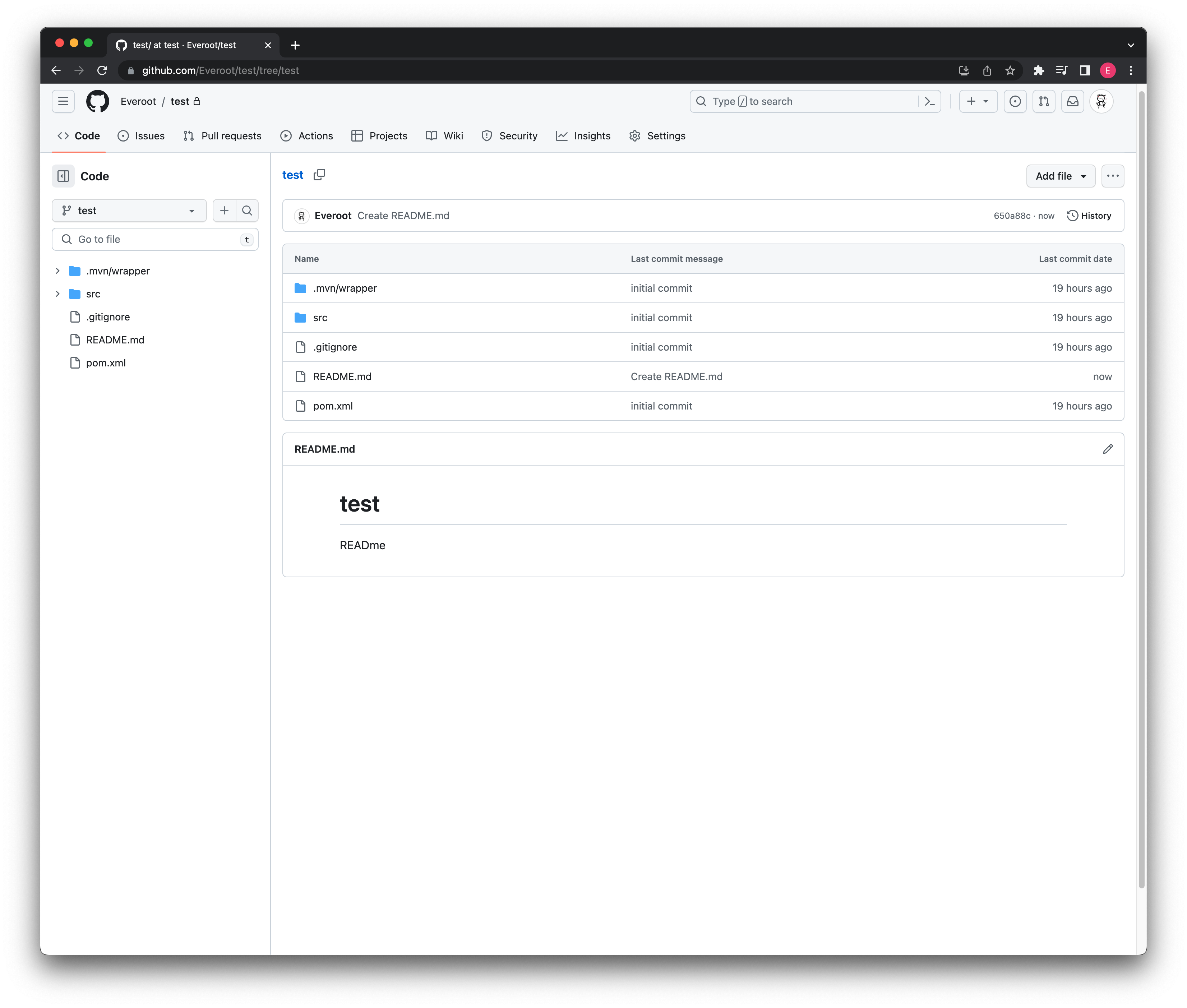
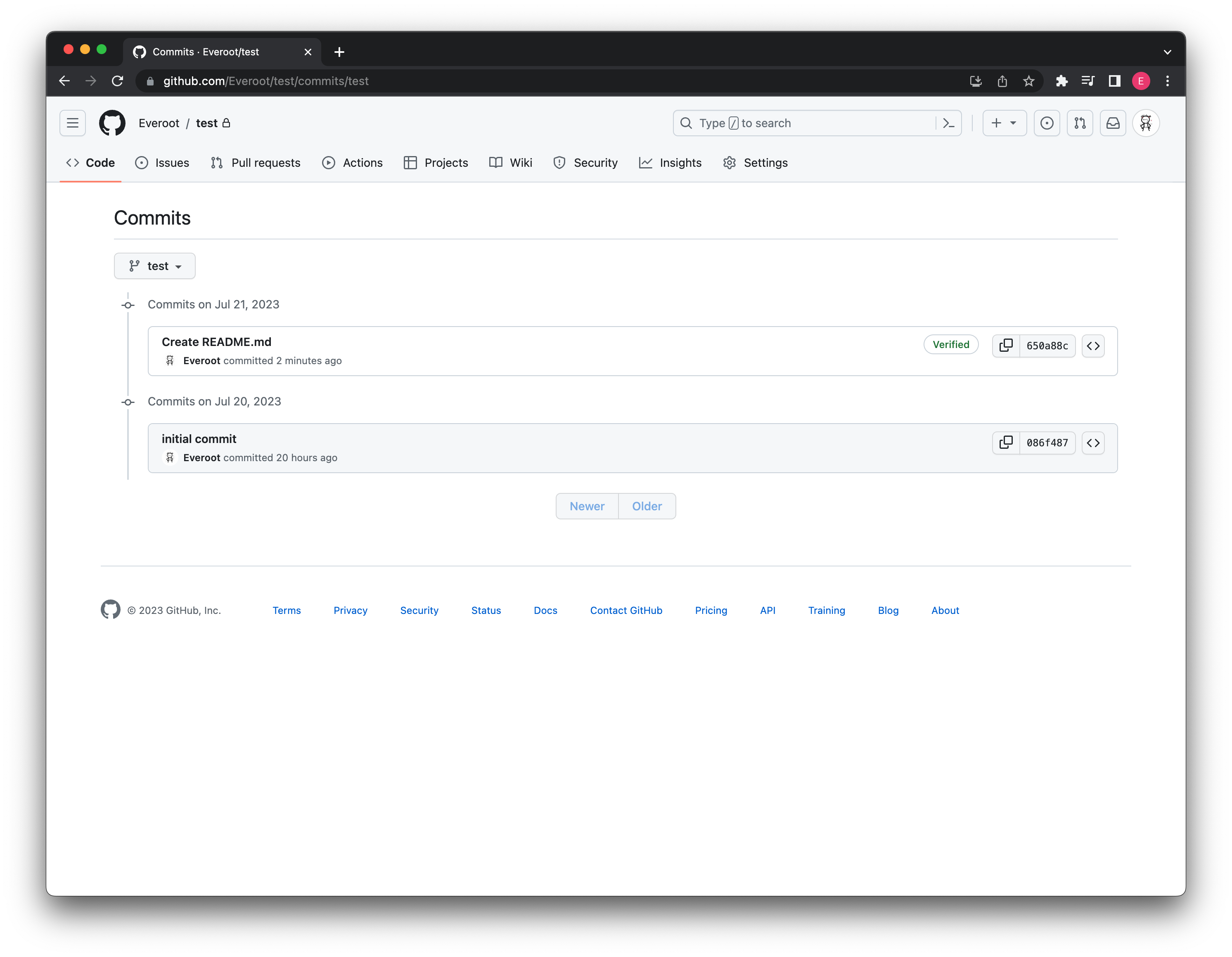
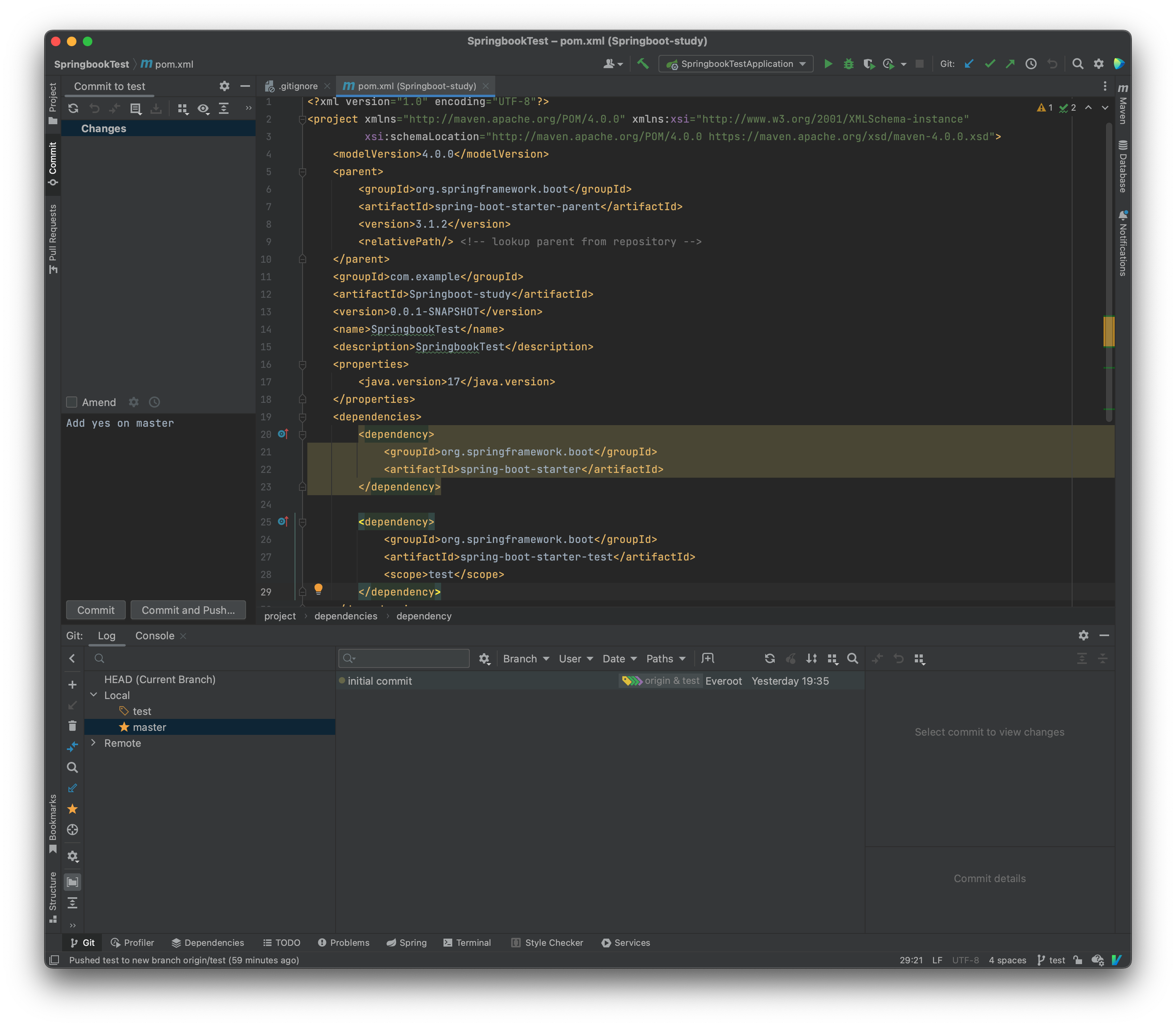
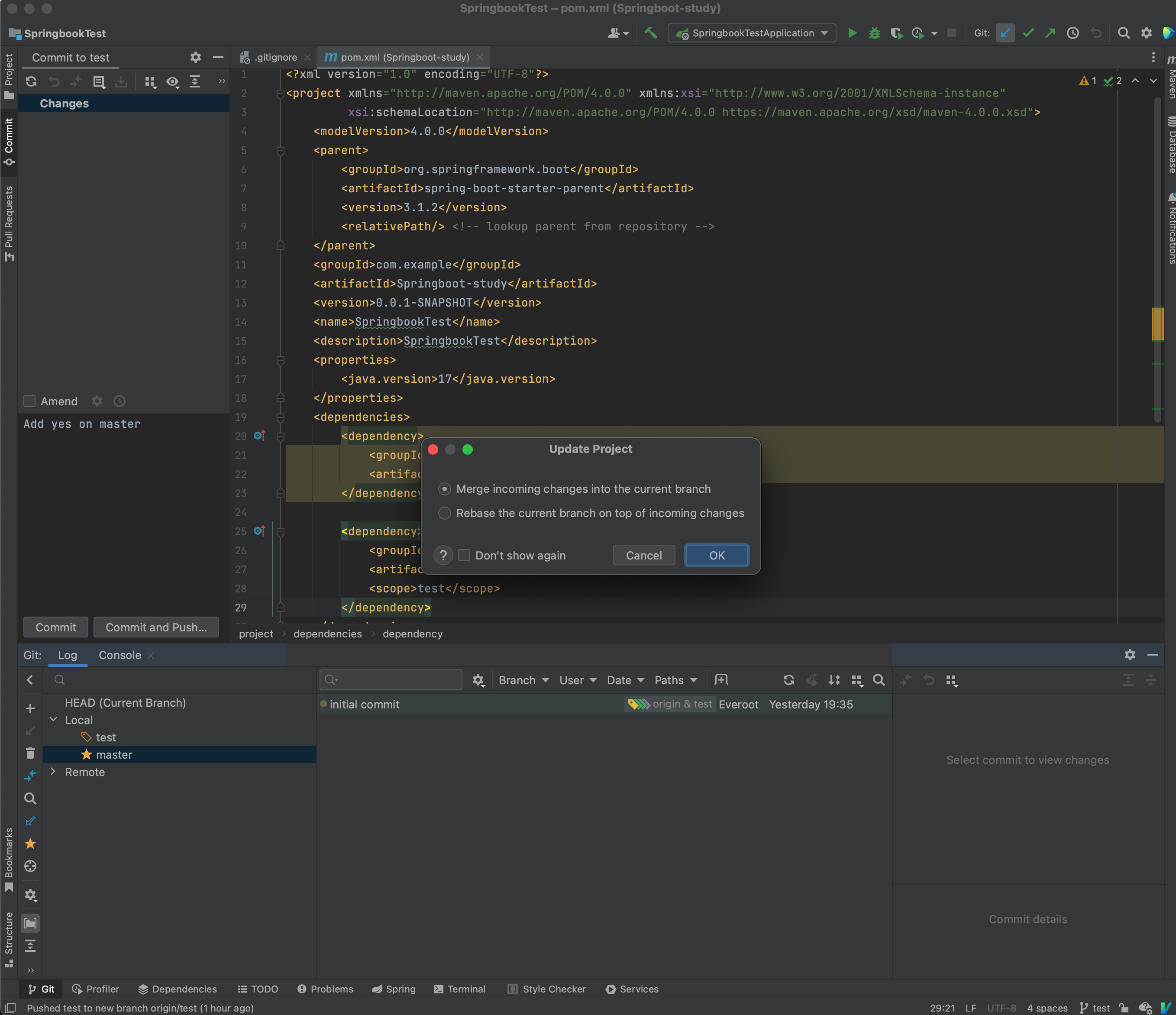
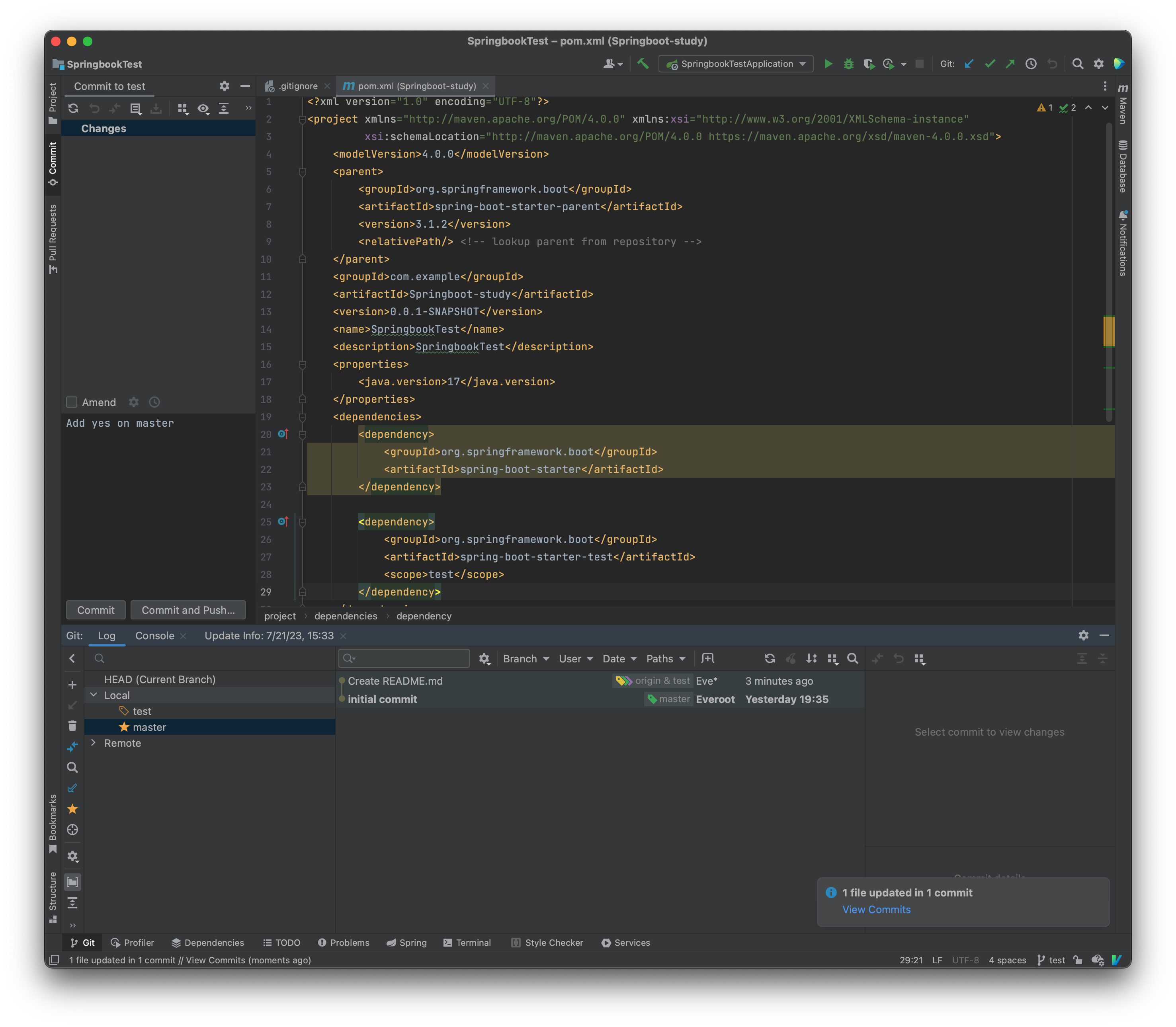
另一个同学要加入
Bugs
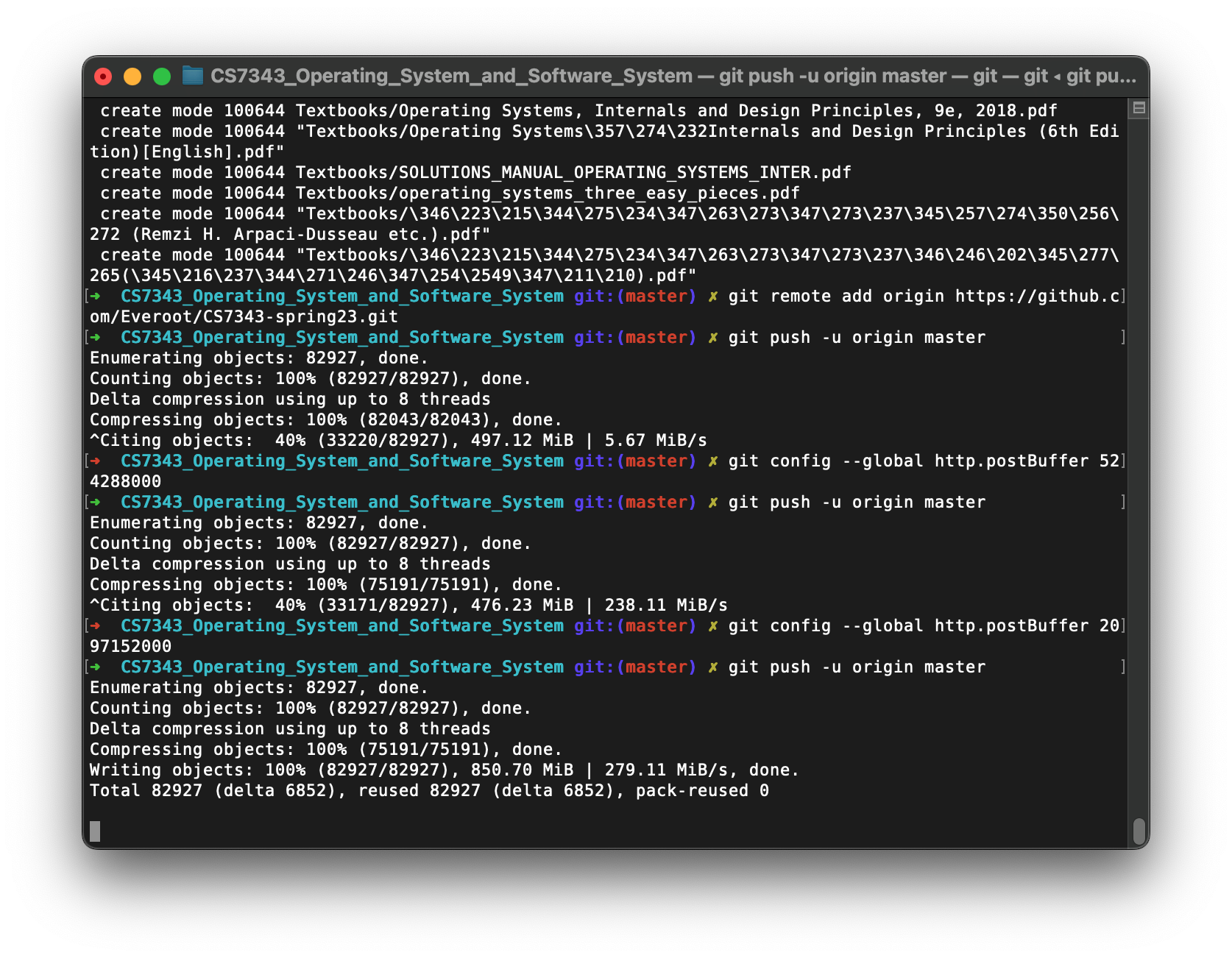
https://stackoverflow.com/questions/6887228/git-hangs-while-writing-objects